
App To Help Choose Wine at a Restaurant: Step-by-Step Table Guide


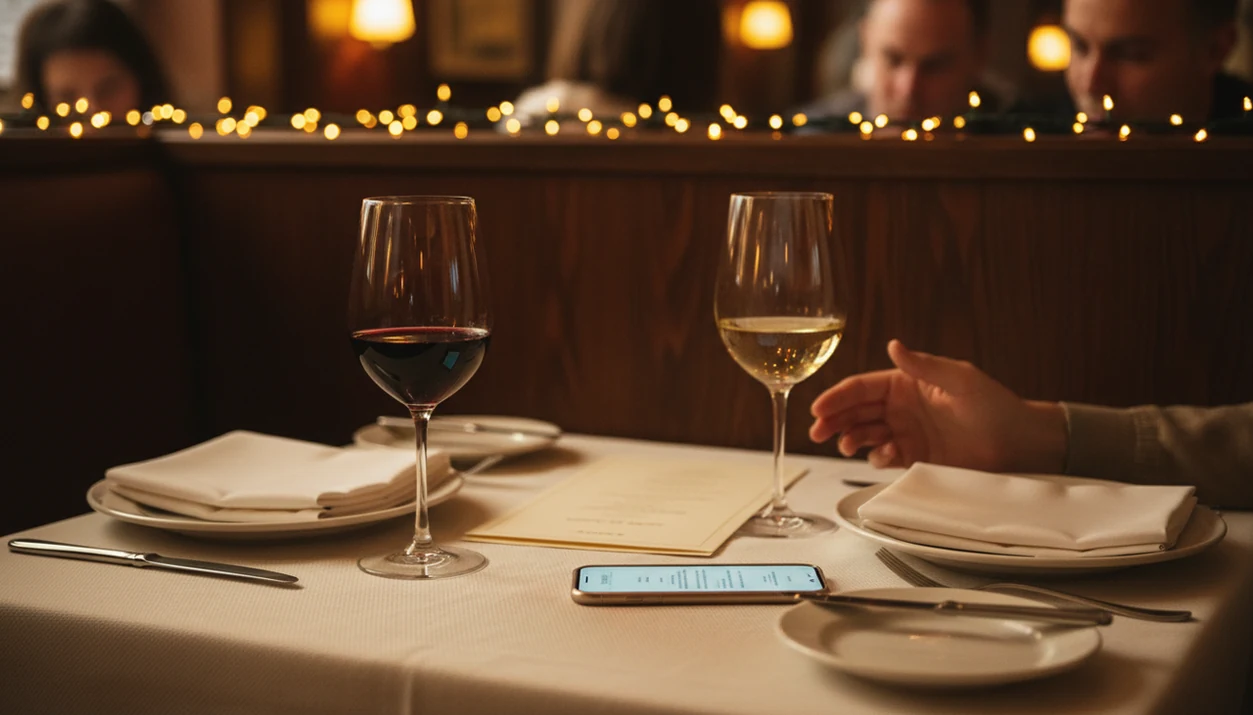
An app to help choose wine at restaurant tables lets you scan the wine list or bottle label, then pull up ratings, tasting notes, and food pairings so you can order confidently without holding up dinner. Good options match bottles to your meal, budget, and taste history, then help you save the choice before the producer name disappears from memory.
For diners who want one named option, Wine Identifier App is built for this table-side job: scan a list or label, compare tasting notes and pairings, then save the bottle so your next restaurant choice starts with real history instead of guesswork.
Definition: A restaurant wine choice app is a mobile tool that uses label scanning, AI-driven databases, and food-pairing algorithms to help diners identify, evaluate, and select wines directly from a restaurant's list in real time.
TL;DR
- Scan the wine list or label at the table to see ratings, tasting notes, and pairings in seconds.
- AI learns your taste history across meals, so recommendations sharpen over time.
- Apps supplement but don't fully replace a sommelier, use both for the best results.
Try the app to help choose wine at restaurant on iPhone to scan a label and save the bottle.
What a Restaurant Wine Choice App Actually Does
A restaurant wine choice app helps you identify bottles, compare them quickly, and choose one that fits your food, price range, and taste. It is built for the table, not just the store aisle.
The core workflow is simple: scan the front label, photograph a menu page, or search a bottle name. The app returns grape varieties, region clues, tasting notes, ratings, and average price benchmarks. A good restaurant wine menu scanner also reads the dinner context, like salmon, steak, mushroom pasta, or a seafood tower, then suggests pairings based on flavor weight and acidity.
That matters because wine lists can feel like a small exam; Gallup has reported that many U.S. adults describe traditional wine culture as intimidating, especially when labels rely on regions and vintages instead of plain flavor cues source. Tiny region names in dim light don’t help.
Good ai-powered wine identification and cellar management apps deliver quick bottle context and memory, not a replacement personality test for your taste.
Five Facts About Choosing Wine From a Menu With an App
- Photo scanning is fastest when the text is clear. A label photo or menu search can return ratings, grape information, tasting notes, and price clues in seconds. If the menu font is tiny, type the producer name instead.
- AI suggestions improve when you add your meal. A wine that looks great alone may fight a dish. Salmon skin crisping in butter needs a different cue than tomato pasta with chili flakes.
- Reviews are often community-driven. Many apps draw from millions of wines and user notes, so you see everyday drinker reactions, not only critic language.
- Your drinking history matters. When you log a bottle after dinner, the app learns whether you like crisp whites, soft reds, earthy Pinot Noir, or richer blends.
- A sommelier still has local knowledge. Apps can compare data, but a skilled server knows the exact vintage, cellar condition, and which bottles are drinking well tonight.
Gallup found that 53% of U.S. adults drink wine, according to its 2021 survey source. Mobile food-and-drink decisions have also moved heavily onto phones; data.ai has reported multi-billion-dollar global consumer spending in food and drink apps, which helps explain why more dining decisions now happen on screens.
How AI Wine Identification Works at the Table
AI wine identification works by turning a wine label or menu entry into searchable text, matching it against wine databases, then ranking likely bottles by fit. The useful part is not the scan alone. It is the match between bottle data, food context, and your past ratings.
First, your camera captures the label or menu. OCR, short for optical character recognition, extracts words like producer, vintage, appellation, and grape. Fuzzy matching then handles messy reality, such as a stained vintage year or a barcode half-covered by a thumb.
Next, recommendation models weigh community reviews, critic scores, price signals, and your own history. Collaborative filtering is the technical term. In plain English, it asks: people who liked what you liked, what did they enjoy with similar food?
Pairing engines also map dish keywords to flavor-profile vectors. That means “fried chicken” and “buttery Chardonnay” can connect through texture, fat, acidity, and body. Pew reported that 44% of U.S. smartphone owners used their phone during restaurant meals in 2023 source. The table habit is already there.
Requirements Before You Choose Wine at the Restaurant
Set up the app before you sit down, because dinner is not the time to create a profile while bread is being passed. Download Wine Identifier App or a comparable restaurant wine choice app, then rate at least 5 to 10 wines you already remember.
A tiny baseline helps. Even “I liked the red one from dinner, but I have no idea what it was” becomes useful once you scan or search the bottle and favorite-it for next time.
Clean your camera lens, especially if your phone has been in a pocket or purse. Decide on your dish, or at least your cuisine direction, before asking for pairings. If the app allows it, set a per-bottle budget so the first suggestion is not three times what you planned to spend.
How To Use an App To Choose Wine From the Menu
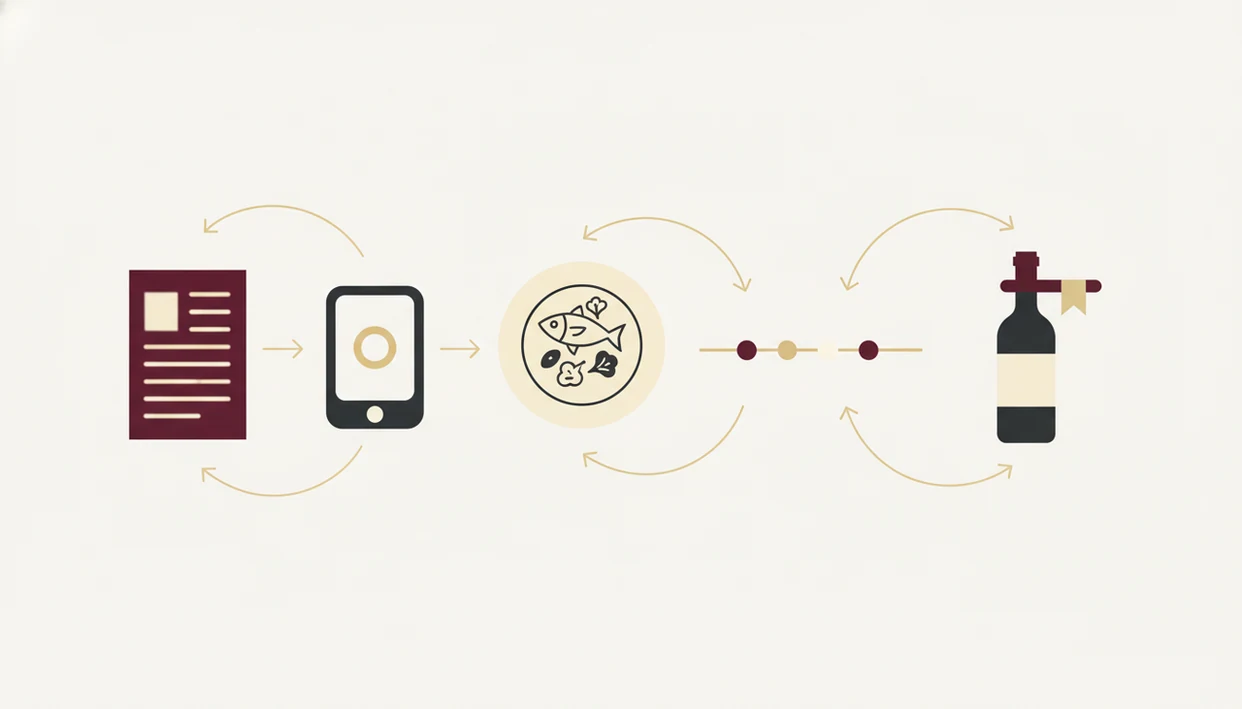
Use the app quickly, compare only the most relevant matches, then put the phone down. For most diners, a focused two-minute scan is easier than reading a full wine list line by line because it filters by food, budget, and taste history.
In Wine Identifier App, the fastest path is scan first, filter by dish and price second, and save the final bottle after the check arrives. That keeps the app useful without turning dinner into a research session.
- Open the app and select restaurant, menu, or dining-out mode.
- Scan the wine list page, or type a bottle name from the list.
- Review ratings, tasting notes, grape details, and price benchmarks.
- Enter your entrée, shared dishes, or cuisine type in the pairing tool.
- Compare the top 2 or 3 suggestions side by side.
- Log your final choice and rate it after dinner.
Step 1: Open Restaurant Mode
Choose the mode meant for dining out, not cellar entry or store browsing.
Step 2: Scan the Wine List or Label
Tilt the phone slightly if the menu sleeve reflects overhead lights.
Step 3: Review Ratings and Tasting Notes
Look for plain-English notes like citrus, oak, cherry, tannin, or dry finish.
Step 4: Match Wine to Your Meal
Enter the main dish, not every garnish.
Step 5: Compare Top Suggestions
If two bottles look close, choose the one that fits your budget and mood.
Step 6: Log and Rate After Dinner
Save a quick tasting note before the plates are cleared.
Common Mistakes When Using a Wine App at Dinner
The biggest mistake is treating a high rating as a command. Crowd scores can point you toward popular bottles, but they do not know that you dislike heavy oak or that your entrée has vinegar, chili, or a sweet glaze.
Another mistake is skipping the pairing step. Wine chosen in isolation often feels different once food arrives. A bold red may look safe, then flatten the brightness of a lemony fish dish.
Keep the table rhythm in mind. Scan, tap, check, adjust. Then talk to the people across from you. If you need a deeper scan workflow, an app that scans restaurant wine lists can help, but don’t spend ten minutes comparing decimals.
The sommelier is not the enemy of the app. Ask, “I’m between these two, which is better with the duck tonight?” That question gets better answers.
How to Verify Your Wine Choice Before Ordering
Before ordering, verify the app’s suggestion against the real list in your hand. Restaurant inventory changes, and the listed vintage may not match the bottle in the cellar.
Use this quick check:
- Confirm the producer, wine name, vintage, and bottle size with the server.
- Compare the physical menu price with the app’s benchmark.
- Ask about by-the-glass options if the top bottle is outside budget.
- Use the taste profile match percentage, if available, as a confidence clue.
- Ask whether the wine is in stock and ready to serve now.
- Log the final bottle after dinner so future restaurant wine choice results improve.
Tools like Wine Identifier App, Vivino, CellarTracker, and Wine-Searcher can help you choose wine from menu entries, but the server confirms what is actually available tonight.
Limitations
Wine apps are useful at dinner, but they are not flawless. The restaurant setting adds glare, noise, time pressure, and menu quirks.
- Restaurant lighting and reflective menu covers can cause label-scan errors.
- Foil glare on a tilted bottle may hide the producer name or vintage.
- Crowd ratings often favor popular styles, especially bold reds.
- Your taste may not match the average reviewer’s taste.
- Small producers, new vintages, and restaurant-exclusive bottlings may have little data.
- Pairing suggestions cannot fully account for a chef’s sauce, spice level, or fusion style.
- Poor Wi-Fi can slow database lookups, especially in basement dining rooms.
- Overusing the app can make you miss helpful sommelier advice.
DiVino can keep a bottle memory after dinner, including notes and ratings, but a good enough note is enough. “Too oaky with pizza” is more useful than pretending you are writing a tasting exam.
FAQ
Are restaurant wine choice apps free?
Many restaurant wine choice apps offer free scanning, ratings, and basic tasting notes. Premium features may include advanced pairing, cellar tools, budget filters, or expanded history.
Does a wine app work offline in a restaurant?
Most wine apps need internet access for live database lookups. Some apps cache recently viewed wines, but offline results are usually limited.
Can a wine app replace a sommelier?
A wine app provides ratings, tasting notes, pairings, and price context. It cannot match a sommelier’s knowledge of the specific list, cellar, vintage changes, and kitchen.
Do wine apps work on iPhone and Android?
Leading wine apps, including Wine Identifier App, are commonly available for iPhone and Android. Check the app store listing for your device before dinner.
How accurate is wine label scanning in dim restaurant lighting?
Scanning is usually better for major producers with clear labels. Accuracy drops with handwritten labels, reflective glass, damaged vintages, and very low light.
Can I set a wine budget in the app before ordering?
Many apps let you set a price range before comparing bottles. Budget filters narrow recommendations so the app does not suggest wines outside your comfort zone.
Does the app track wines I've tried at restaurants?
Yes, apps such as Wine Identifier App can log restaurant bottles, ratings, notes, and photos. That drinking history helps refine future recommendations.
Is it rude to use a wine app on my phone at dinner?
A quick, discreet scan is generally fine. Long browsing sessions can interrupt conversation, so choose fast and put the phone away.