
Find Wine By Label Photo And Save Every Bottle You Discover


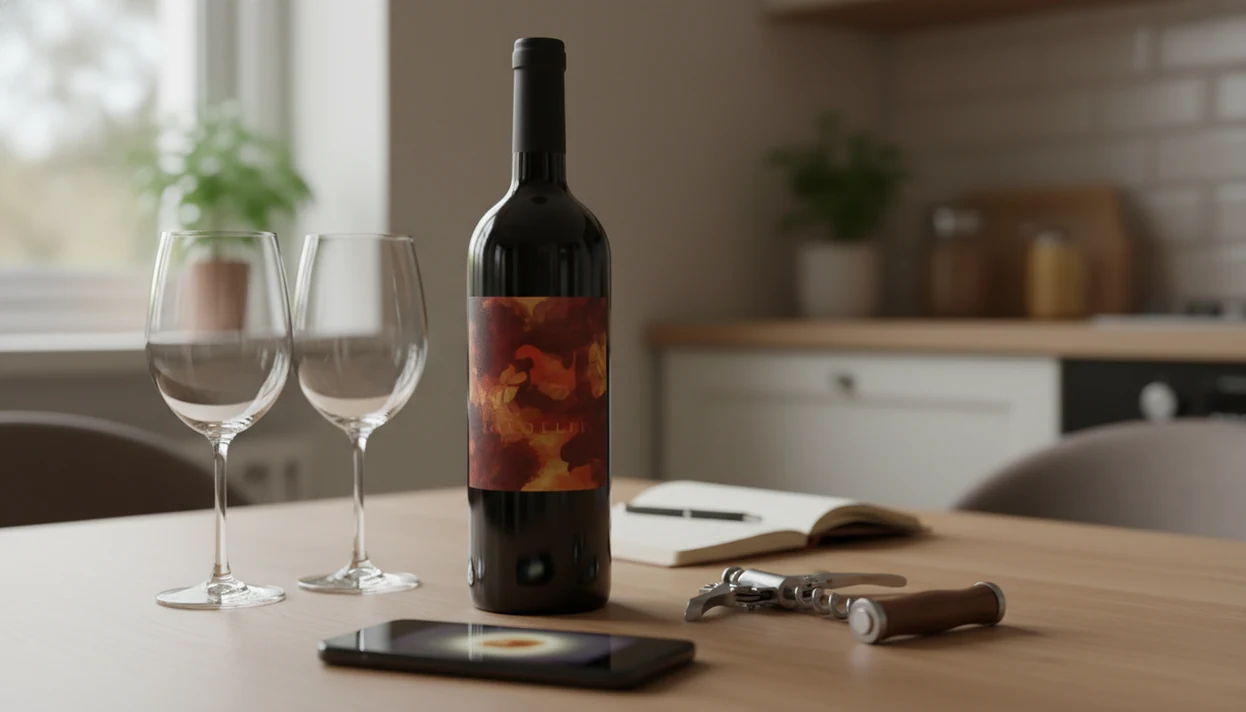
To find wine by label photo, snap a clear picture of the front label and run the image through a label-scanning service that combines OCR with database matching to return the producer, vintage, region, and grape variety. The most useful tools also let you save the matched bottle to a cellar log or tasting history so you don't lose the wine after the scan.
> Definition: Wine label photo search is the process of photographing a wine bottle's label and using image recognition, OCR, and database matching to identify the exact producer, cuvée, vintage, and region without manual text entry.
TL;DR
- A clear, well-lit front-label photo is the single biggest factor in accurate wine identification.
- Modern wine identifier apps combine OCR, image matching, and crowd data to return results in seconds.
- Identification alone isn't enough, saving matched bottles to a cellar or tasting log turns a one-time lookup into a lasting record.
Try the wine identifier on iPhone to scan a label and save the bottle.
Wine Label Photo Search Setup Checklist
A good wine photo lookup starts before you tap the shutter. Use a smartphone camera with autofocus, steady the bottle, and give the app a clean front label to read.
Set the bottle upright in even light. Avoid flash reflection, harsh shadows, and bright countertop glare. If the label is wet from the fridge, wipe it dry first because condensation can blur small print and reduce OCR accuracy.
Frame the whole front label. Don't crop out the vintage year, appellation line, or the lower producer text. I’ve seen a barcode half-covered by a thumb matter less than a missing “Sancerre” line.
Small things count.
Set up your scanner before dinner, not after the last pour. If you want a broader tool overview, the wine label scanner guide explains the scanning category in more detail.
Five Facts About Finding Wine by Label Photo
- A strong label photo wine search identifies the producer, cuvée, region, vintage, and bottle format, not only the brand name printed largest on the label.
- OCR plus image matching is usually more reliable than image recognition alone because text and design clues can confirm each other.
- The same wine may use different label designs across vintages, special releases, import markets, or bottle sizes.
- Saving the matched wine to a cellar log or tasting history gives the scan lasting value beyond the first identification.
- Obscure producers, natural wines, private labels, and stylized artwork can cause mismatches, so manual verification still matters.
For casual drinkers, label photo lookup is often easier than typing a long French or Italian name because the app can read producer and region clues together. That matters at 10:40 p.m. on a kitchen counter, when plates are still out and nobody remembers the producer name.
Wine Label Photo Recognition Technology
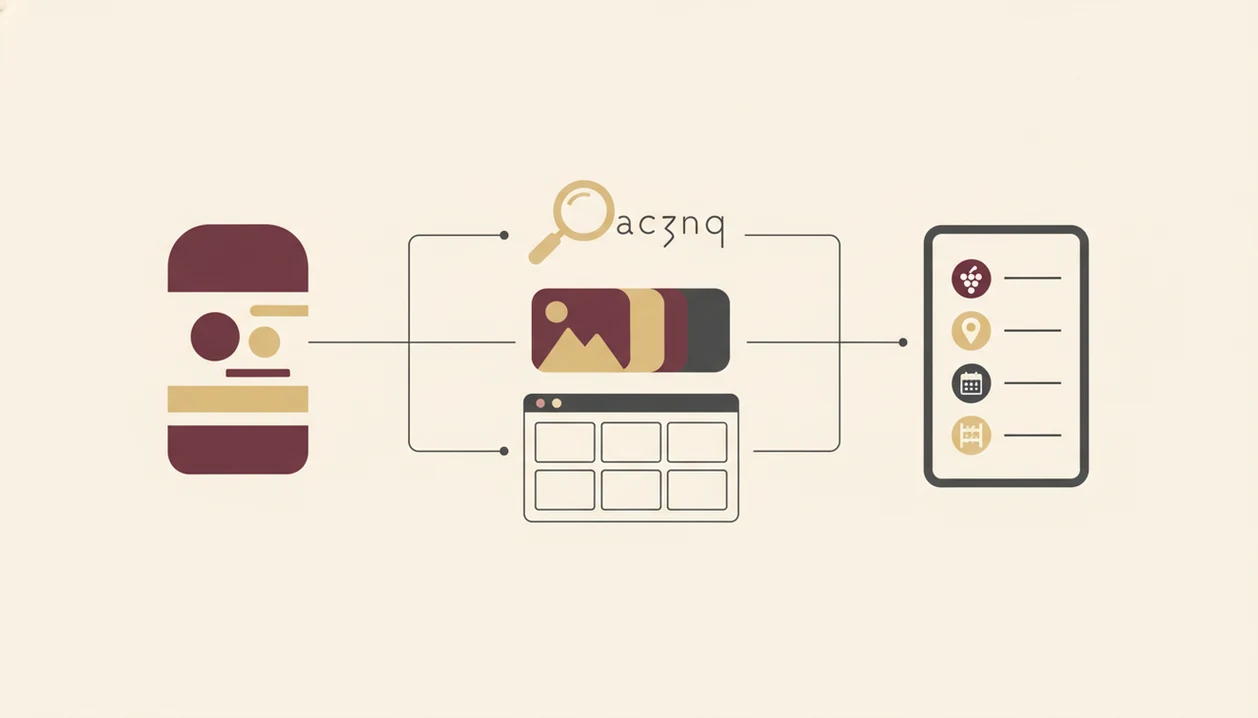
Wine label photo recognition works by turning a bottle image into text clues, visual patterns, and database comparisons. The useful part is not “camera magic”; it is OCR, image fingerprinting, and wine-record matching working together. For the OCR portion, Google Cloud Vision's text-detection documentation describes how software extracts text from images: source.
OCR and Image Matching Combined
OCR extracts readable text such as producer, appellation, vintage year, alcohol percentage, and importer details. Image fingerprinting compares the label layout, crest, typography, and color blocks against known labels. In plain English, the app reads the words and checks whether the picture looks like a known bottle.
Then database matching cross-references both signals against wine records. A result can return in seconds, often with a confidence score or ranked list.
Role of Crowd-Contributed Wine Data
Crowd data improves results when users add ratings, reviews, photos, and corrections. Vivino says it has more than 70 million users and hundreds of millions of ratings and reviews, which shows the scale of community input in this category source.
Good ai-powered wine identification and cellar management app features deliver fast bottle recognition and saved records, not a guarantee that every rare label has been verified.
How to Find Wine by Label Photo in 5 Steps
To find a wine from a label photo, scan the front label, verify the match, then save the bottle record. The scan is only half the habit; the saved note is what helps later.
- Open your wine identifier app and tap scan. Give camera permission if the app asks.
- Frame the front label in even light. Fill the viewfinder without cutting off the vintage or region.
- Capture the photo and wait for the match result. Most modern tools are built for a seconds-long lookup.
- Verify producer, vintage, and region against the label. Tap, check, adjust before trusting the first result.
- Save the matched bottle to your cellar, tasting log, or wishlist. Favorite-it for next time if you would buy it again.
Tools like [Wine Identifier App]() fit this phone-first routine when you want scan, pairing clues, and bottle memory in one place. For a narrower walkthrough, use the how to identify wine with phone guide.
Matched Wine Record Fields From a Label Photo Search
A successful label photo search should return a structured wine record, not just a name. At minimum, expect producer, cuvée name, region, appellation, vintage year, and grape variety or blend.
Many apps also show tasting notes, community ratings, pairing suggestions, and similar wines. That is useful when the bottle is already open beside a weeknight bowl of tomato pasta and you want a quick note before the table gets cleared.
Price fields need caution. Approximate pricing depends on third-party retail or marketplace data, not hidden information inside the label photo. A bottle may scan correctly but show no useful current price if retailers do not list it nearby.
If you manage bottles at home, connect identification to storage. The best wine cellar app comparison explains how cellar logs track location, drink windows, and repeat purchases.
Six Wine Label Scanning Mistakes That Cause Bad Matches
Bad matches usually come from bad inputs. A wine app can only compare what the photo clearly shows.
Common mistakes include photographing the back label only, using flash that washes out text, and cropping out the vintage year or appellation line. Back labels can help with importer text, but they often lack the front design that image matching needs.
Wet labels are another problem. Condensation, foil glare, and curved glass reflections can hide the small words that separate one cuvée from another. I once watched a scan fail because restaurant candlelight turned cursive script into a gold blur.
Don't trust the first match without checking the vintage. Also, don't assume the app returns the exact market price. “I liked the red one from dinner, but I have no idea what it was” is fixable; a wrong saved vintage is harder to untangle later.
Wine Photo Lookup Verification Checklist
A wine photo lookup is correct only when the app result matches the bottle in your hand. Use a short verification pass before you save it.
- Cross-check the producer name on the label against the app result.
- Confirm the vintage year, especially if the year was stained or near the bottle shoulder.
- Verify the region or appellation line, such as Chianti Classico, Rioja, or Napa Valley.
- Check grape variety if the label states it directly.
- Use manual search if the wine is obscure, limited-release, or missing from the database.
Free tiers can also shape your workflow. Sommo says new users get 5 lifetime scans for free, which is a reminder that some wine photo lookup tools cap identification before requiring payment source.
For free-tool expectations, the free wine label scanner app guide breaks down scan limits and feature tradeoffs.
Limitations
Wine label photo search is helpful, but it is not a universal wine truth machine. Treat the result as a strong lead, then verify the details.
- Obscure producers, natural wines, and tiny releases may not exist in any app database.
- Vintage-specific data can be missing even when the producer is recognized.
- Blur, low resolution, glare, and partial label coverage can cause wrong matches.
- Pricing results are approximate because they depend on third-party retailer listings.
- Free tiers often cap scans or restrict cellar, wishlist, or export features.
- Heavily stylized labels and artistic fonts reduce OCR accuracy.
- Bottle size, batch variation, and special bottlings are rarely verified by photo alone.
- Old labels can confuse matches when the estate changed artwork between vintages.
The pocket check is real.
If you have six similar bottle photos buried between dog pictures, receipts, and a blurry restaurant menu, saving the verified record beats relying on your camera roll.
FAQ
Is there an app that identifies wine labels?
Yes. Wine label scanners analyze a bottle label photo and match visible text, label design, producer names, and vintage clues against wine databases.
Can I find wine by label photo free?
Yes, some apps offer free scans, but limits are common. Sommo lists 5 lifetime scans for new users.
Does a blurry label photo still work?
Sometimes, but blur, glare, and low resolution reduce accuracy. A blurry photo may return the wrong vintage or a close match.
Can I scan the back label instead?
Back labels can provide importer or technical text, but front labels are usually more accurate. Most apps rely on front-label design and producer text.
How accurate is wine photo lookup?
Wine photo lookup is usually stronger for well-known producers and clear labels. Accuracy drops for obscure, limited-release, or heavily stylized wines.
Does the app show wine prices?
Some apps show estimated prices from third-party retail data. The price is not read directly from the label.
Can I save identified wines to a cellar?
Yes. Apps such as Wine Identifier App often let you save matched bottles to a cellar log, tasting history, or wishlist.
Does wine label scanning work offline?
Most wine label scanning requires an internet connection. The app usually needs online database access to return a match.