
Can AI Identify Wine From a Photo or Label Image?


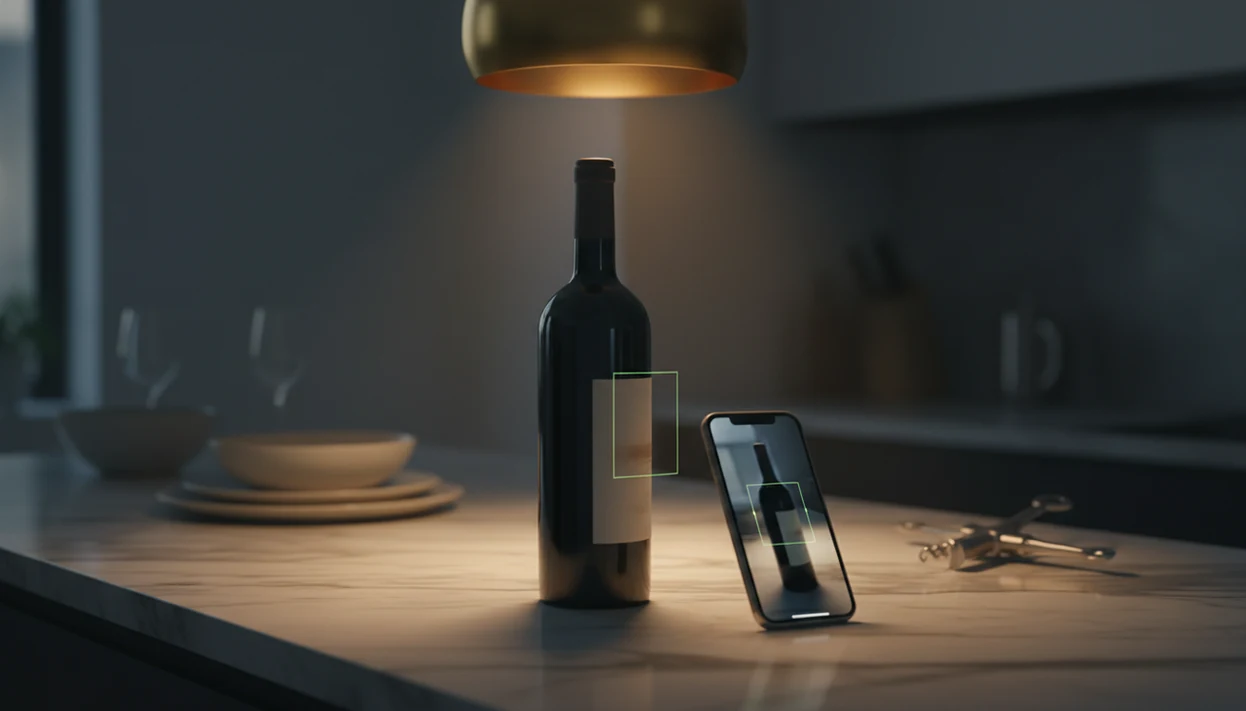
For the question “can AI identify wine from photo,” the answer is yes: AI wine apps combine computer vision, OCR text extraction, and database matching to return likely producer, vintage, region, and tasting-note data. Accuracy depends on image quality, label condition, and database coverage, and AI cannot taste or authenticate a bottle.
Definition: AI wine label recognition is the process of using computer vision and optical character recognition (OCR) to extract text and visual features from a wine bottle photograph, then match them against a reference database to return the wine's identity and metadata.
TL;DR
- AI wine apps use OCR and image classification to read labels and match them to database records in seconds.
- Accuracy is high on clear, well-lit photos of common wines but drops for rare producers, damaged labels, or poor lighting.
- AI infers tasting notes and pairings from stored data, not from actually tasting the wine.
Try the wine identifier on iPhone to scan a label and save the bottle.
What AI Wine Label Recognition Actually Means
AI wine label recognition means a phone app reads a wine label photo, extracts useful text, checks visual clues, and matches the bottle to a wine database. It is not the same as simply saying “red wine” or “white wine.”
A basic image classifier might spot bottle shape, glass color, or label style. Full entity resolution goes further. It tries to identify the producer, cuvée, appellation, vintage, grape, and sometimes bottle size. That difference matters when six Pinot Noir photos are buried between dog pictures, receipts, and a blurry restaurant menu.
The three pillars are OCR, computer vision, and database matching. OCR reads text. Computer vision compares logos, crests, color blocks, and layout. Database matching decides which stored wine record is most likely. For a deeper accuracy discussion, the related guide asks are wine scanner apps accurate in real use.
Five Facts About AI Wine Identification From Photos
- AI can identify many wines by combining image recognition, OCR, and database matching against large label libraries. Clear front labels give it the strongest signal.
- AI works best on well-lit, in-focus, unobstructed labels. Curved glass, foil glare, red wax flakes on the counter, and torn paper can all lower confidence.
- AI does not taste the wine. Tasting notes and pairings are inferred from prior records, user ratings, grape data, region patterns, and trained models.
- Exact identification depends on database coverage. Rare producers, brand-new releases, private labels, and local restaurant bottlings may only return a broad match.
- Cellar scanning reduces typing, but it does not remove checking. You still need to validate vintage, bottle size, storage location, and whether you drank the bottle.
For everyday drinkers, a label scan is often easier than manual entry because it captures producer and vintage before the bottle memory disappears. Save it before you forget.
How Computer Vision Wine Apps Work Behind the Scenes
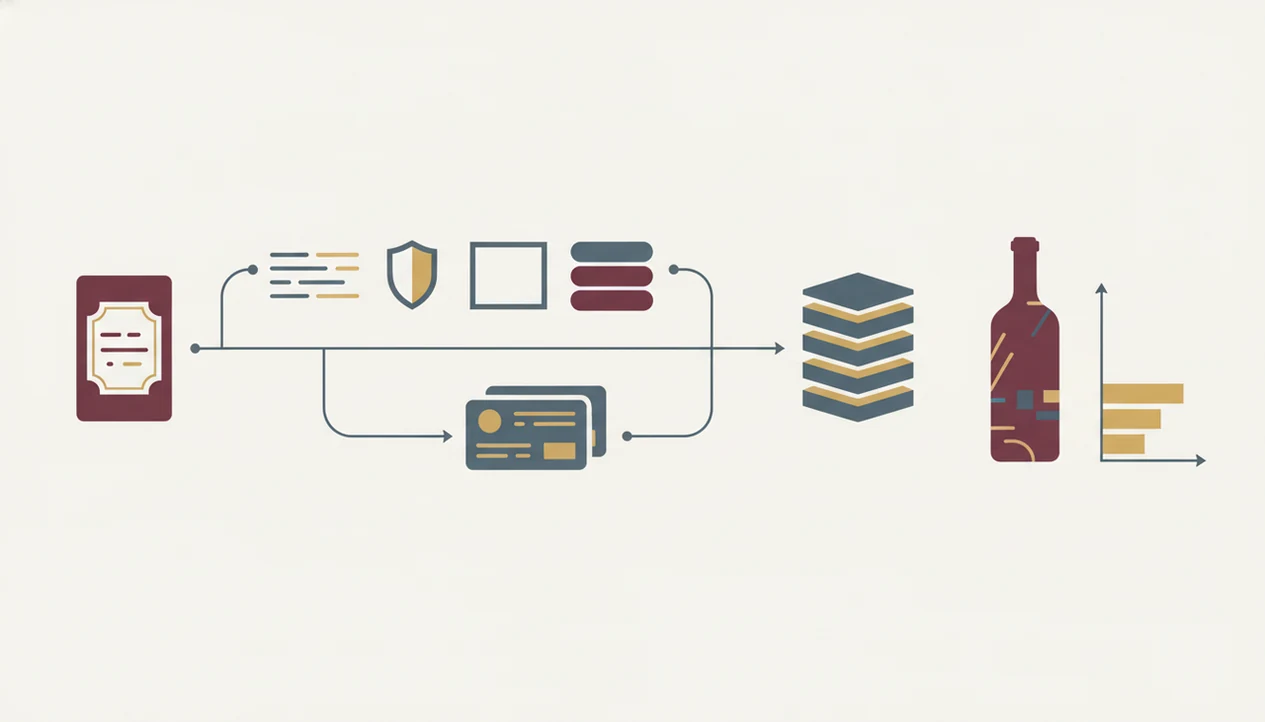
A computer vision wine app turns a label photo into searchable data through preprocessing, OCR, image classification, and database lookup. The app first captures the image, then straightens rotation, crops the label area, and normalizes lighting where it can.
Next, OCR extracts text such as producer name, appellation, vintage, and varietal. A convolutional neural network also classifies visual features like a crest, logo, color palette, or label layout. That OCR step follows the same basic pattern described in Google Cloud Vision's OCR documentation: detect text in the image, extract readable strings, then pass those strings to downstream matching logic (https://cloud.google.com/vision/docs/ocr). Those text tokens and visual embeddings are queried against a reference database of label images and wine records.
Controlled scene-text models can clear 90% on benchmark datasets: Microsoft's TrOCR paper reports 96.08% accuracy on IIIT5K and 94.10% on SVT (https://arxiv.org/abs/2109.10282). Real bottle labels are messier, so treat that as a lab benchmark, not a promise for stained labels, glare, or curved glass.
Good AI-powered wine identification and cellar management apps deliver fast likely matches and editable records, not proof of taste, value, or authenticity. Tools like Wine Identifier App fit this practical scan-check-save workflow.
OCR and Layout Analysis for Exotic Fonts and Multilingual Labels
OCR struggles when labels use script fonts, vertical text, gold foil, or mixed languages. Layout analysis helps by separating producer names, appellations, importer text, and vintage blocks before matching.
How to Identify Wine From a Photo Using an AI App
Use an AI wine scanner as a quick first pass, then check the result before saving it. The scan is strongest when the front label is flat, bright, and readable.
- Open a computer vision wine app and choose the scan or label camera feature.
- Position the bottle in good light with the front label flat, centered, and unobstructed.
- Capture the photo while holding steady, since motion blur can make OCR misread vintages.
- Review the match result, including producer, vintage, region, grape, and confidence score.
- Correct misreads such as vintage, bottle size, or cuvée before saving it to your cellar.
- Explore suggested pairings, tasting notes, ratings, and drinking-window clues from the matched record.
At 10:40 p.m., with plates still out, this is the difference between “I liked the red one from dinner” and a bottle you can actually find again.
Requirements Before You Scan a Wine Label With AI
You need a smartphone with a working rear camera that can focus sharply on small label text; newer phones usually handle this without fuss.
Good light matters more than people expect. Use ambient light or flash, but avoid glare on reflective glass. A back label crowded with tiny importer text may need a second photo, especially if the cream paper reflects the kitchen lights.
Most apps need internet access for database lookup, although some cache partial data offline. The label should be visible, not torn, soaked off, stickered over, or hidden by a hand. For basic app behavior beyond scanning, do wine identifier apps work covers the broader workflow.
Common Myths About AI Wine Label Recognition
AI can identify many bottles, but it cannot identify every bottle from every photo. Obscure producers, custom event labels, and missing vintages often confuse the match engine.
Another myth is that the app tastes the wine and writes real-time sensory notes. It does not. It pulls from stored tasting data, grape and region clues, user ratings, and trained model predictions. A peppery finish with roast lamb still needs your own quick tasting note.
Poor photos are not equal to clean photos. Low light, crumpled labels, sideways shots, and reflections can lower confidence fast. The pocket check is real.
Cellar scanning also does not keep inventory accurate forever. If you scan a magnum bottle wedged on the bottom rack, then open it six months later without logging consumption, the app will still think it is there.
Common Mistakes When Using a Computer Vision Wine App
The most common mistake is shooting at an angle that bends the text around the bottle. Hold the phone square to the front label instead.
Do not accept the first match without checking the vintage. A 2018 and 2019 label can look nearly identical, especially from the same producer. Also avoid scanning only the back label unless the front label fails; importer text is useful, but it rarely identifies the bottle alone.
Low confidence scores deserve attention. Rescan before saving, or edit the result manually. Finally, log bottles when you drink them. Otherwise a tidy cellar list turns into phantom inventory. If ratings influence your choice, check whether are wine app ratings reliable for your style of buying.
Verifying Your AI Wine Identification Results
Verification is simple: compare the app result against the physical bottle before you save. Check producer name, appellation, vintage, grape, and bottle size.
For higher-stakes bottles, compare the same photo result in Wine Identifier App, DiVino, Vivino, and CellarTracker before you trust the vintage, valuation, or cellar record.
Look at the confidence score. If it is low, rescan in better light or take a closer front-label photo. Then use the edit function to fix OCR mistakes, such as “Sancerre” becoming “Sancere” or a stained 2016 reading as 2018.
For tasting notes, compare the app summary with one trusted outside source or your own note. AI notes should feel plausible, not final. A crisp white beside a seafood menu may match the suggested profile, but your first sip after the server pour is still the useful evidence.
Limitations
AI wine photo identification is useful, but it has hard limits.
- Long-tail wines from small producers, older vintages, and private labels are often misidentified or not found.
- Special bottlings and back-vintage releases with nearly identical labels can confuse computer vision.
- Reflections, poor lighting, motion blur, and partially covered labels cause OCR errors and wrong matches.
- AI estimates price and quality from aggregated data. It cannot guarantee current retail price, auction value, or provenance.
- Tasting notes are probabilistic predictions from stored data, not firsthand sensory evaluation.
- Database freshness matters. Newly released wines may take weeks or months to appear.
- Cellar records still need human updates for location, quantity, purchase price, and drinking status.
If authenticity is the concern, read the separate guide on whether a can wine app identify counterfeit bottles. For privacy questions, compare app policies before uploading label images; the wine app photo privacy guide explains what to check.
FAQ
Does AI wine scanning work offline?
Most AI wine scanning apps need internet access for database lookup. Some apps cache partial label or cellar data offline, but exact matching is usually weaker.
Can AI identify wine without a label?
Without a visible label, AI can only guess broad traits from bottle shape, color, closure, or context. It usually cannot identify producer, cuvée, or vintage.
How accurate is AI wine label recognition?
Controlled scene-text recognition benchmarks have exceeded 90% word accuracy, but real wine-label accuracy varies. Lighting, focus, label condition, and database coverage all affect results.
Is AI wine identification free?
Many wine scanner apps offer free scans. Premium features often include cellar tracking, advanced ratings, price tools, pairing help, or larger scan history.
Can AI detect a fake wine bottle?
AI can match a label photo to known records, but it cannot prove provenance or detect every counterfeit. Authentication requires expert inspection and documentation.
Does photo quality affect wine AI results?
Yes. Focus, lighting, angle, glare, and label damage can significantly change OCR quality and match confidence.
Can AI identify old or rare wines?
AI may identify old or rare wines if database coverage is strong. Obscure or aged bottles often fall back to broad classification.
Do wine scanner apps store my photos?
It depends on the app. Check each privacy policy, because some store images for model training or service improvement and others limit retention.