


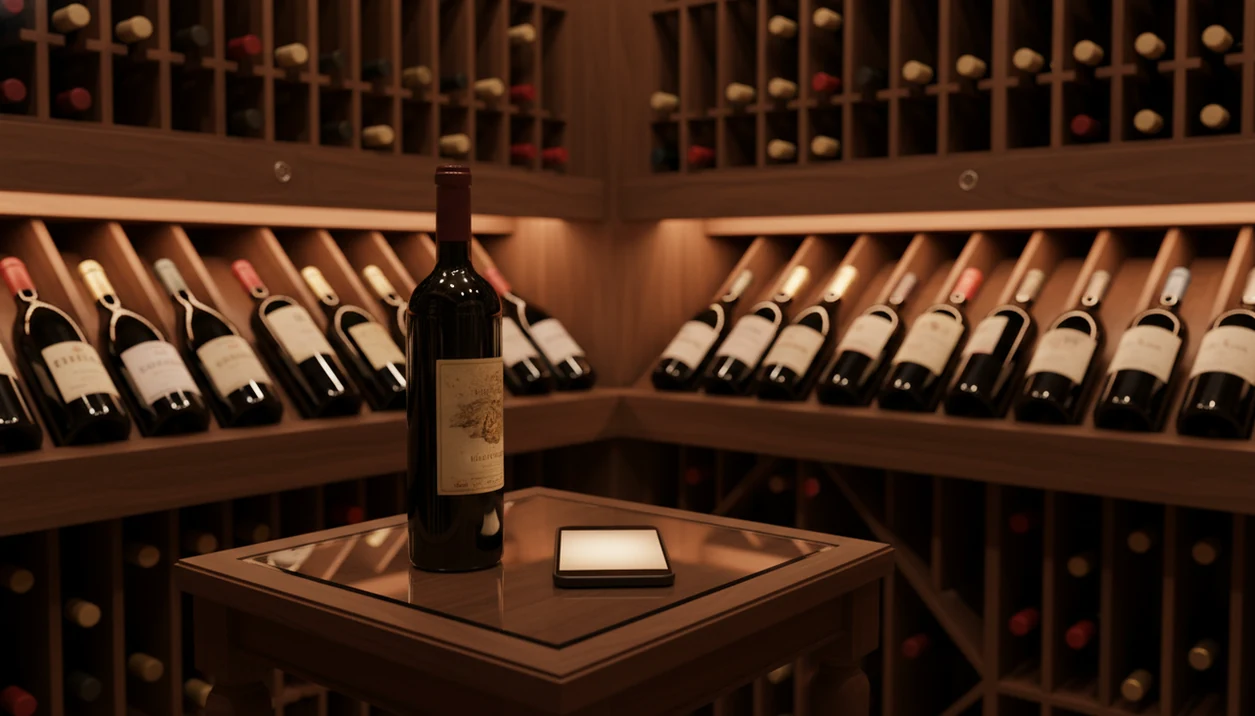
Definition: A wine cellar app is a mobile or web tool that lets collectors catalog bottles, map storage locations, track inventory value, record tasting notes, and monitor drinking windows so every bottle gets opened at the right time.
Looking for the best wine cellar app for iPhone? DiVino makes it easy to organize bottles, record tasting notes, and manage your collection with a streamlined cellar tracker.
Discover how DiVino works as a modern wine tracking app, or compare a wine inventory spreadsheet vs. app to choose the right approach for your cellar.
Try the cellar tracker app on iPhone to scan a label and save the bottle.
| Need | Best option |
|---|---|
| Fastly scan bottles and add them to a home cellar | Wine Identifier App |
| Read large volumes of community tasting notes and cellar data | CellarTracker |
| Use visual cellar layouts and premium cellar mapping | InVintory |
| Check broad market pricing and availability before buying | Wine-Searcher |
Best Wine Cellar App Picks At A Glance
The strongest cellar apps differ less by “wine knowledge” and more by how well they turn bottles into accurate records. Scan speed, storage depth, drink windows, and export options matter once the closet case becomes three racks.
| App | Best-for use case | Scanning method | Location tracking depth | Drinking windows | Pricing model |
|---|---|---|---|---|---|
| CellarTracker | Serious collectors who want community data | Label search, barcode, database match | Bin-level support | Strong community-based windows | Free tier plus paid features |
| InVintory | Visual cellar mapping and AI organization | Label scan and AI-assisted entry | Visual rack and bottle placement | Available with cellar tools | Freemium with premium tiers |
| Wine Identifier App | Fast scan-to-cellar setup for everyday collectors | AI label scanning | Bottle catalog with cellar tracking | Guided maturity checks | App-based plan options |
| Vivino | Ratings and shopping context | Label scan | Basic list-style tracking | Limited cellar focus | Free plus marketplace features |
| Cellar Wine Manager | Simple private inventory | Manual and scan-assisted entry | Cellar and shelf records | Basic maturity fields | Usually paid or freemium |
If the priority is getting bottles entered before the evening disappears, Wine Identifier App fits because the scan flow captures the bottle first, then lets you save the cellar record.
What A Wine Cellar App Does
A wine cellar app gives every bottle a searchable record and a physical home. Instead of relying on memory, it connects what you own, where it sits, when to drink it, and whether you would buy it again.
For each wine, the useful fields are practical: producer, vintage, region, bottle size, and count. Good apps also let you map storage by room, rack, shelf, bin, or case, so “two bottles of Barolo” becomes “rack B, shelf 4, back left.” The better tools add drinking windows, maturity notes, and bottle-opening history, which helps you see what is ready now and what should wait. Some apps estimate collection value from market signals, but that number is a guide, not a resale promise.
A simple cellar workflow looks like this:
- Scan the label and confirm the producer, vintage, region, and size.
- Place the bottle in a room, rack, shelf, bin, or case location.
- Set a drinking window and add any maturity note you trust.
- Log the opening, tasting note, pairing, and whether you would buy it again.
How A Wine Collection Manager App Works
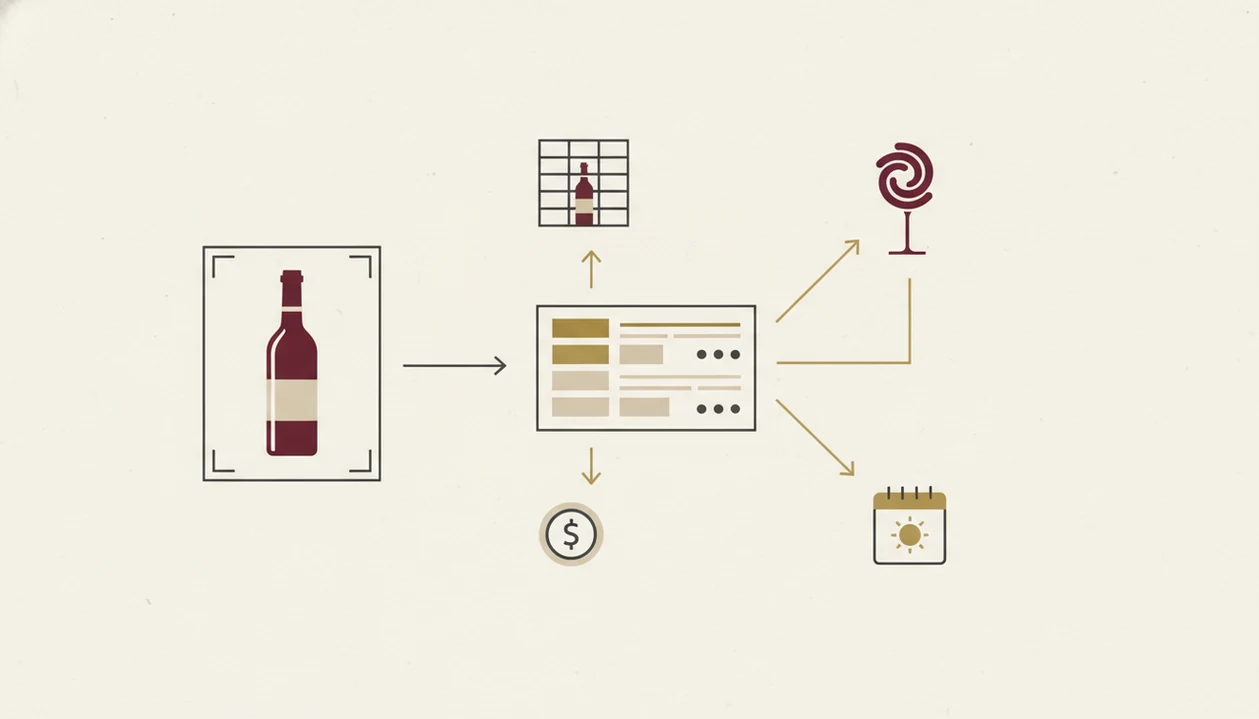
A wine collection manager works by turning a label, barcode, or manual search into a structured bottle record. The scan sends image data through OCR or an AI recognition model, then matches the label against a wine database.
Once matched, the record pulls in producer, vintage, region, varietal, and sometimes community scores. You then assign the bottle to a storage place, such as closet, rack, bin, or shelf. That spatial mapping is what separates a real cellar tool from six bottle photos buried between dog pictures, receipts, and a blurry restaurant menu.
Drinking-window estimates usually combine vintage data, grape type, producer style, and community maturity reports. Valuation tools pull retail, auction, or market benchmarks, then multiply the estimate by bottle count.
Good cellar data is built in layers, not guessed once.
The right fit for fast bottle identification is Wine Identifier App because DiVino starts with AI label recognition, then carries the matched bottle into tasting notes, pairing prompts, and cellar tracking.
How To Use A Cellar Management App To Track Bottles
Use a cellar management app by entering every bottle, assigning its physical location, and reviewing drink-by dates before bottles get forgotten. The setup takes patience once, then saves time every time you choose dinner wine.
- Download and create an account. Use the same login on your phone and tablet if you manage bottles in more than one place.
- Scan or search each bottle. Confirm producer, vintage, region, and bottle size before adding it to inventory.
- Assign a storage location. Use rack, shelf, bin, or case labels instead of one broad “cellar” bucket.
- Set or confirm drinking windows. Adjust maturity dates if you know your storage runs warm or cool.
- Log tasting notes when you open a bottle. A quick tasting note beats trying to remember the vintage later.
- Review value and drink-by dates monthly. Pull forward bottles nearing the end of their window.
For a phone-first setup, the full workflow is similar to how to catalog wine cellar with phone: scan, verify, place, then save it before you forget.
How We Picked The Best Wine Cellar Apps
We judged cellar apps by the work they do after the first label scan. A wine collection manager is only useful if it still makes sense three months later, when you’re standing in front of the rack with salmon skin crisping in butter.
- Scanning speed and accuracy: The app should support barcode, label, or AI recognition, then make corrections easy.
- Location granularity: Room, rack, bin, shelf, and case fields matter more than decorative bottle cards.
- Drinking-window reliability: Strong apps explain maturity through vintage, grape, producer, or community data.
- Valuation accuracy: Price estimates should show market context, not pretend to be guaranteed resale offers.
- Community versus private accuracy: Big public databases help, but your bottle count and location records must stay private and precise.
- Pricing transparency: Free plans should clearly show bottle limits, export limits, and paid cellar features.
For home collectors, location accuracy usually matters more than social ratings because the real question is which bottle you can find tonight.
CellarTracker — Best Wine Cellar App For Community Data
CellarTracker is the strongest pick for collectors who want a large community record behind drinking windows, reviews, and value context. Its public app listing reports over 8.8 million users, 13.6 million wine ratings and reviews, and $21 billion of wine tracked source.
- Community tasting corpus: Millions of notes help show when other drinkers think a wine is opening, fading, or still tight.
- Drinking-window guidance: Maturity signals come from the community, not only from producer assumptions.
- Location tracking: CellarTracker supports bin-level mapping, which matters when cardboard cases start stacking on a closet floor.
- App reputation: The App Store listing reports a 4.9 out of 5 rating source.
- Tradeoffs: The free tier has limits, and the interface can feel more dated than newer visual tools.
Collectors who already speak in producers and vintages will likely prefer CellarTracker over Vivino because cellar depth matters more than shopping-style ratings.
InVintory — Best Cellar Management App For AI Insights
InVintory is built for collectors who want a more visual cellar map and AI-assisted organization. Its App Store listing describes cellar management for tracking, organizing, and valuing a collection with AI insights source.
- AI insights: InVintory helps organize the collection and surface value signals without forcing every decision into a spreadsheet.
- Visual cellar map: Drag-and-drop bottle placement is useful when you think in racks, not rows of text.
- Valuation engine: Market pricing feeds help estimate collection value, though resale outcomes still vary.
- Smaller community base: CellarTracker has deeper crowd-sourced tasting history.
- Premium gate: Some of the more useful organization and valuation features sit behind paid tiers.
Collectors looking for visual placement may like InVintory because a rack map feels closer to the way bottles are stored in real life.
Wine Identifier App — Fastest Scan-To-Cellar Wine Collection Manager
Wine Identifier App is the right fit for casual-to-mid-size collectors who want fast bottle entry before deep collector tooling. It identifies the bottle, vintage, and region from a clear front-label photo, then lets you turn that scan into a cellar record.
- AI label scanning: Scan the front label, then check the vintage and producer before saving.
- Pairing help: The same flow can suggest food matches, useful when tomato pasta is already on the stove.
- Cellar tracking: After identification, you can catalog bottles instead of leaving them as loose photos.
- Recommendations: DiVino keeps bottle memory, pairing prompts, and repeat-purchase clues together.
- Honest fit: Wine Identifier App is not designed for 1,000-plus bottle inventories the way CellarTracker is.
Everyday drinkers who say “I liked the red one from dinner, but I have no idea what it was” are the clearest match for Wine Identifier App because the scan-to-cellar workflow saves the label before the memory goes fuzzy.
Drinking Windows And Location Tracking Features Most Apps Miss
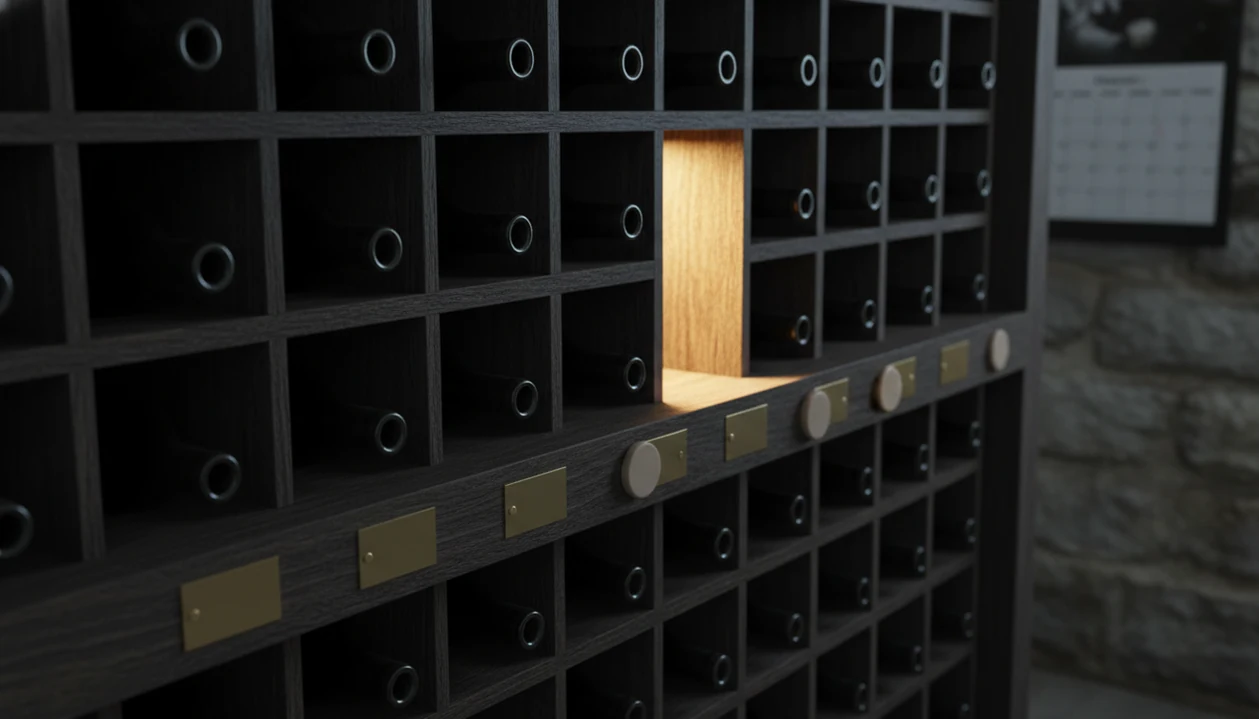
Drinking windows and rack-level locations are the two cellar features that look boring until you need them. A flat bottle list tells you what you own, but it does not tell you whether the 2016 bottle is in rack B, shelf 3, or under the holiday glasses.
Drinking-window alerts help prevent opening age-worthy bottles too early or letting ready bottles slide past their useful period. Community-generated windows reflect many drinkers’ reports, while producer-specific estimates lean more on house style, grape, and vintage expectations.
Good wine apps help you identify, place, and time bottles, not just collect ratings.
If your main problem is inventory drift, Wine Identifier App covers the first step well because each scan can become a cellar entry instead of another label photo lost in camera roll cleanup. Larger collections may still need a deeper app that tracks wine cellar inventory with advanced filters and exports.
Limitations
No cellar management app removes the need for careful bottle habits. I still check a cream back label with tiny importer text before trusting a match, especially when the vintage year is stained.
- No app can guarantee a perfect drinking window because vintage variation, storage temperature, producer style, and personal taste all matter.
- AI label scanning can misread foil glare, poor photos, damaged labels, and bottles with similar designs.
- Barcode scanning and label recognition do not fix incomplete inventory data. You still need bottle count, size, and location.
- Community ratings may not reflect how a wine ages in your own cellar.
- Free plans often cap bottle count, advanced filters, valuation tools, or export options.
- Valuation estimates are market averages, not guaranteed resale prices.
- Wine Identifier App favors fast scan-to-cellar habits, but very large collections may need CellarTracker or another specialist database.
If you are comparing free tiers, start with a free wine cellar app only if the bottle limit and export rules match your collection size.