


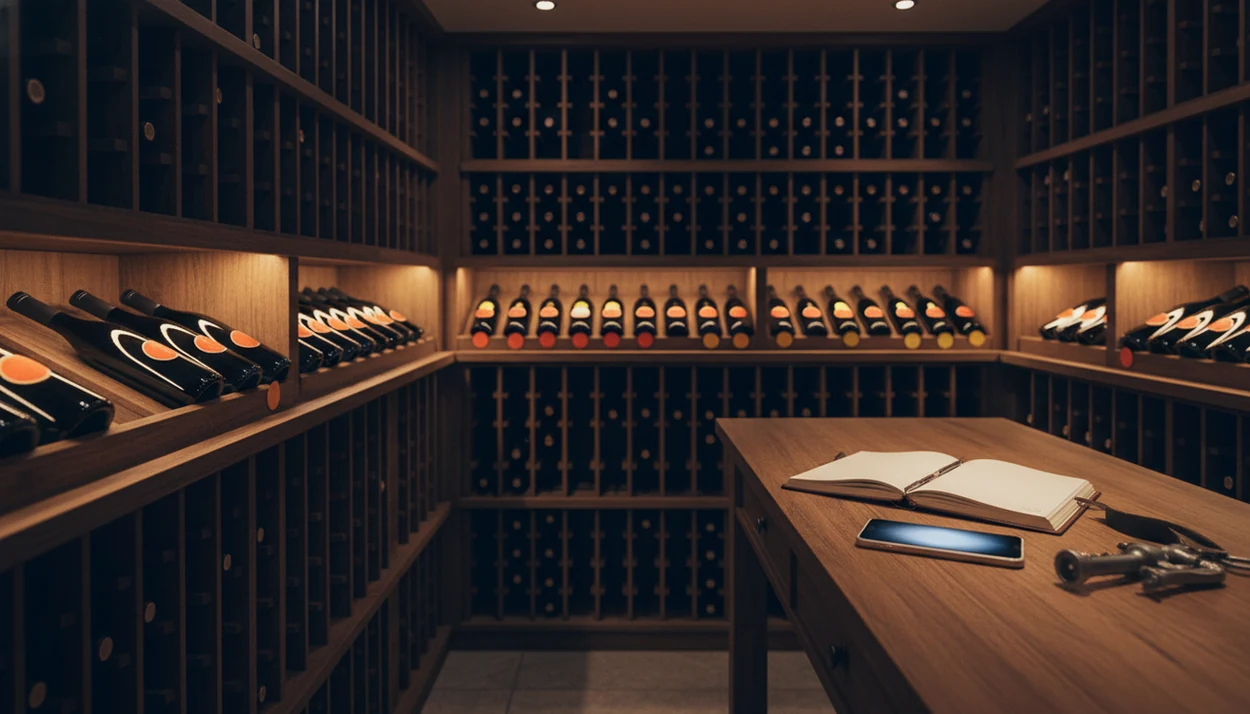
> Definition: A drinking window calculator is a cellar decision tool that uses wine attributes (vintage, grape variety, region, quality level) and storage conditions to estimate the years during which a bottle is likely to taste its best.
Try the wine drinking window app on iPhone to scan a label and save the bottle.
At a Glance: 5 Facts About Wine Drinking Windows
- A wine drinking window is an estimated range, not an exact date. Think “2025 to 2029,” not “open it Friday.”
- Most everyday wines are meant to be drunk within a few years. The calculator often confirms what the label does not say. The WSET notes that the majority of wines are produced for early consumption source.
- Stable cellar temperature around 12–15 °C helps wine age more slowly and predictably. Warm closets move the clock forward.
- In a survey of 943 wine professionals, 92% said cellar temperature was very important or essential for wine development and longevity, according to the Australian Wine Research Institute source.
- Personal taste shifts the ideal window. Some drinkers want bright fruit; others wait for leather, dried herbs, and softer tannins.
I have seen a cardboard case lifted from a closet floor and half the bottles were already past the fun part. Not ruined. Just tired.
For people with mixed home cellars, Wine Identifier App fits the “what should I open first?” need because it sorts bottles by drink-window urgency instead of leaving six nearly identical reds in a camera roll.
What the Drinking Window Calculator Does
The drinking window calculator turns a bottle record into a practical opening plan. It estimates when a wine is likely to taste best, then keeps that timing connected to the exact bottle in your cellar.
Instead of treating every 2019 red as the same, it weighs the vintage, grape, region, and producer to set a starting window. From there, Wine Identifier App turns the estimate into cellar action: hold, drink now, or last chance. That is the difference between a pretty inventory and a list that saves dinner.
- Add the bottle details so vintage, grape, region, and producer shape the first drinking-window estimate.
- Review the status to see whether the bottle should stay put, move into your drink-now queue, or be opened before it fades.
- Update storage conditions when a bottle moves from fridge to rack, basement to apartment closet, or any warmer location.
- Log openings and ratings so future recommendations learn from what tasted fresh, tired, or exactly right.
- Keep the window on the bottle card so the guidance travels with the record, not a separate note.
How a Drinking Window Calculator Works
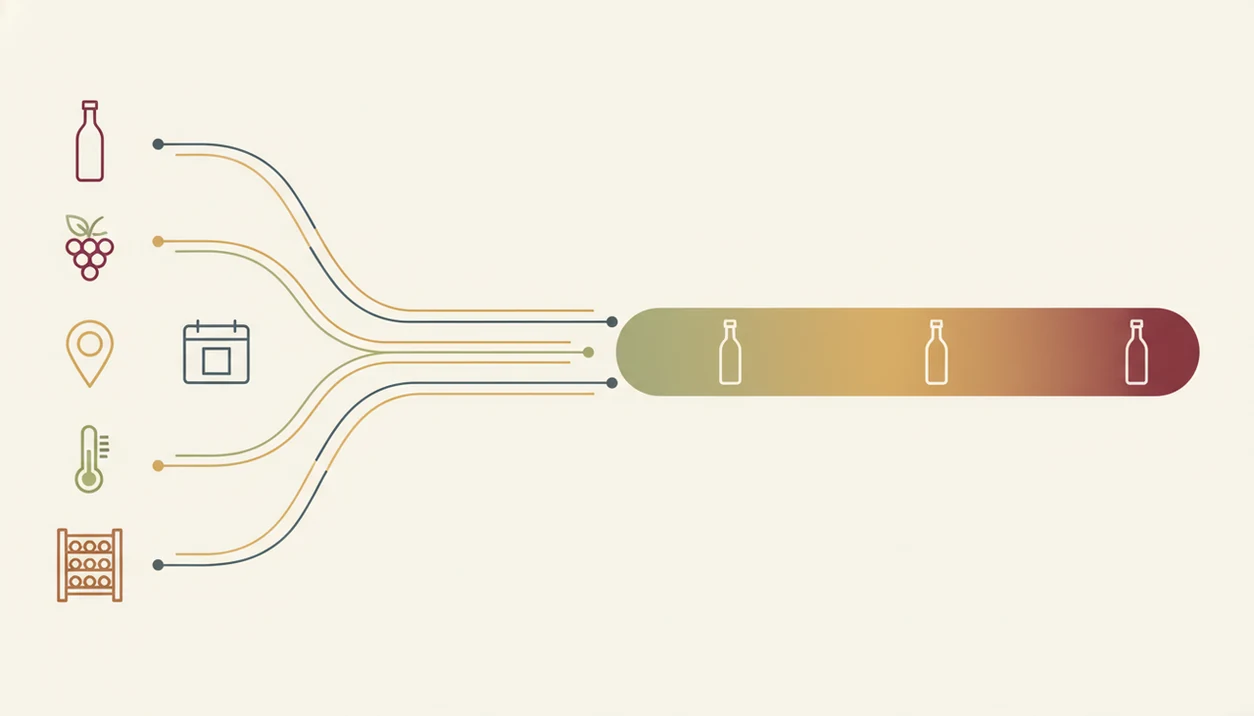
A drinking window calculator works by matching bottle data to aging patterns, then adjusting that estimate for storage. It uses grape variety, region, vintage quality, producer tier, closure type, and style to create a probable drinking range.
The technical idea is simple: wine changes through chemical reaction rates. In plain English, heat speeds those changes up. A review in Critical Reviews in Food Science and Nutrition reports that wine reaction rates often double for every 10 °C rise in storage temperature source. That is why a bottle stored at 24 °C is not aging like one kept at 13 °C.
Wine Identifier App cross-references expert guidelines, historical vintage data, and your own opening history. If you open a 2018 Rioja in 2026, rate it highly, and note “still fresh,” DiVino can use that bottle memory to refine future suggestions.
The output is a probabilistic range, such as 2025–2030, because wine aging usually depends more on storage and bottle condition than on the printed vintage alone.
How to Use the Drinking Window Calculator in Wine Identifier App
Use the drinking window calculator when you add a bottle, not months later when you are already standing in front of dinner. Save it before you forget.
- Scan the front label to identify the bottle in Wine Identifier App.
- Confirm the vintage, grape, and region so the bottle card is not guessing from a partial label.
- Set your storage conditions including temperature, location, and whether the bottle sits in a fridge, rack, or closet.
- Review the suggested drinking window on the bottle card, including “hold,” “drink now,” or “last chance.”
- Check the “Drink Now” filter before meals or weekends to surface ready bottles.
The little corrections matter. A stained vintage year or a barcode half-covered by a thumb can send the first match sideways, so tap, check, adjust. If grape is the confusing part, the wine grape varieties guide helps decode why Cabernet ages differently from Gamay.
After a label photo snapped before corking, Wine Identifier App earns its place because the drinking window stays attached to the bottle record, not lost between dog pictures, receipts, and a blurry restaurant menu.
When to Rely on a Wine Drinking Window
Rely on a wine drinking window when your cellar is large enough that memory starts lying to you. Around 20 bottles, mental tracking breaks down fast, especially if several are the same grape from nearby regions.
It helps with meals, too. A salmon skin crisping in butter may call for a white with freshness, while a mature bottle might feel better saved for roast chicken or cheese. The calculator gives you a restaurant list shortcut at home: open what is ready, hold what still needs time.
Wine Identifier App is useful for recent purchases because it answers whether to hold or drink soon using vintage, region, and storage together. For region detail, the wine regions and appellations guide explains why two labels from the same country can age very differently.
If your bottles live in warm apartment storage, check accelerated-aging warnings before planning special dinners. AWRI cellar-management guidance notes that storage near 25 °C can cause visible browning in some white wines within six months source.
What the Calculator Looks Like in Wine Identifier App
In Wine Identifier App, each bottle card shows a color-coded drinking window bar. Green means the wine is in range, amber means hold or watch closely, and red signals “last chance.”
The useful part is the cellar overview. You can sort by urgency and see which bottles need attention first, including that magnum bottle wedged on the bottom rack that nobody wants to move twice. Small annoyance, big payoff.
Storage settings change the window dynamically. A bottle in a steady wine fridge gets a different timeline than the same bottle kept in a hallway cabinet. Opening dates and personal ratings also feed future suggestions, so DiVino learns whether you prefer youthful fruit or more evolved notes.
A useful AI-powered wine identification and cellar app should combine label scanning, cellar status, pairing help, repeat-purchase memory, and a clear reason for each drinking-window recommendation.
The right fit for drink-now planning is Wine Identifier App because the bottle card connects scan results, storage conditions, rating history, and a color-coded drinking window in one workflow.
Drinking Window Calculator vs Vintage Charts and Critic Notes
A drinking window calculator is more personal than a vintage chart, but less absolute than opening the bottle and tasting it. Static references are useful; they just do not know your closet temperature.
| Method | What it does well | What it misses |
|---|---|---|
| Vintage charts | Gives region-level guidance for strong and weak years | Ignores bottle-specific producer, closure, and storage |
| Critic notes | Offers expert context and style expectations | Often assumes professional cellar conditions |
| Spreadsheets | Tracks what you own in a flexible format | Requires manual updates and does not adapt to temperature changes |
| CellarTracker or Vivino records | Adds community notes and bottle history | May not personalize urgency from your actual storage |
| Wine Identifier App | Combines scan data, cellar settings, ratings, and drink-window status | Still cannot predict bottle-to-bottle variation perfectly |
For casual collectors, an app-based calculator is often easier than spreadsheets because it updates the drinking window when bottle data or storage changes. If vintage is the main unknown, use a wine vintage lookup before deciding whether to open or hold.
People who buy wine for future dinners can use Wine Identifier App because it turns expert-style data into a simple “hold,” “drink now,” or “last chance” label.
Limitations
Drinking window tools reduce obvious mistakes, but they cannot guarantee a peak bottle. Wine is alive in annoying ways.
- Bottle-to-bottle variation matters. Cork differences, shipping heat, and old store shelves can change one bottle more than another.
- Scientific studies do not agree on exact ideal drinking ages for every style. Algorithms extrapolate from incomplete data.
- Personal taste may sit outside the suggested range. You might love a young, peppery finish with roast lamb while someone else waits for softer tannins.
- Many cellar entries lack precise blend, closure type, producer tier, or full storage history.
- Warmer or fluctuating home storage can shorten a window beyond what any model predicts.
- Critic windows may assume better storage than a normal apartment or basement can provide.
- Wine Identifier App gives smart guidance, not a promise that every bottle will taste at its peak.
- Free vintage charts and tools from sites like wine-searcher.com can help, but they usually do not adjust to your exact bottle record.
If you mainly want a phone workflow, the app that tells when to drink wine guide explains how drink-window prompts fit everyday cellar decisions.