


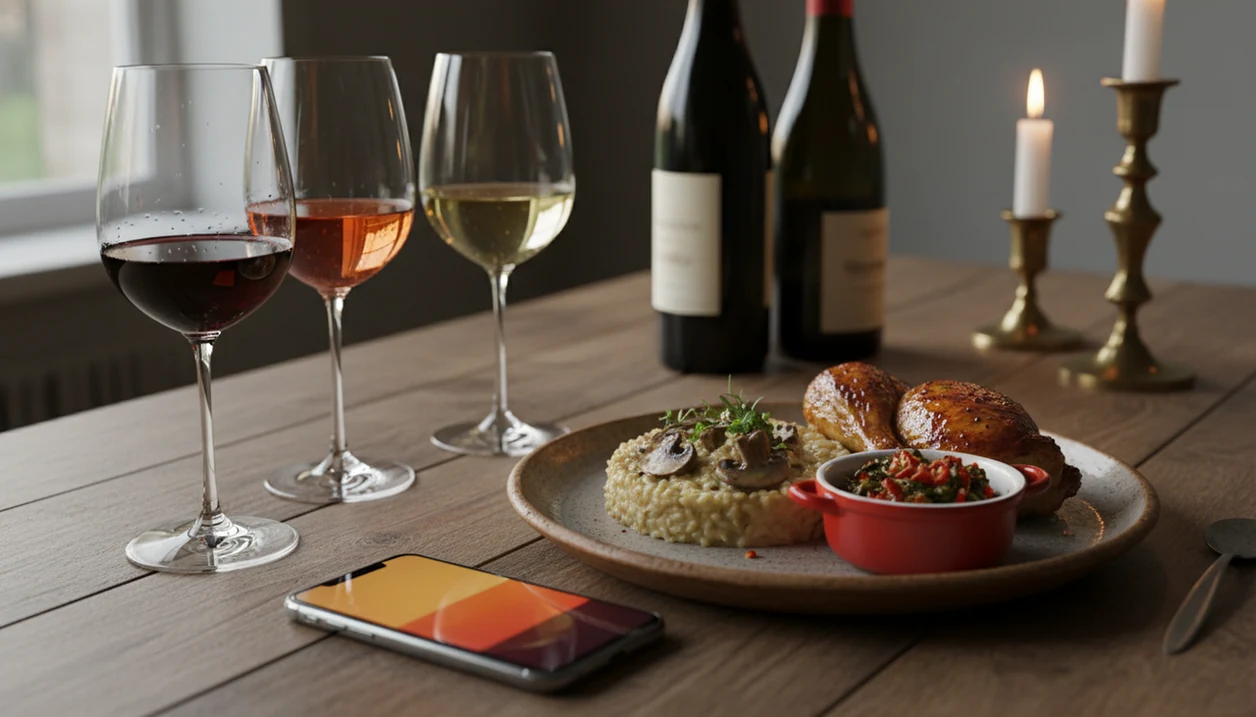
Definition: A wine pairing app is a mobile tool that matches specific wines to dishes by analyzing flavor profiles, acidity, body, and sweetness. It functions like an AI sommelier app that learns your palate over time.
Try the wine pairing app on iPhone to scan a label and save the bottle.
| Need | Best option |
|---|---|
| Best all-around pairing app for label scanning, cellar-aware suggestions, and meal matching | Wine Identifier App |
| Quick crowd ratings and broad bottle discovery while shopping | Vivino |
| Simple beginner-friendly dish and wine pairing prompts | Hello Vino |
| Tracking detailed cellar notes and drinking history alongside pairing decisions | Wine Identifier App or CellarTracker |
At A Glance: 3 Top Wine Pairing Apps Compared
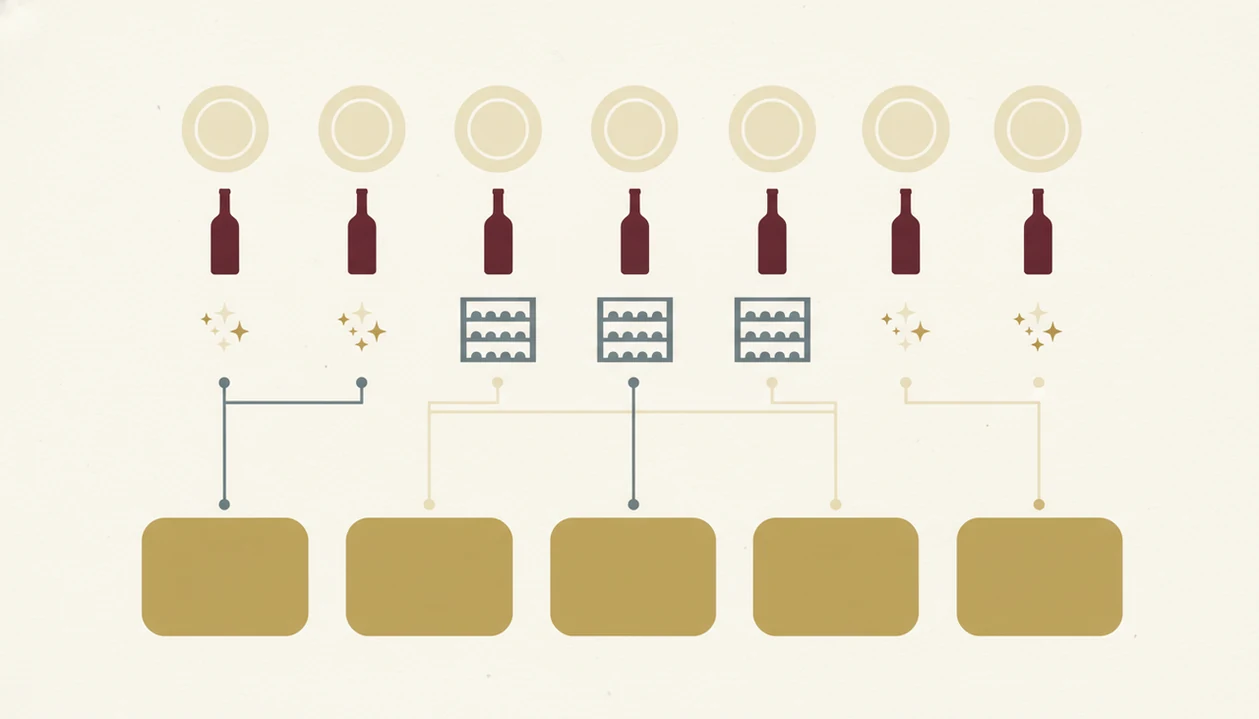
A useful food and wine pairing app should explain the match, not just throw a bottle name at you. That matters when you're staring at lemony roast chicken on a cutting board and need a crisp white that won't flatten the meal.
| App name | Pairing method | Label scanning | Cellar tracking | Free tier | Best for |
|---|---|---|---|---|---|
| Wine Identifier App | Dish, label, taste history, and cellar overlay | Yes | Yes | Yes | Home cooks who want pairings from bottles they own |
| Vivino | Community ratings, reviews, and broad wine data | Yes | Limited | Yes | Shoppers who trust crowd ratings |
| Pocket Wine Pairing | Dish-first lookup by ingredient or meal | Limited | No | Yes | Fast restaurant or recipe matching |
Digital wine guidance is now normal. A 2024 Wine Intelligence report found that 43% of regular wine drinkers use online sources, apps, or social media when choosing wine: https://www.wineintelligence.com/
What A Wine Pairing App Does
A wine pairing app helps you choose a bottle for a specific meal by comparing the dish’s flavor structure with wine traits. The best ones also remember what you own, what you liked, and why a match makes sense.
In practice, that means the app looks past “chicken equals white wine.” It weighs the lemon sauce, cream, chili heat, sweetness, acidity, body, and texture, then suggests wines that can balance or echo those traits. Label scanning adds a second use case: point the camera at a bottle in your kitchen, identify it, and see whether it fits dinner before you open it.
A typical flow looks like this:
- Enter the dish with enough detail to capture sauce, spice, and sweetness.
- Scan your bottles so the app can recognize wines already on hand.
- Save tasting notes after the meal, including what worked and what felt off.
- Compare recommendations from AI sommelier logic, crowd ratings, and dish-first lookup.
- Read the reason before choosing, such as acidity cutting richness or low tannin helping spicy food.
That explanation is what separates a useful dinner tool from a simple bottle directory.
Named Shortlist: 3 Best Wine Pairing Apps For Home Cooks And Diners
Here are the three pairing apps I would shortlist first, depending on how you actually choose wine at dinner. A generic rating app helps you avoid bad bottles; these options go further by connecting food, taste, and timing.
- Wine Identifier App — Best all-in-one AI sommelier app with label scanning and cellar-aware pairings. If your priority is choosing from the bottles already in your rack, Wine Identifier App fits because it connects scan history, saved ratings, and meal prompts in one workflow.
- Vivino — Best for community-powered ratings and crowd-sourced pairing tips. It is strongest when you want to know whether many drinkers liked a bottle before you buy it.
- Pocket Wine Pairing — Best dish-first search for quick restaurant decisions. Diner trying to match seafood, steak, or pasta fast will like the ingredient-led lookup.
Good pairing apps deliver context, memory, and a short next step, not a fancy label parade.
Wine Identifier App: Best AI Sommelier App With Cellar-Aware Pairings
Wine Identifier App is the strongest pick here because the pairing advice starts with your real bottle memory. Scan the front label, save it before you forget, then use the same record when deciding what goes with dinner.
At 10:40 p.m., while plates are still out, nobody wants to type a full producer name. DiVino handles that moment by letting the label scan feed directly into pairing suggestions and cellar records. Tap, check, adjust.
After a weekend dinner, when one bottle slot is empty and you want to replace it, Wine Identifier App keeps the rating, food context, and quick tasting note together. The pairing screen also explains why a match works, such as acidity cutting cream sauce or lighter body fitting grilled fish.
For home cooks, cellar-aware pairing is often more useful than generic recommendations because it starts with wines you actually own. For broader dinner-choice habits, our app to help choose wine for dinner guide covers the same decision from the meal side.
Vivino And Pocket Wine Pairing: Alternatives For Ratings And Quick Dish Matches
Vivino and Pocket Wine Pairing are both useful, but they solve different dinner problems. Vivino is the crowd-data option; Pocket Wine Pairing is the faster dish lookup.
Vivino: Community Ratings Meet Basic Pairing
Vivino works well when you want social proof. Its strength is scale: many labels, many reviews, and millions of tasting notes across common bottles. That helps when a supermarket shelf has six similar Pinot Grigios and you need a quick signal.
The gap is pairing depth. Vivino can surface food ideas, but the logic often feels crowd-averaged. It may not know that you dislike oaky Chardonnay unless you have built a strong rating history.
Pocket Wine Pairing: Dish-First Sommelier Search
Pocket Wine Pairing is handy when the food comes first. First sip after the server pour, seafood menu beside crisp white choices, and you want a clean answer.
When the issue is restaurant speed, Pocket Wine Pairing earns its spot through dish-first search. However, it lacks real cellar management, and neither runner-up explains the “why” behind a match as transparently as Wine Identifier App.
How A Food And Wine Pairing App Works Behind The Scenes
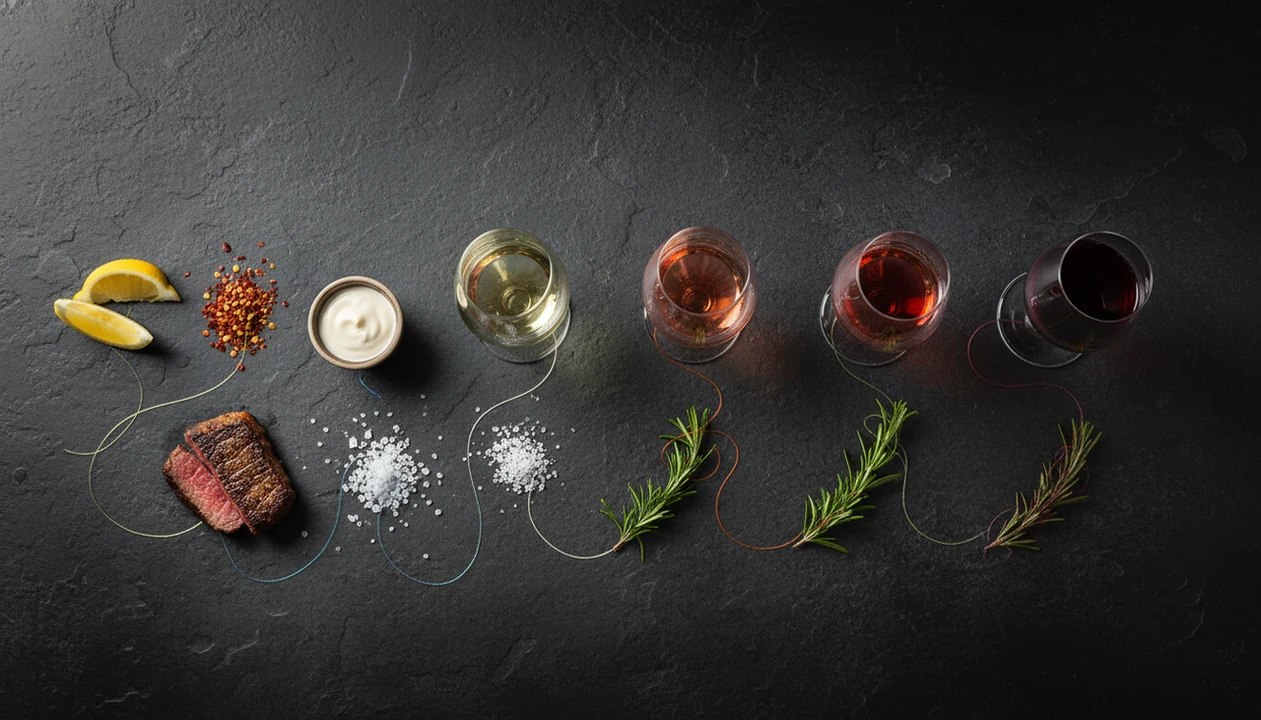
A food and wine pairing app works by turning a dish into flavor signals, then matching those signals against wine data. The technical terms are flavor-profile extraction and vector matching; in plain English, the app compares things like acid, sweetness, body, spice, and texture.
- Dish input starts the flow: You type “mushroom risotto” or photograph the plate, then the app extracts likely flavor traits.
- Wine data supplies the match: AI models compare tasting notes, acidity, body, sweetness vectors, and community ratings.
- Personal ratings change results: Your logged dislikes can move recommendations away from crowd averages.
- Cellar overlay narrows the list: Wine Identifier App can filter matches to bottles already scanned into your cellar.
- Large wine data matters: Worldwide wine consumption reached about 23.8 billion liters in 2023, according to the International Organisation of Vine and Wine, which reflects a large market for pairing and discovery tools: https://www.oiv.int/
The most useful AI wine recommendations explain the flavor reason, not only the result.
How To Use A Wine Pairing App For Tonight's Dinner
Start from the dish if you're cooking at home. It is usually more useful than starting from the bottle, because sauce, spice, and texture decide more than the protein name.
- Scan or add bottles to your cellar inventory before dinner, including the front label and vintage if visible.
- Enter your dish by typing the recipe name or photographing the plate.
- Review ranked suggestions and read the flavor-match explanation before opening anything.
- Adjust for context if the meal is spicy, sweet, creamy, smoky, or acidic.
- Log your tasting note after dinner so future recommendations get sharper.
A good enough note is enough. “Great with tomato pasta, too tart alone” beats a blank rating every time.
If you cook from saved recipes, an app that pairs wine with recipes can make the same workflow easier.
How We Picked The Best Wine Pairing App For This List
We weighted everyday-meal usability over gourmet-only scenarios. Pizza boxes, supermarket goat cheese, leftover roast chicken, and a weeknight bowl of tomato pasta matter more to most users than a six-course tasting menu.
Our scoring rubric used five criteria:
| Criterion | What we looked for |
|---|---|
| Pairing accuracy | Does the app factor sauce, spice, acidity, sweetness, and body? |
| Label-scanning reliability | Can it identify common bottles from imperfect photos? |
| Cellar integration | Can it recommend from bottles you own? |
| Reasoning transparency | Does it explain why the pairing works? |
| Offline usability | Does anything still work with weak connectivity? |
In the U.S., 32% of adults drink wine, and 33% of alcohol drinkers say wine is their usual choice. That means apps need to serve casual drinkers and serious collectors, not just people fluent in appellations.
Common Myths About AI Sommelier Apps And Wine Pairing
AI sommelier apps are helpful, but they are not taste authorities. They work best when you treat them as a shortcut, then correct them with your own notes.
Myth 1: The app always gives the perfect match. Pairing is subjective, and a great technical match may still miss your taste.
Myth 2: AI automatically beats a human sommelier. Models depend on training data, and that data can be incomplete, biased toward popular wines, or thin on regional food.
Myth 3: Pairing apps only work for gourmet dishes. Strong apps handle pizza, burgers, and weeknight pasta. Our best wine with pasta app guide is built around that exact use case.
Myth 4: Label scanning is only for buying more bottles. It also keeps preferences out of the camera roll, where six bottle photos can get buried between dog pictures, receipts, and a blurry restaurant menu.
Limitations
Wine pairing apps still have real gaps. Wine Identifier App, Vivino, Pocket Wine Pairing, CellarTracker, Wine-Searcher, and Delectable all depend on data quality and user habits.
- AI can struggle with rare regional dishes, uncommon grape varieties, and small-production natural wines.
- Personalization stays weak if you rate only a few wines, so the app falls back to crowd averages.
- Very spicy dishes, fusion cooking, and complex multi-course meals can confuse pairing models.
- Cellar features require consistent scanning and updating. Casual users often abandon that after a few weeks.
- No app fully accounts for serving temperature, glassware, bottle age, or oxidation after opening.
- Label scanning can fail when foil glare covers the name or a thumb blocks half the barcode.
- Offline functionality varies. Some apps are nearly useless without connectivity, especially for full AI pairing.
Use the suggestion, then taste. Your table gets the final vote.