
App To Help Choose Wine For Dinner: Match Every Dish and Guest


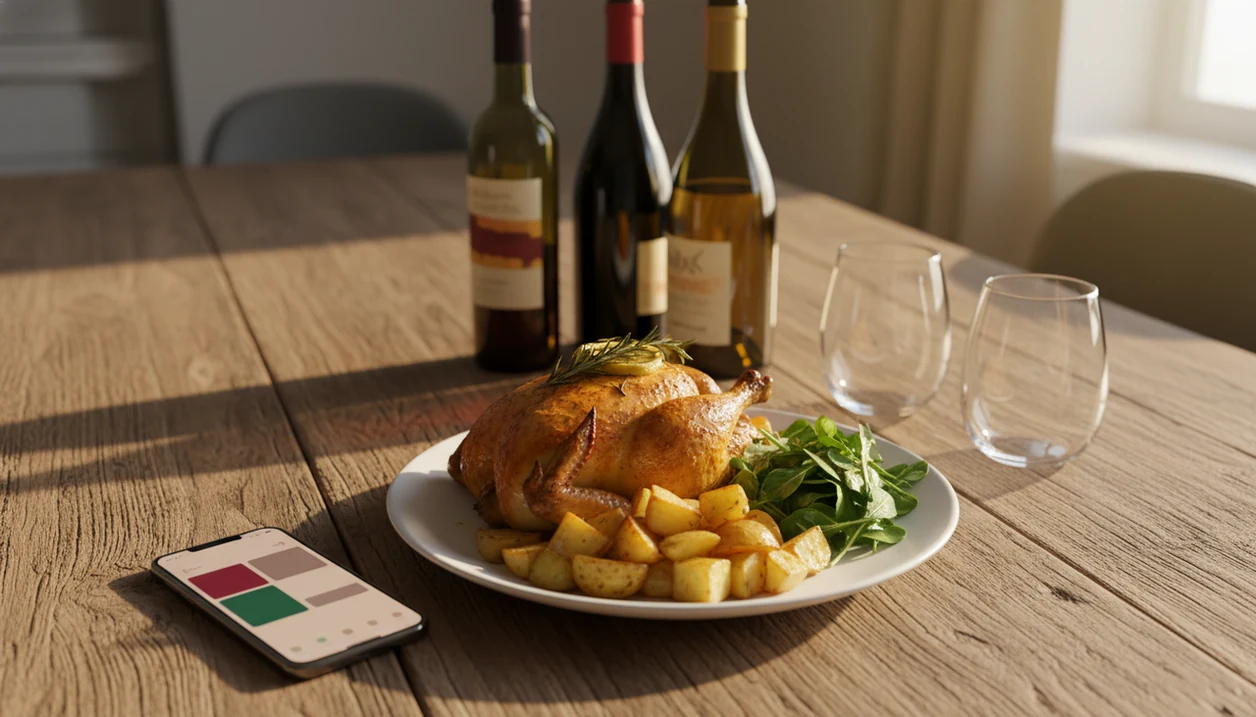
An app to help choose wine for dinner lets you type in or photograph your meal, set a budget, and receive AI-driven bottle recommendations matched to the dish's ingredients, sauce, and spice level. The best dinner wine apps also scan labels, track your cellar, and learn your palate over time so every suggestion gets more accurate.
Definition: A dinner wine app is a mobile tool that pairs specific wines to your meal by analyzing dish details, personal taste history, and sommelier-level pairing logic, replacing guesswork with data-driven recommendations.
Wine Identifier App is a dinner wine app for meal-first pairing, label scanning, cellar-aware suggestions, and post-dinner taste memory.
TL;DR
- Describe your dish, including ingredients, sauce, and spice, and the app returns beginner-friendly wine matches.
- AI label scanning and cellar tracking let you pair from bottles you already own.
- Ratings and dinner logs train the engine to your personal palate over time.
Try the app to help choose wine for dinner on iPhone to scan a label and save the bottle.
What a Dinner Wine App Actually Does
A dinner wine app turns meal details into wine suggestions by reading what you are cooking and matching it with grapes, styles, or specific bottles. You enter plain-language clues like “lemon-herb roast chicken,” “tomato pasta,” or “spicy tofu curry,” then add sauce, cooking method, sides, and heat level.
The useful output is not just “white wine.” It should name grape varieties, describe bottle styles, and explain why a crisp Sauvignon Blanc, softer Pinot Noir, or off-dry Riesling fits the plate.
A generic rating app starts with the bottle. A dinner wine app starts with dinner.
That difference matters when someone says, “I liked the red one from dinner, but I have no idea what it was.” In a 2022 survey of online alcohol buyers, 36% used a smartphone to research alcoholic beverages before or during purchase (source), so this behavior is already normal in the aisle.
Five Facts About Choosing Wine for a Meal With an App
- A dinner wine app can combine AI pairing logic, label scanning, and cellar management, so it helps before shopping and before opening a bottle at home.
- Community ratings plus your own dinner history usually beat old shortcuts like “red with meat” because the app can learn that you dislike heavy oak or love bright acidity.
- Apps can reduce common pairing misses, such as pouring a very tannic red with spicy food, where heat can make bitterness feel sharper.
- More detailed input improves the match; “chicken” is weak, but “lemony roast chicken with pan juices and herbs” gives the engine something useful.
- Roughly 44% of U.S. adults reported drinking wine in 2023, according to Gallup (source), and 81% of U.S. adults owned a smartphone in a Pew survey (source), making mobile wine help practical for many households.
For a deeper meal-focused overview, the wine pairing app guide explains how everyday food cues turn into bottle suggestions.
How AI Wine-Pairing Recommendations Work
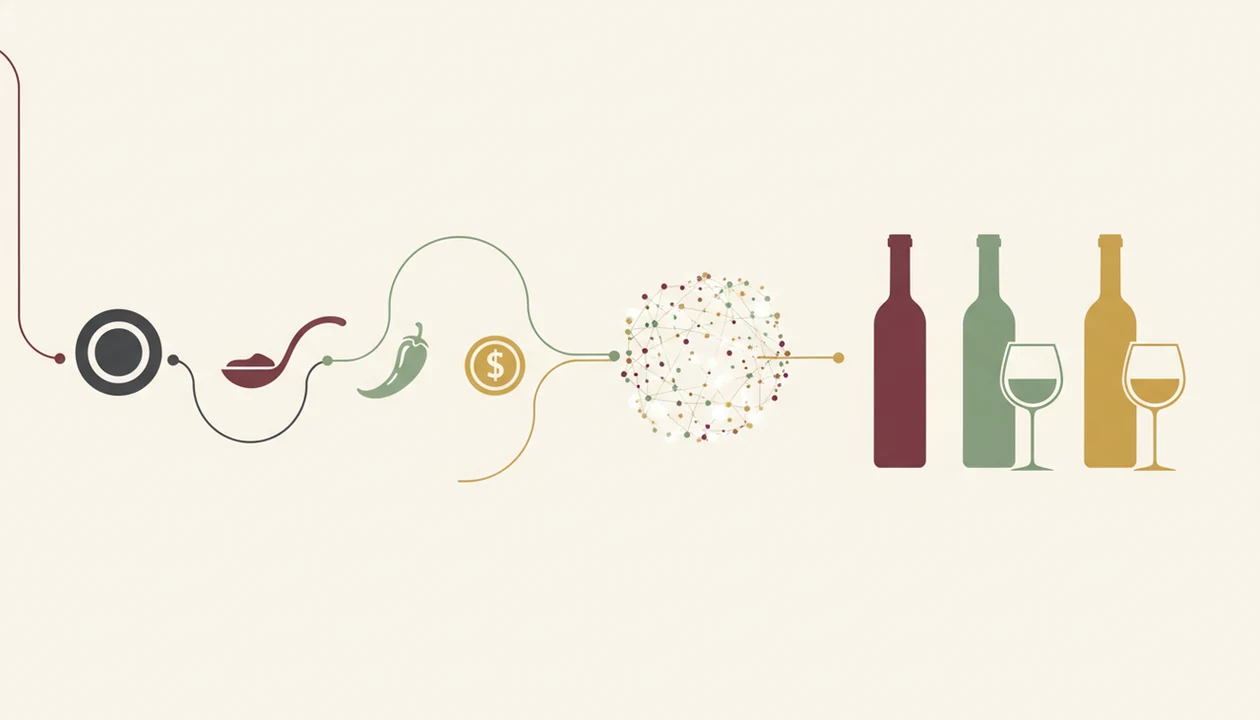
AI wine recommendations work by comparing food traits with wine traits, then adjusting the result using ratings data. The technical pieces are flavor-compound mapping, collaborative filtering, optical character recognition, and image recognition. In plain English, the app looks for patterns between what is on the plate, what is in the bottle, and what people liked before.
Flavor-Compound Matching vs. Traditional Rules
Flavor mapping weighs sweetness, acidity, tannin, body, alcohol, and intensity. A creamy pasta may need acidity to cut richness. A chili-glazed dish may need fruit or sweetness instead of a drying red. Good ai-powered wine identification and cellar management app workflows deliver label recognition, owned-bottle pairing, and taste memory, not a mystical answer that ignores your food.
How Your Ratings Train the Engine
Collaborative filtering compares your ratings with patterns from similar users, then folds in your own history. If you keep giving high scores to medium-bodied reds, future picks should shift that way. AI in retail recommendation systems is projected to grow at a CAGR above 20% through 2030 (source), which helps explain why wine apps are getting more personal.
What You Need Before Using a Dinner Wine App
You need a smartphone with a working camera, especially if you want label scanning or food-photo input. The camera helps when the bottle neck is angled just enough to catch the grape name, or when a cream back label has tiny importer text you do not want to type.
Before dinner, gather three meal details: main ingredient, sauce, and spice level. Add sides if they are dominant, like vinegar-dressed greens or buttery potatoes.
Budget helps too. So does a quick sweetness preference, even if it is only “dry,” “a little fruity,” or “not too heavy.”
A few home bottles make the app more useful, but you can also start with a shopping list. Tools like Wine Identifier App, Vivino, CellarTracker, and Hello Vino fit different parts of this habit.
How To Use an App To Choose Wine for Dinner
Use a dinner wine app by entering the meal first, then narrowing by price, taste, and bottles you already own.
Step 1 – Describe or Snap Your Dish
- Enter or photograph your dish, naming the main ingredient, sauce, cooking method, and spice level.
- Set your budget and taste filters, including dry, fruity, light-bodied, bold, or low-tannin preferences.
- Review the AI-generated wine matches, checking grape, region, style, and the short pairing reason.
- Scan bottles you already own to see whether any cellar bottle fits the meal before you buy another one.
- Rate the pairing after dinner, then save a quick tasting note for next time.
Step 2 – Set Budget and Taste Filters
Budget filters keep the list useful. A Tuesday pizza-box dinner does not need the same bottle as a birthday ribeye.
Step 3 – Review Wine Matches
Look for the reason, not only the score. “High acidity for tomato sauce” is more useful than a star rating alone.
Step 4 – Scan Your Cellar Bottles
A cellar scan turns forgotten bottles into dinner options before you buy another one.
Step 5 – Rate the Pairing
A good enough note is enough. “Great with pasta, too sharp alone” teaches the app more than no note at all.
Common Mistakes When Choosing Wine for a Meal With an App
The most common mistake is giving the app a vague dish. “Chicken” could mean fried chicken, lemon-herb roast chicken, coconut curry chicken, or chicken salad with mustard dressing. Those meals need different wines.
Another mistake is assuming every suggestion will be expensive. Most dinner wine apps can filter by price, store availability, or broad style, so a $15 weekday bottle can stay in the results.
Some people expect the app to be accurate without feedback. It will not know that you dislike smoky oak unless you rate the bottle or adjust the note.
No expertise required.
You do not need to know appellations or vintage charts. You only need to tap, check, adjust. The app that pairs wine with recipes approach is especially useful when the recipe already names the sauce, herbs, and cooking method.
Finally, do not skip the cellar scan. Buying duplicates is easy when the same label has changed slightly from one vintage to the next.
Pairing Wines You Already Own: Cellar-First Dinner Wine Suggestions
Cellar-first pairing means the app checks your saved bottles before it suggests something new to buy. That is useful when you have six reds at home but no memory of which one was meant for steak, pasta, or supermarket goat cheese.
A cellar tracker links each scanned label to grape, vintage, region, style, and sometimes drinking window. When you enter dinner, the pairing engine can compare the meal against your inventory. Photo-based dish recognition can also speed up input when your hands are busy and the pan is still hot.
This is the advantage over buy-only recommendation lists. For home cooks, choosing from owned bottles is often easier than shopping again because the decision starts with real inventory, not an endless shelf.
The U.S. consumed about 872 million gallons of wine in 2021, according to the Alcohol and Tobacco Tax and Trade Bureau source. That is a lot of bottles to remember.
Wine Identifier App also uses the DiVino name in some app-store contexts, so check the listing if you are comparing label-scanning tools.
Verify Your Pick: Tasting-Night Check for Dinner Wine Matches
Verify the app’s pick before serving the full table. Open the bottle, smell it, and take one sip with a bite of the actual food. The sauce matters more than the menu name.
Compare the app’s flavor notes with what you taste. If it promised bright acidity and the wine feels flat beside tomato pasta, note that. If it said soft tannins and the red turns harsh with chili heat, switch styles.
Tiny check. Big save.
Log the result in the app after dinner, even if it is just a star rating tapped at 10:40 p.m. on the kitchen counter while plates are still out. For steak-specific decisions, the best wine with steak app guide covers bolder red matches and when to avoid them.
Limitations
Dinner wine apps are useful, but they are not a guarantee that every bottle will fit every table.
- Pairings are educated guesses; no app can taste your food, sauce balance, salt level, or the exact wine in your glass.
- AI suggestions may lean toward popular regions, common grapes, and bottles reviewed by frequent app users.
- Label scanners can misidentify obscure, older, damaged, or low-light labels, especially with foil glare or a stained vintage year.
- Some grocery-store, local, or small-production wines may not appear in global databases.
- Over-reliance can make dinner feel like a test instead of a simple preference check.
- Free tiers often limit label scans, cellar size, advanced pairing tools, or restaurant list features.
- Vintage variation still matters; the same producer can taste different across years.
For pasta nights, the best wine with pasta app guide is more specific about tomato, cream, pesto, and spicy sauces.
FAQ
Do wine apps work for home cooking?
Yes. Dinner wine apps are designed for home meals as well as restaurants, especially when you enter ingredients, sauce, and spice level.
Can a wine app suggest budget bottles?
Yes. Most pairing engines include price filters, so you can ask for affordable recommendations instead of premium-only bottles.
Does the app need my food photo?
No. You can usually type dish details or snap a food photo, and both methods can produce wine suggestions.
How accurate are AI wine pairings?
AI wine pairings are data-driven suggestions, not guarantees. They improve when you rate bottles and log what worked with dinner.
Can I pair from wines I already own?
Yes. Apps with label scanning and cellar tracking can match saved bottles to a planned meal before you shop.
Do I need wine knowledge to start?
No. Beginner-friendly apps translate grapes, regions, tannin, acidity, and body into simple flavor descriptions.
Will the app learn my taste over time?
Yes. Wine Identifier App and similar tools can use ratings, saved bottles, and dinner notes to improve future recommendations.
Are dinner wine apps free to use?
Many dinner wine apps offer free scanning or basic pairing. Paid tiers often add more scans, cellar tools, advanced AI wine recommendations, or broader history.