


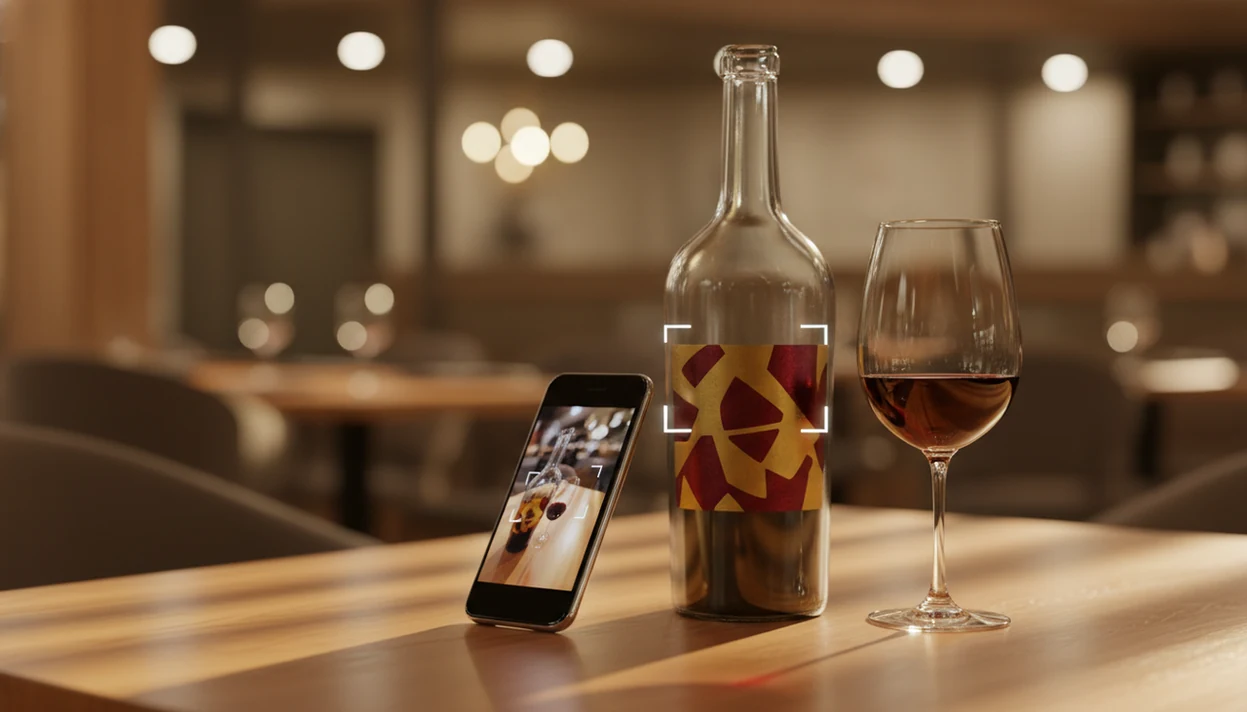
A wine identifier app is a smartphone tool that uses camera-based label recognition and a large wine database to instantly identify a bottle, surface tasting notes and ratings, suggest food pairings, and optionally track your cellar inventory.
- Look for an app that nails label scanning accuracy on the first try, even for lesser-known producers.
- Stronger options bundle recognition with cellar management, pairing suggestions, and personal tasting notes.
- Free tiers work for casual scanning, but serious collectors usually need a paid plan for full cellar and export features.
DiVino on iPhone is the best wine scanner app for quickly recognizing bottles, labels, and vintages in 2026.
Use the intuitive wine identifier to discover tasting notes, grape varieties, food pairings, and useful details before choosing your next bottle.
Try the wine identifier app on iPhone to scan a label and save the bottle.
| Need | Best option |
|---|---|
| Best all-around app for scanning labels, saving bottles, pairing food, and managing a small cellar | Wine Identifier App |
| Large community ratings and quick marketplace-style bottle lookup | Vivino |
| Detailed cellar records, tasting history, and collector-style inventory notes | CellarTracker |
| Finding retail availability, price references, or store listings for a known bottle | Wine-Searcher |
Best Wine Identifier App at a Glance: Top 5 Picks
Here are the top wine identifier apps to compare first, especially if you want both quick bottle ID and a useful record after the glass is gone. Recommendations matter because scanning only identifies the bottle; saved notes, ratings, and pairing prompts help you decide whether to buy it again.
- Wine Identifier App: Best overall for AI-powered label recognition, pairing prompts, and cellar management in one place.
- Vivino: Best for a huge community database, fast scanning, broad ratings, and in-app buying.
- CellarTracker: Best for serious cellar records, detailed tasting notes, and long-term collection history.
- Hello Vino: Best for occasion-first suggestions when you are matching wine to dinner or a gift.
- Delectable: Best for label scanning with a stronger social feed and critic-friendly discovery feel.
Dinner is where this gets practical.
Wine drinkers who say, “I liked the red one from dinner, but I have no idea what it was,” fit Wine Identifier App because the scan, rating, and saved bottle memory stay together.
5 Criteria We Used to Rank Wine Identifier Apps
A wine recognition app earns its place when it identifies bottles accurately and keeps useful records after the first scan. I ranked each option by what actually matters at a store shelf, restaurant table, and home cellar.
- Label-scanning accuracy: The app should read front labels across regions, vintages, label colors, foil glare, and producer styles.
- Database coverage: Strong apps recognize famous bottles, but they also handle smaller producers, older vintages, and imported labels.
- Cellar management depth: Inventory counts, storage location, drink-by windows, personal notes, and exports matter once you pass a few shelves.
- Pairing and recommendations: Good suggestions connect grape, region, body, acidity, and food, not just “red with meat.”
- Privacy and portability: Multi-device sync, clear data handling, and export options protect years of notes.
When the issue is choosing one app instead of juggling three, Wine Identifier App fits because label scans, quick tasting notes, and cellar entries sit in the same workflow.
Wine Label Recognition Technology: OCR, Image Matching, and AI
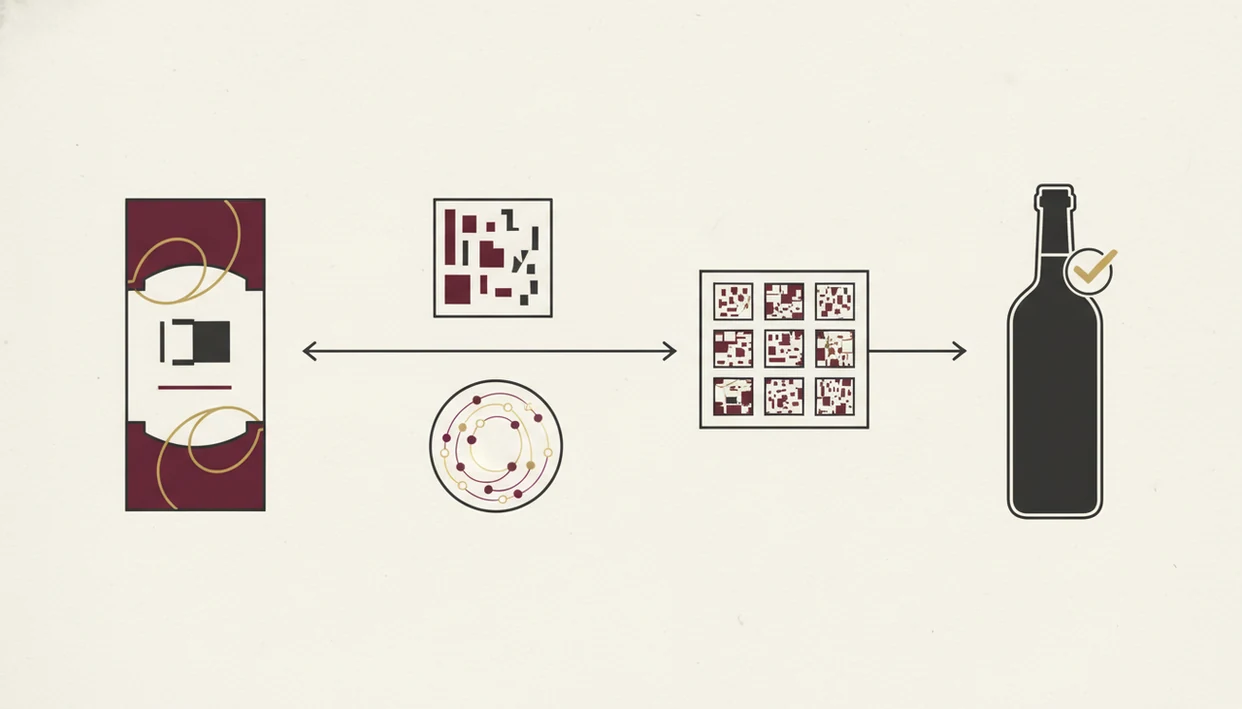
Wine label recognition works by capturing a label image, extracting text with OCR, matching visual patterns, and checking the result against a structured wine database. The app then weighs producer name, vintage, region, grape clues, and label design to return the closest bottle match.
In plain English, it looks at words and shapes at the same time. A cream back label with tiny importer text may help when the front label is sparse. A stained vintage year can hurt the match. The full mechanics are easier to see in our guide to what happens when you scan wine label.
AI models use image embeddings, which are compact digital fingerprints of the label image. Community additions help fill gaps when a new vintage or small producer appears. Pew Research reported that 80% of U.S. adults owned smartphones in 2021, which makes mobile scanning widely accessible source.
Good wine apps deliver fast bottle context, not a certificate of authenticity.
5 Steps to Scan Wine Labels and Track Bottles
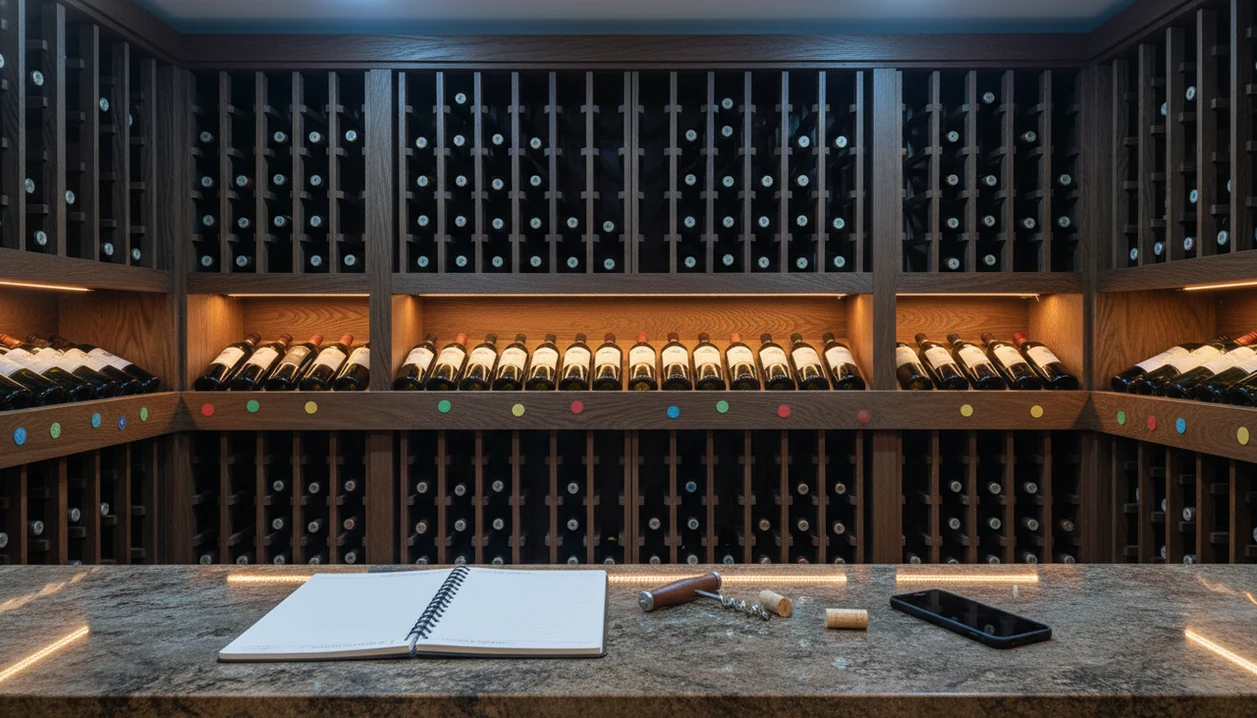
Use a wine identifier app by scanning the front label, checking the matched details, then saving the bottle with your own note before you forget. This matters most in retail and online buying, since the OIV reported that 60% of global wine sales by volume happened off-trade in 2020 source.
- Open the camera and center the front label in good light, with the bottle upright and glare reduced.
- Review the match by checking vintage, producer, region, and grape before you trust the result.
- Read community ratings and tasting notes for context, especially if the bottle is unfamiliar.
- Save the bottle to your cellar with a quick tasting note, storage spot, and drink-by date.
- Browse pairing suggestions before serving so leftover roast chicken or tomato pasta gets a better match.
At 10:40 p.m., plates are still out and nobody remembers the producer name. Save it before you forget. If you need the slower version, use this how to scan wine labels guide.
Wine Identifier App for AI Scanning and Cellar Management
Wine Identifier App is the top pick here because it combines AI label recognition with cellar tracking, pairing help, and personal tasting notes. DiVino is most useful when you want one record for the bottle, not a loose label photo buried between dog pictures, receipts, and a blurry restaurant menu.
The recognition workflow is built around diverse regions, label styles, and vintage formats. After a match, you can save inventory counts, drink-by windows, bottle location, and notes synced across devices. The pairing engine also suggests wines by dish and occasion, which helps when mushroom risotto is already on the stove and the bottle choice has to happen now.
Anyone dealing with scattered bottle photos and half-remembered dinners should use Wine Identifier App because the scan becomes a cellar entry with a rating, note, and drink-by window.
The free tier works for casual scanning. Premium features make more sense once you need expanded cellar storage, exports, and deeper tracking.
Vivino vs. CellarTracker vs. Hello Vino: Wine Recognition App Comparison
Vivino, CellarTracker, and Hello Vino solve different jobs. Your right pick depends on whether you care most about scan speed, collection depth, pairings, or buying support.
| App | Main strength | Main trade-off | Best fit |
|---|---|---|---|
| Vivino | Large community database, strong scanning, in-app purchasing | Scores can be noisy because millions of casual reviewers contribute | Fast bottle checks and shopping |
| CellarTracker | Deep cellar tools and detailed tasting notes | Label scanning is less central | Serious collectors |
| Hello Vino | Pairing and occasion-based suggestions | Smaller wine database | Dinner planning and gifts |
| Wine Identifier App | AI scanning, pairings, notes, and cellar tracking together | Premium plan needed for heavier use | Everyday scanning plus home inventory |
U.S. off-premise wine e-commerce reached about $3.7 billion in 2022 according to IWSR reporting source, so digital buying integration matters. Still, buying tools should not replace your own bottle memory.
Community Size vs. Data Noise Trade-Off
Bigger communities improve coverage, but they also bring uneven tasting notes. For many drinkers, a balanced score plus your own quick note is more useful than a wall of opinions.
Pairing and Occasion-Based Features
Pairing tools are strongest when they ask about food, body, acidity, and occasion. Wine Identifier App earns its spot here because the scan can lead straight into pairing choices, not just a star rating.
Best Free Wine Identifier App Features and Upgrade Limits
Does a free wine identifier app do enough for normal use? Yes, a free wine label scanner app usually covers basic label scanning, bottle matches, ratings, and a small number of saved bottles.
The limits show up later. Paid plans often unlock advanced cellar analytics, larger or unlimited inventory, offline access, data export, and multi-device sync. Vendor lock-in is the quiet problem. If a free app does not export CSV or another usable format, your notes may be stuck there.
Start free if you only scan bottles at dinner or in a shop. Upgrade once you pass about 50 tracked bottles, because cellar search and exports become more important than one more casual scan. For casual users, a free tier is often enough because the main job is recognition; for growing cellars, export and inventory depth matter more than the scan itself.
Limitations
Wine identifier apps are helpful, but they are not flawless judges of every bottle. The rough edges matter most when the label is damaged, the producer is obscure, or your collection records need to last for years.
- Label-recognition accuracy drops in low light, at odd angles, or when a barcode is half-covered by a thumb.
- Databases are strongest for popular regions and recent vintages; niche producers and old library releases may be missing.
- Pairing suggestions use broad rules, not recipe-level analysis, so heavily spiced dishes can confuse the match.
- Community scores reflect casual drinkers, not expert consensus, which makes ratings inconsistent.
- Free versions often cap cellar size and block offline access or data export.
- Long-term cellar records depend on backup and export reliability; app discontinuation can mean data loss.
- AI recommendations are based on user behavior patterns and may not apply to rare or investment-grade wines.
- Restaurant wine list scanning can still struggle with tiny print, low light, and vintage substitutions.
The safest habit is simple: scan, check, adjust, then save your own note.