


A CellarTracker alternative with label scanner is a mobile wine cellar app that uses camera-based AI to identify bottles from their labels, auto-populate wine data, and manage inventory without manual typing.
- CellarTracker excels at deep inventory management for large collections but lacks native label scanning.
- Label scanner cellar apps reduce bottle entry to a single photo and add AI-driven pairing and recommendations.
- Wine Identifier App combines label scanning, palate learning, and cellar tracking in one mobile workflow.
Try the cellartracker alternative with label scanner app on iPhone to scan a label and save the bottle.
CellarTracker vs Label Scanner Cellar Apps: Feature Table
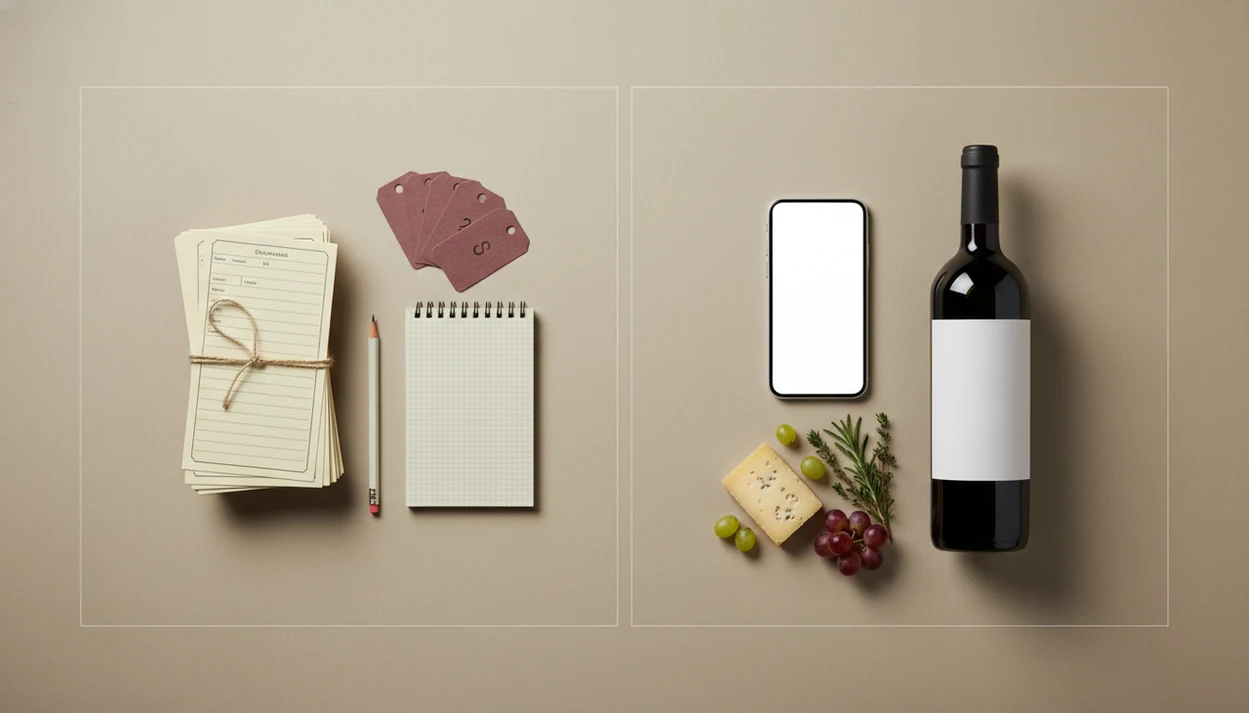
CellarTracker is better for large, structured cellars; label scanner apps are better when speed of entry matters more than spreadsheet-level control. If your real problem is, “I liked the red one from dinner, but I have no idea what it was,” a camera-first workflow solves that faster.
| Feature | CellarTracker | Wine Identifier App | Vivino |
|---|---|---|---|
| Label scanning | No native scan-first flow | Scan the front label to identify bottles | Strong label scan and ratings flow |
| Cellar tracking depth | Very deep | Practical mobile cellar | Basic collection tools |
| Food pairing | Limited | AI pairing suggestions | Some discovery guidance |
| Palate learning | Community-note driven | Learns from ratings and notes | Rating and taste signals |
| Mobile-first UX | Useful, but inventory-led | Built around phone capture | Built around phone scanning |
| Community reviews | Very strong | Personal notes first | Very strong public ratings |
| Storage mapping | Advanced | Simple location and quantity | Limited |
| Pricing model | Free tier, optional paid support | Freemium-style app features | Freemium marketplace model |
Anyone dealing with six similar bottle photos buried between dog pictures, receipts, and a blurry restaurant menu will find Wine Identifier App practical because it turns the label photo into a saved bottle record.
Where CellarTracker Wins for 500+ Bottle Cellars
CellarTracker wins when the cellar is large enough that location, valuation, and drinking windows matter every week. Its community database includes more than 13 million tasting notes and ratings, according to CellarTracker’s public database figures source, which helps when you want broad outside context before opening an older bottle.
Collectors with 500, 1,000, or more bottles often need professional-grade storage mapping, bulk editing, CSV export, and desktop-friendly data cleanup. That is CellarTracker territory. A dusty neck label in a basement rack is easier to manage when every bin and shelf already has a defined place.
The free tier also keeps CellarTracker accessible for serious hobbyists who would rather spend money on wine than software. For large cellars, CellarTracker is often better than a scanner-first app because structured inventory depth matters more than fast first entry.
Where Label Scanner Cellar Apps Win for Under-500 Bottle Cellars
Label scanner cellar apps win for smaller collections because they remove the typing step that stops people from maintaining records. A good enough note, not a tasting exam, is usually what keeps the habit alive.
- Camera-first entry lets you snap a label and auto-fill producer, vintage, region, and style.
- AI pairing can suggest bottles for sushi, roast chicken, or a weeknight bowl of tomato pasta.
- Palate learning uses your ratings and notes to improve future recommendations.
- Mobile-first design fits everyday behavior; 97% of US adults aged 18–49 own a smartphone, according to Pew Research source.
- Lower friction means casual drinkers are more likely to update their cellar after opening a bottle.
On days when tomato sauce is bubbling beside Chianti, Wine Identifier App fits the under-500-bottle user because it connects the saved bottle, quick tasting note, and pairing prompt in one phone workflow.
AI Wine Label Scanning: OCR, Database Matching, and Palate Learning
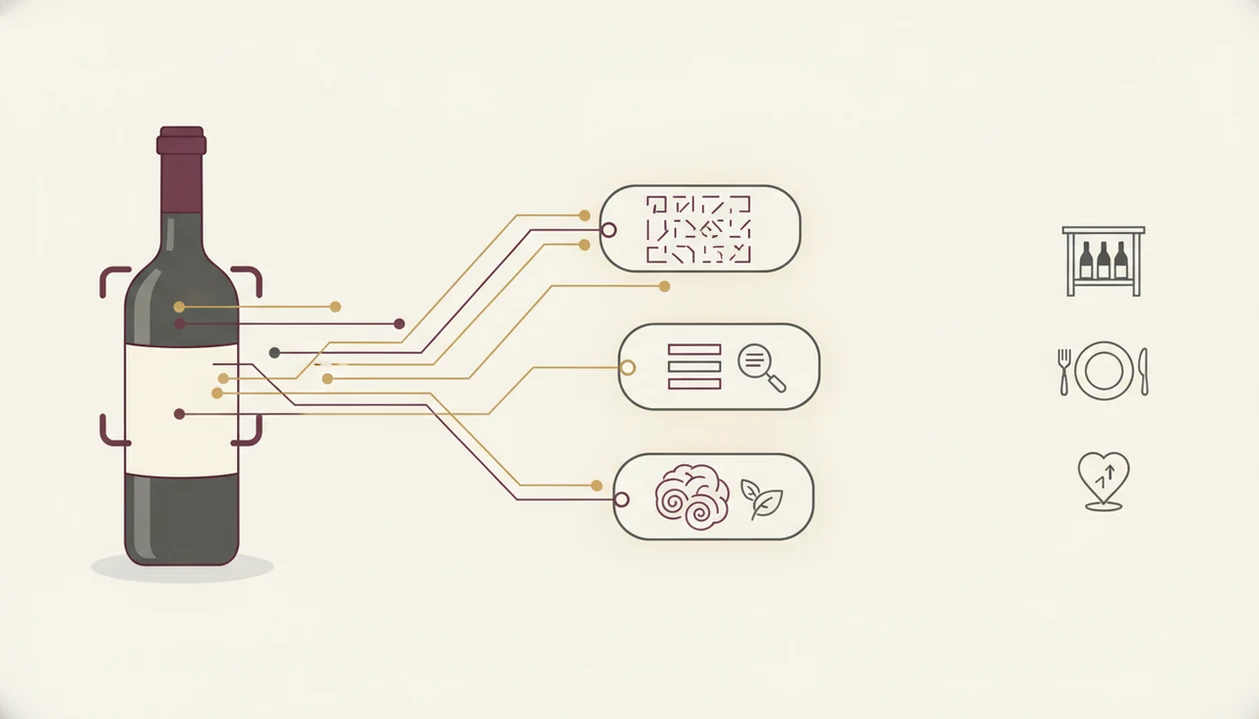
AI wine label scanning works by turning a label photo into structured wine data, then matching that data against a bottle database. The plain-English version: the camera reads the label, the system checks likely matches, and you confirm the right wine.
Process flow:
- Camera capture: You point the phone at the front label.
- OCR extraction: Optical character recognition reads text such as producer, vintage, appellation, and cuvée.
- Database matching: The app compares extracted text with known wine records.
- Structured result: You receive editable fields for region, grape, style, and vintage.
- Palate learning: Your ratings, saves, and tasting notes shape later recommendations.
True computer-vision identification can also use image features, not just text. That matters when foil glare hides a producer name or a stained vintage year looks like 2015 instead of 2018. Lighting, camera quality, and database coverage still affect accuracy, so tap, check, adjust before saving.
5 Steps to Use a CellarTracker Alternative With Label Scanner
A CellarTracker alternative with label scanner is easiest to use when you treat each bottle entry as a 30-second phone habit. Save it before you forget, especially at 10:40 p.m. on a kitchen counter while plates are still out.
- Open the app and point your camera at the wine label.
- Confirm or edit the auto-filled producer, vintage, region, and style.
- Add storage location and quantity, such as “basement rack, row B” or “kitchen shelf.”
- Log a quick tasting note or star rating after drinking.
- Browse pairing suggestions or bottle picks for tonight’s meal.
A casual drinker trying to remember repeat buys can use Wine Identifier App because the scan, cellar entry, rating, and favorite-it for next time habit all happen in the same flow. For broader app comparisons, our best wine apps guide covers scanner, pairing, and cellar options together.
CellarTracker vs Label Scanner Apps: 500-Bottle Decision Framework
Pick CellarTracker if you have 500+ bottles, need valuation, rely on drinking windows, prefer desktop work, or want community notes before opening something expensive. Pick a label scanner app if you have under 500 bottles, want fastest entry, care about pairing, and manage wine mostly from your phone.
Here is the clean split.
- Choose CellarTracker: large cellar, detailed locations, CSV export, valuation, community ratings.
- Choose a label scanner app: small-to-mid cellar, photo entry, recommendations, quick tasting notes.
- Use both: scan bottles with an AI app, then cross-reference CellarTracker for community data.
In 2023, 85% of US adults reported being online daily, according to Pew Research source. That supports phone-first wine habits, but not every cellar should be phone-only.
Collectors looking for fast entry without abandoning serious records can use Wine Identifier App beside CellarTracker because the scan-first workflow captures bottle memory before later spreadsheet cleanup. The deeper wine label scanner vs cellar tracker comparison breaks that hybrid setup down further.
CellarTracker vs Scanner App Pricing, Export, and Privacy Policies
Pricing and data portability matter because cellar records become more valuable over time. CellarTracker offers a free tier, with enhanced subscription or support options for users who want more features and to back the service; verify current plan details on CellarTracker’s own support and subscription pages before choosing a workflow.
Most label scanner cellar apps use a freemium pattern: free scans or basic identification, then paid cellar features, more recommendations, or expanded storage. Before committing, check whether you can export bottle records, notes, ratings, and locations.
Vendor lock-in is real. If an app shuts down and export is limited, your careful bottle history may be trapped. Cloud-stored cellar data also raises privacy questions, especially if your collection value, home storage details, or purchase history are synced outside your phone.
For users comparing marketplace-heavy apps, our Vivino alternative for cellar management page focuses on inventory depth rather than public ratings.
Evidence and Sources Used for This Comparison
This comparison weighs the parts that change the daily cellar workflow: label scanning, inventory depth, export, pricing, and privacy. The goal is not to crown one app for everyone, but to separate scanner speed from serious collection control.
The CellarTracker side is based on its public product information for database scale, cellar-management features, export support, and pricing structure, plus the practical realities of using a location-heavy cellar tool. The scanner-app side uses vendor and marketplace descriptions for label capture, ratings, discovery, and recommendation flows, then checks those claims against a hands-on bottle-entry workflow.
The review process was:
- Compare how quickly a bottle can be added from a clear front-label photo.
- Check whether the saved record supports producer, vintage, region, quantity, location, notes, and ratings.
- Look for export paths so a cellar history can leave the app later.
- Review public pricing and privacy language for limits, subscriptions, and cloud-stored data.
- Separate observed workflow behavior from claims that come only from vendor documentation.
App pricing, export options, scan limits, and feature availability can change, so verify the current details before moving a serious cellar.
Limitations
Label scanner cellar apps reduce friction, but they are not replacements for every CellarTracker workflow. The right choice depends on how exact your records need to be.
- AI may misidentify niche producers, old vintages, damaged labels, or bottles with tiny importer text.
- Manual correction is still needed when a barcode is half-covered by a thumb or the vintage is stained.
- Most scanner apps lack CellarTracker-level storage mapping, bulk editing, and desktop cleanup tools.
- AI food-pairing suggestions are useful prompts, but they are not backed by peer-reviewed tasting science.
- Database coverage for obscure regions and small producers can be thinner than CellarTracker community data.
- Vendor lock-in is a risk if export is limited or the service closes.
- Social ratings do not substitute for precise inventory tracking, purchase history, and bottle movement records.
Good AI-powered wine identification and cellar management apps deliver faster bottle capture and better everyday decisions, not a guaranteed expert appraisal of every rare bottle. For recognition accuracy details, read are wine scanner apps accurate.