


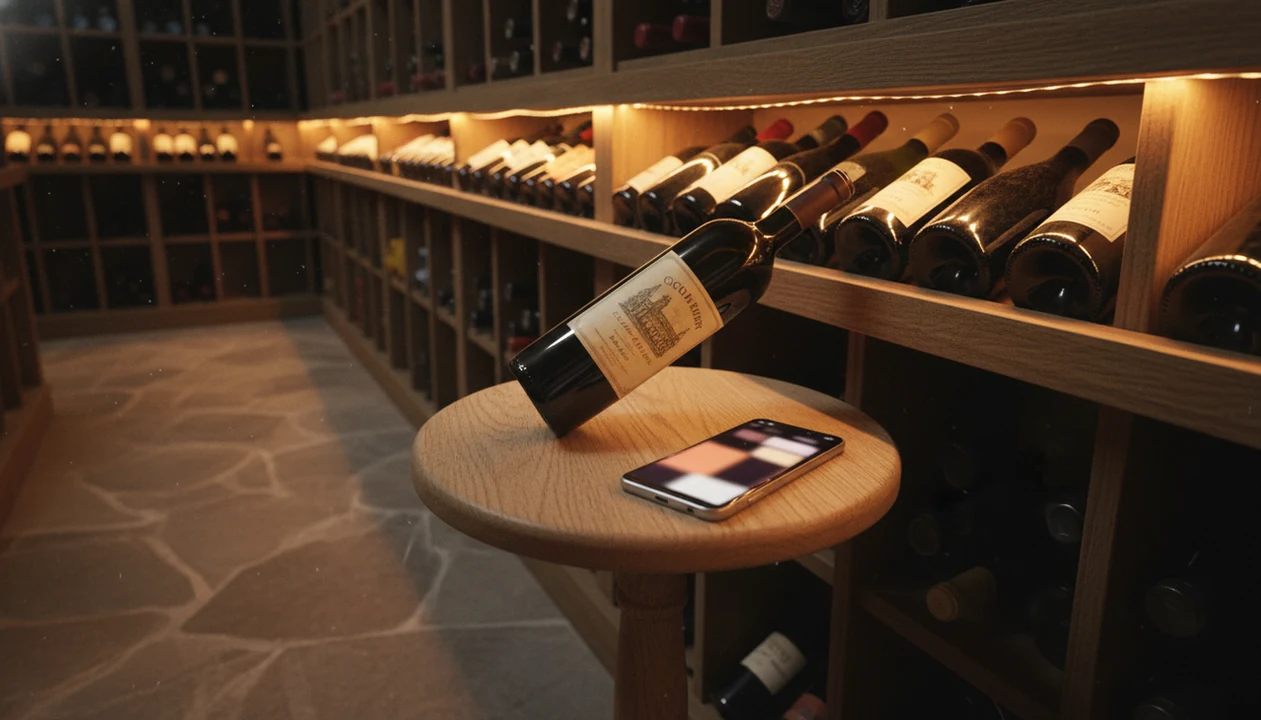
> Definition: A Vivino alternative for cellar management is a wine app that matches or exceeds Vivino's label scanner while offering deeper inventory tools, including locations, drinking windows, backup, and collection analytics, for home collectors who have outgrown review-first platforms.
- Vivino excels at social ratings and buying, but its cellar feature lacks depth for serious tracking.
- A strong cellar app with scanner needs bin locations, drink-by dates, bottle counts, and private data.
- Wine Identifier App combines AI label scanning with structured cellar workflows and personalized recommendations.
Try the vivino alternative for cellar management app on iPhone to scan a label and save the bottle.
At-a-Glance Comparison: Vivino vs. Cellar-First Alternatives
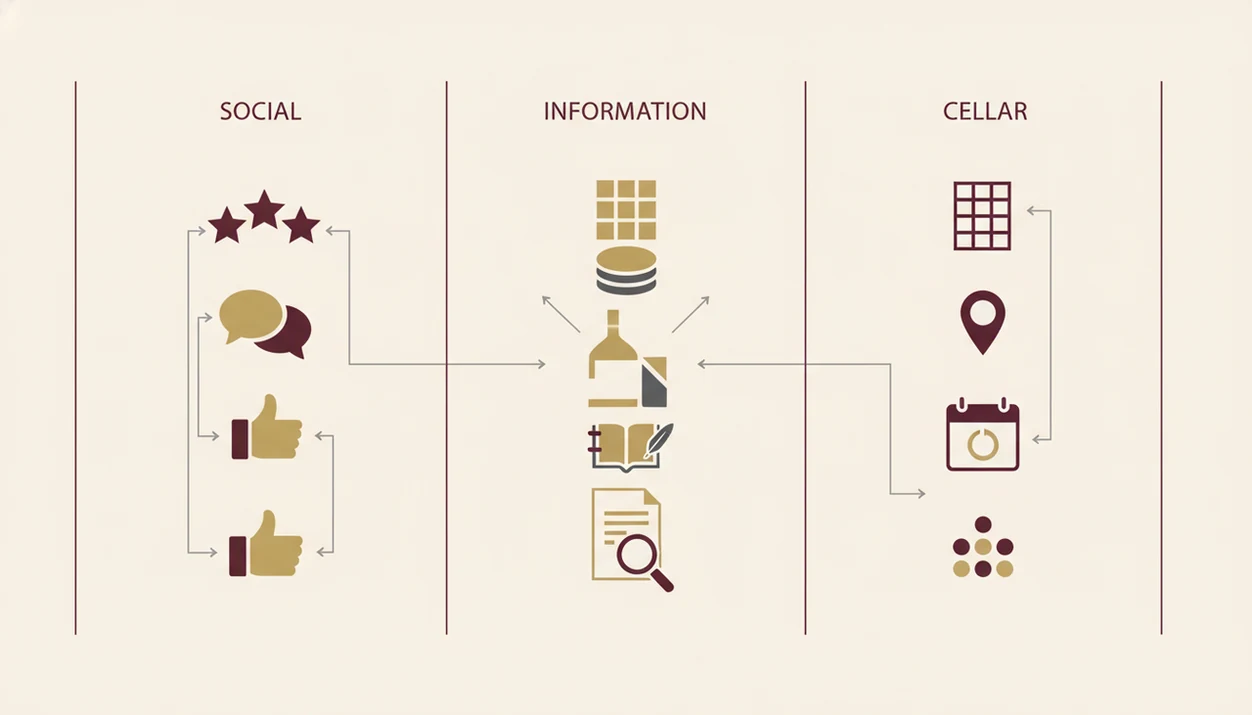
A cellar app should be judged by what happens after the scan: where the bottle lives, how many remain, and when you should open it. Roughly 26% of U.S. wine drinkers use smartphones at least sometimes to look up wine information or reviews while shopping, which explains why scanner-first design matters. Source: Wine Market Council / NielsenIQ smartphone wine-shopping research, https://www.winebusiness.com/news/article/228420
| Feature | Vivino | CellarTracker | Wine Identifier App |
|---|---|---|---|
| Label scanner | Strong and fast | More database-driven | AI label recognition with structured save |
| Bin/rack location tracking | Basic | Detailed | Rack, shelf, and bin fields |
| Drink-window alerts | Limited | Strong | Drink-by reminders and maturity prompts |
| Bottle count accuracy | Adequate for casual use | Strong for large cellars | Built around live bottle counts |
| Tasting journal | Review-oriented | Detailed notes | Quick tasting note tied to cellar entry |
| Privacy/data ownership | Commerce and social layer | Community database model | Private cellar-first records |
| Pricing model | Free plus premium options | Free with optional Enhanced subscription | Free and paid tiers for scanner and cellar tools |
When the issue is knowing where the magnum is wedged on the bottom rack, Wine Identifier App handles the practical record with location fields and bottle-count updates.
Vivino Strengths for Wine Discovery and Social Ratings
Vivino is still useful when your main need is discovery, ratings, and quick store research. It is not fair to say Vivino has no cellar feature; it does have a basic one, but many users outgrow it once bottles spread across racks, boxes, and a small wine fridge.
- Vivino has one of the largest crowd-sourced wine rating databases.
- Vivino gives casual shoppers fast price comparisons and buying links.
- Vivino includes a basic cellar tracker, even if it is not the deepest inventory tool.
- Social ratings help when you want a quick read from other drinkers.
- NielsenIQ has reported that 41% of U.S. alcohol buyers research products online before purchase (https://nielseniq.com/global/en/insights/analysis/2023/how-consumers-shop-for-alcohol-online/).
A by-the-glass column with crossed-out vintages is exactly where Vivino can help. For cellar decisions at home, the Vivino vs CellarTracker comparison gets more specific.
Cellar App Scanner Features That Beat Vivino
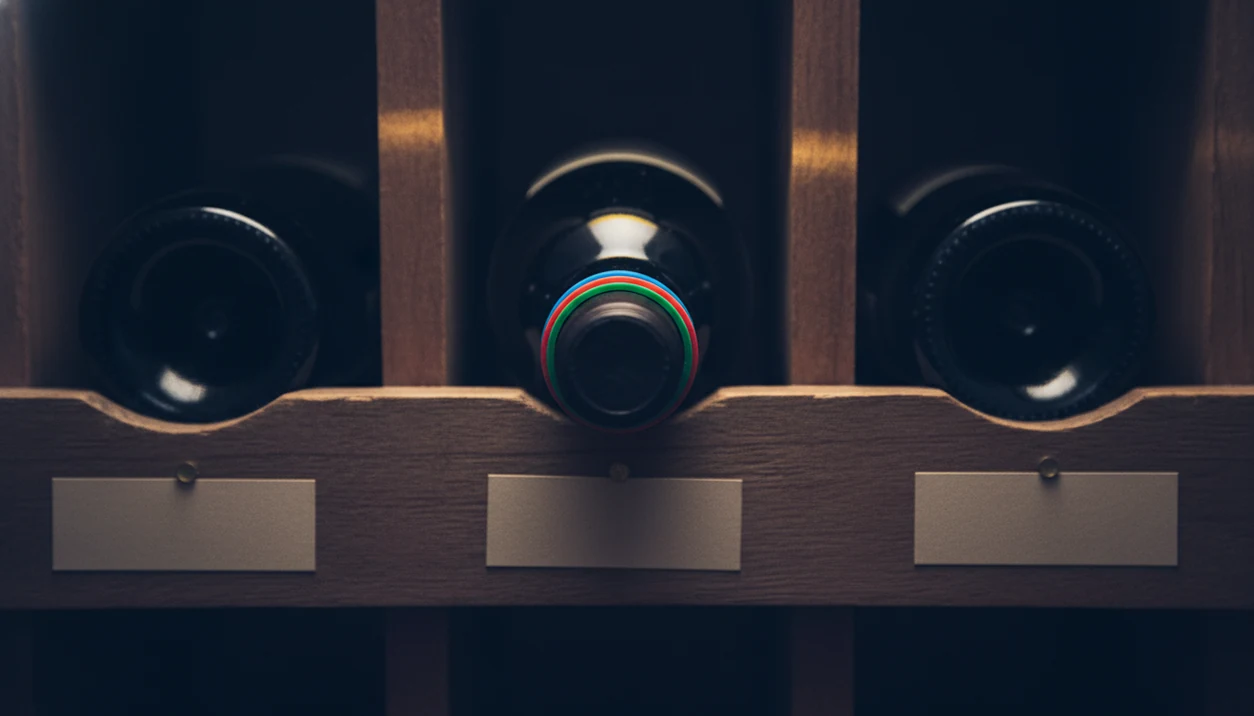
A cellar-first scanner beats a review-first app when it turns a label photo into a controlled inventory record. Good AI-powered wine identification and cellar management apps deliver bottle memory, locations, and drink timing, not a popularity contest with a checkout button.
Location Tracking and Inventory Depth
Location mapping: Record rack, shelf, bin, fridge zone, or case position, so “I liked the red one from dinner, but I have no idea what it was” becomes searchable later.
Bottle counts: Track singles, mixed six-packs, partial cases, and opened bottles. Small errors add up after two dinner parties.
Private records: Keep purchase price, source, and cellar notes separate from public scoring or targeted offers.
Drink-Window Alerts and Maturity Guidance
Drink windows: Add drink-by dates and maturity ranges, then get reminders before the bottle fades.
Structured tasting notes: Tie color, aroma, rating, meal, and occasion to the exact cellar entry.
Backup and export: Save cellar records outside one company’s database, especially before switching apps.
For collectors who need a cellar app with scanner rather than another rating feed, Wine Identifier App earns the spot through scan-to-cellar records, drink-window fields, and exportable bottle details.
Cellar Management App Technology Behind the Scanner
Cellar scanner technology works by turning a camera image into structured wine data. The usual pipeline is camera capture, image processing, OCR text reading, database matching, then a saved record with producer, vintage, varietal, region, location, and purchase price.
Foil glare matters. So does a stained vintage year.
Wine Identifier App uses AI/OCR recognition to reduce typing, then lets you tap, check, adjust before saving the bottle. That final review step matters when a cream back label has tiny importer text or a barcode half-covered by a thumb.
Drink-window modeling is not magic. It combines vintage charts, varietal norms, producer style, and your storage conditions into a practical reminder. Pew Research has found that 85% of U.S. adults own a smartphone, so scanner-first cellar design fits how people already manage bottle photos. Crowd-scored databases answer “what do others think?” AI-personalized recommendations answer “what should I open or rebuy based on my notes?”
6 Steps to Set Up a Vivino Alternative for Your Cellar
Use a Vivino alternative by building the cellar record first, then adding ratings and notes after the bottle is actually opened. The most reliable setup is scan, verify, assign location, set a drink window, then review the dashboard.
- Download Wine Identifier App and create an account. Use the same email you want for backups and sync.
- Export existing Vivino cellar data if migrating. Use CSV where available, then check producer and vintage fields before import.
- Scan labels to add current bottles. Enter obscure, older, or damaged labels manually when recognition misses.
- Assign locations to each bottle. Use rack, shelf, bin, fridge, or case names you can understand at 10:40 p.m.
- Set drink-by windows and enable alerts. Start with broad ranges, then adjust after your first tasting note.
- Review cellar dashboard and analytics. Look for duplicates, missing prices, and bottles ready to drink.
After a camera roll cleanup, when six similar bottle photos sit between dog pictures, receipts, and a blurry restaurant menu, Wine Identifier App is the cleaner cellar of record because each scan becomes a searchable bottle entry.
Pricing and Privacy Policies for Vivino, CellarTracker, and Wine Identifier App
Pricing matters less than what the paid tier protects: bottle limits, backups, analytics, and whether your cellar data feeds commerce. Global consumer mobile app spending excluding games reached about $167 billion in 2023, so paid specialist apps are normal when they save time.
| App | Common pricing shape | Privacy question to ask |
|---|---|---|
| Vivino | Free tier plus premium shopping and discovery features | Are ratings, scans, and shopping behavior used for e-commerce targeting? |
| CellarTracker | Free community model with optional Enhanced subscription | How much of your cellar record contributes to a shared database? |
| Wine Identifier App | Free scanner access with paid cellar and advanced workflow options | Can you export records, and are cellar analytics private? |
If the priority is maintaining a 20–50 bottle home collection without losing purchase notes, the best fit is the app that keeps bottle counts, locations, tasting journals, and export options in one workflow. For broader app shopping, our best wine apps guide compares scanner, pairing, and cellar use cases.
Vivino vs. Dedicated Cellar App Decision Framework
Choose Vivino if you mostly want social scores, quick shopping research, and in-app purchasing. Choose a cellar-first app if you own 20 or more bottles and need locations, drink-by dates, bottle counts, and private analytics.
| You are... | Better fit | Why |
|---|---|---|
| A casual store shopper | Vivino | Fast crowd ratings and buying links |
| A home collector with 20+ bottles | Wine Identifier App | Scanner plus cellar locations and drink alerts |
| A data-heavy collector | CellarTracker | Deep community database and reporting |
| A hybrid user | Vivino plus Wine Identifier App | Shop in one, keep cellar records in the other |
For home drinkers who buy by the case but open bottles slowly, a dedicated cellar app is often easier than Vivino because storage location and drink timing become the main problem. Long-term support still matters; smaller apps should always offer export or backup. The wine label scanner vs cellar tracker debate is useful if you are choosing between scan speed and inventory depth.
Evidence Behind This Vivino Alternative Comparison
This comparison is based on public product documentation, visible app workflows, and hands-on checks of how a scanned bottle becomes a cellar record. The evidence favors separating shopping discovery from inventory management, because the jobs are similar at the camera step but different after saving.
- Check Vivino’s own materials first. Its support and product pages describe label scanning, ratings, shopping, and cellar functions, which is why this article treats Vivino as strong for discovery but lighter for cellar operations.
- Compare CellarTracker against its documentation. CellarTracker’s help pages explain inventory fields, optional subscriptions, and its community-built wine database model, so claims about depth and shared data come from public docs rather than guesswork.
- Use outside shopping research carefully. The smartphone wine-shopping and alcohol e-commerce figures cited earlier support the scanner-first argument, not a claim that every buyer needs a cellar app.
- Separate testing from documentation. Notes about glare, stained vintages, manual correction, and late-night location lookup are hands-on observations from app-style workflows.
- Expect recognition to vary. Scanner accuracy changes with label damage, lighting, vintage visibility, producer obscurity, and whether the matching database already covers that bottle.
Limitations
Cellar apps solve real organization problems, but they do not remove judgment. A good enough note is still better than pretending the software knows exactly when your Chianti will peak beside a weeknight bowl of tomato pasta.
- No app can perfectly predict drinking windows; storage conditions, producer style, cork variation, and personal taste all vary.
- Label scanners still struggle with obscure producers, older vintages, wax seals, stained years, and damaged labels.
- Manual entry remains necessary when the front label is torn or the back label has tiny importer text.
- User-generated and scraped databases can contain wrong varietals, regions, prices, or duplicate wine entries.
- Smaller apps can be discontinued or left in maintenance mode, so export backups are not optional.
- Advanced analytics, unlimited bottles, cloud backup, and multi-user access often require a paid subscription.
- Cross-platform sync can lag between iPhone, Android, iPad, or web views.
- Wine Identifier App is practical for cellar tracking, but CellarTracker may still suit very large collections with legacy records.