
Benefits Of Scanning Wine Labels Before You Buy


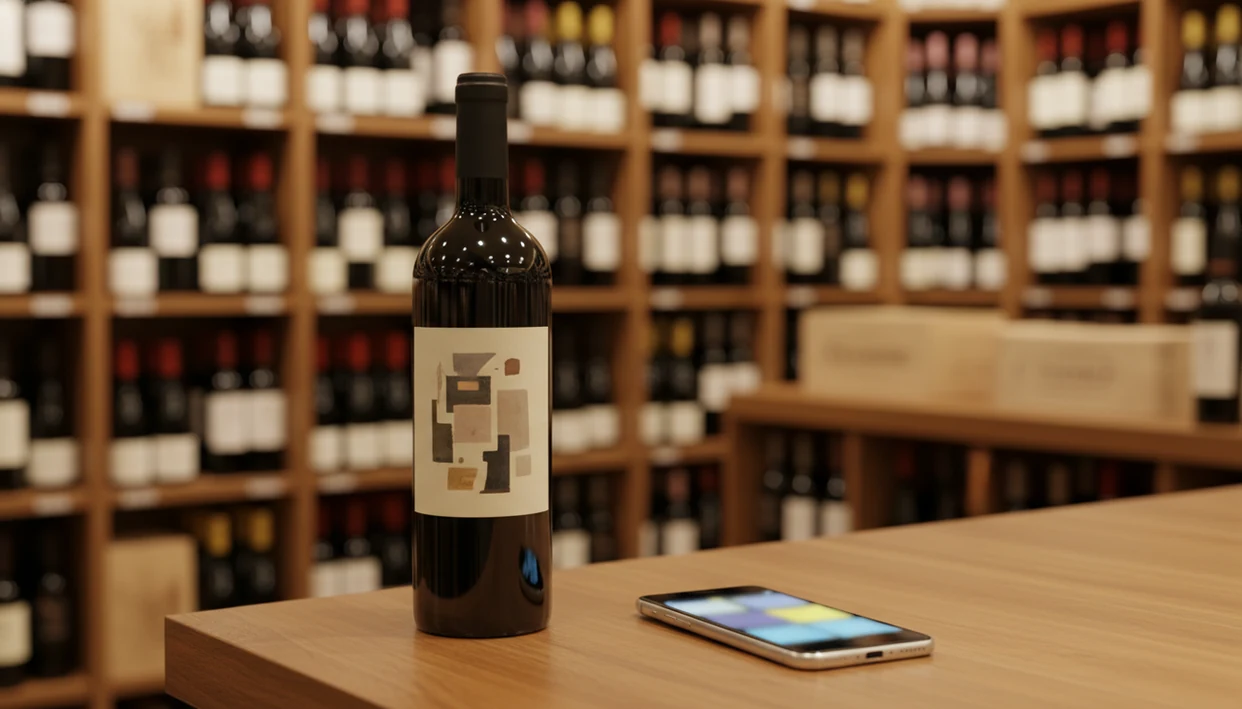
The benefits of scanning wine labels include instant wine identification, real-time price context, personalized food pairings, and automatic cellar tracking, all from a single photo taken with your phone. Instead of guessing in the store or at a restaurant, a quick scan gives you tasting notes, ratings, and style details so you buy with confidence.
> Scanning wine labels means using a phone camera and an AI wine app to instantly identify a bottle's producer, grape, region, and vintage, then surface tasting notes, food pairings, ratings, and price context in seconds.
- A single scan reveals producer, grape, region, vintage, ratings, and typical price range instantly.
- Every scan saves to a digital wine diary so you remember favorites and avoid repeat disappointments.
- AI-powered pairing suggestions and style profiles turn label scanning into a practical buying and dining tool.
Try the benefits of scanning wine labels app on iPhone to scan a label and save the bottle.
What Scanning Wine Labels Means for Everyday Buyers
Scanning wine labels means pointing your phone camera at a bottle and letting an AI wine app look up the producer, grape, region, vintage, and style details. It replaces the old routine of memorizing a name, asking a busy store clerk, or buying the label that looks familiar.
That matters because wine shopping is already phone-shaped. In a 2021 Harris Poll, 73% of U.S. wine drinkers said they used smartphones while shopping for alcohol, including checking reviews and product details source. U.S. adults also drank about 2.9 gallons of wine per capita in 2021, according to Wine Institute consumption data source, so this is not a tiny collector habit.
I see the need most at 10:40 p.m., with plates still on the kitchen counter, when someone says, “I liked the red one from dinner, but I have no idea what it was.”
Five Key Benefits of Scanning Wine Labels
- Instant identification: A scan can show the producer, grape, region, and vintage without typing the tiny text from a cream back label. If the grape is unfamiliar, a wine grape varieties guide helps translate it into plain-English taste clues.
- Price context: Wine scanner benefits include seeing whether a shelf price looks typical, high, or unusually good. Treat it as a range, not a cashier receipt.
- Food pairing help: Style data, such as body, acidity, and tannin, can point you toward salmon, pizza, goat cheese, or a weeknight bowl of tomato pasta.
- Digital memory: Every scan can become a wine diary entry, so six similar bottle photos do not stay buried between dog pictures, receipts, and a blurry restaurant menu.
- Improving recommendations: As you save ratings and quick tasting notes, the app gets better at suggesting bottles that match your actual habits.
For everyday buyers, scanning is often easier than relying on memory because the bottle details are captured before the name disappears.
How Wine Label Scanning Technology Works
Wine label scanning works by turning a label photo into searchable wine data. The camera captures the front label, then OCR reads printed words and image recognition checks visual cues like layout, crest, color block, and vintage placement.
Next, the app matches those clues against a wine database. The result usually includes producer, region, grape, vintage, tasting notes, ratings, price ranges, and pairing suggestions. If a stained vintage year or foil glare confuses the scan, a second photo often fixes it.
The technical layer uses image embeddings, which are numeric fingerprints of the label image. In plain terms, the app compares “what this label looks like” against bottles it already knows. A 2022 McKinsey report found that 71% of consumers expect personalized interactions source, and repeated scans give wine apps the preference data needed to personalize results.
Good AI-powered wine identification and cellar management apps deliver faster bottle recall and better context, not a guarantee that every wine will match your taste.
Before You Scan a Wine Label
Before you scan a wine label, give the app a clean, readable view of the bottle and make sure you know what you want from the result. A few seconds of setup can be the difference between an exact match and a useless “not recognized” screen.
- Wipe the front label if the bottle is cold, dusty, or covered in fingerprints. Condensation on glass can blur the producer name just enough to confuse the camera.
- Move the bottle into steady light near a window, lamp, or shop aisle light, but avoid hard glare from the glass or foil.
- Keep the producer and vintage visible in the frame, especially if the label design is minimal or the wine has several similar bottlings.
- Check your connection before relying on the scan, because most apps need internet access to search their wine database.
- Decide what help you need before tapping through results: price context, dinner pairing, cellar tracking, or just a memory note for later.
That small pause makes the scan more useful than a quick bottle snapshot.
How to Scan Wine Labels with a Wine Identifier App
Use a wine label scanner when the bottle is in front of you and you still have enough context to make the note useful. Tools like Wine Identifier App, Vivino, Delectable, and CellarTracker can help you identify, compare, and save bottles from the phone in your hand.
In Wine Identifier App, the most useful scan is not just the match result; it is the saved bottle record with your rating, food context, and price note attached. DiVino works best when you treat each scan as a memory aid, not just a one-time lookup.
- Open the Wine Identifier App and point the camera at the front label.
- Hold steady until the AI identifies the bottle, producer, vintage, grape, and region.
- Review tasting notes, ratings, and typical price range before you buy or pour.
- Check suggested food pairings against your planned meal, like roast chicken or supermarket goat cheese.
- Save the scan to your digital cellar or wine diary before the bottle goes into the recycling.
Save it before you forget.
Wine Scanner Benefits for Cellar Management
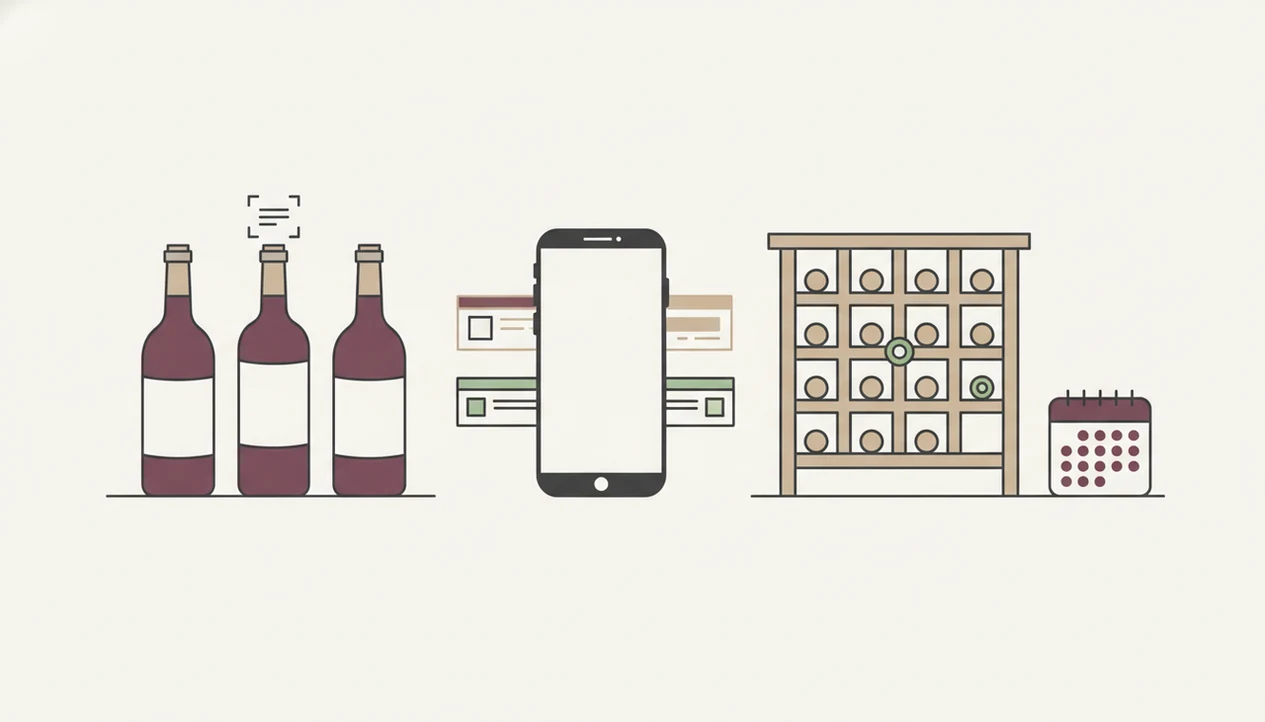
Wine scanner benefits get stronger after the first scan because each saved bottle adds structured cellar data. A scan can record vintage, closure type, region, style, bottle count, price paid, and your own rating.
That turns a loose basement rack into an inventory. Instead of reading dusty neck labels one by one, you can check what you own, what should be opened soon, and what you should not buy again. Drinking-window tools can help here, especially when paired with a drinking window calculator.
The quiet win is personal history. If you disliked a thin Pinot at Thanksgiving, save that. If a Côtes du Rhône worked with leftover roast chicken, favorite-it for next time. Over months, those small notes become a preference dataset that improves recommendations more than one-off scores ever could.
A good enough note beats a tasting exam.
Why Scan Wine Labels at Restaurants and Shops
Why scan wine labels at restaurants and shops? Because the moment is usually rushed, public, and full of wines you don’t recognize.
In a shop, shelf scanning helps compare bottles side by side when every label says “estate,” “reserve,” or “old vines.” At dinner, some apps can scan a full wine list, then sort options by style, price, dish, and rating. That is useful when the server is waiting with corkscrew in hand and the price column suddenly has everyone raising eyebrows.
A 2019 NielsenIQ analysis found that 55% of global consumers are more likely to buy in-store when they can access extra digital information, such as reviews or detailed descriptions source. Wine is a natural fit for that behavior.
For restaurant lists, scanning usually works best when it narrows choices by budget and food, while staff advice fits moments where service, storage, and vintage nuance matter.
Common Mistakes When Using a Wine Label Scanner
The most common wine label scanner mistakes are small camera habits and big assumptions. Poor lighting, a steep angle, condensation on chilled glass, or a thumb over the barcode can all reduce recognition accuracy.
Price is another trap. The number shown in an app is usually a typical range or merchant sample, not the exact current shelf price. I still check the tag before deciding whether a bottle is a value.
Do not assume an unrecognized wine is bad. It may be a small producer, a new release, or a regional bottling with limited database coverage. Also, don’t let scores make every decision. A simple “too oaky for me” note is often more useful than a crowd rating.
The last mistake is skipping save. If you scan and walk away, you lose the bottle memory. Tap, check, adjust, then save.
Limitations
Wine label scanning is useful, but it cannot do everything a careful buyer or wine professional can do.
- Rare, very new, or obscure wines may not appear in the app database yet.
- Damaged, dirty, wet, or heavily stylized labels can reduce scan accuracy.
- Food-pairing suggestions are algorithmic guidance, not fixed rules for taste.
- Quality scores summarize other data; they do not predict your personal reaction every time.
- Scanning cannot detect heat damage, cork taint, oxidation, seepage, or poor storage.
- Price data may lag behind current retail pricing or cover only certain merchants.
- Over-reliance on scores can make you less curious about grapes, regions, and producers.
- Bulk menu scanning may miss line breaks, vintage changes, or handwritten substitutions.
When a scan raises a region question, a wine regions and appellations guide can add useful context. The app gives you a shortcut, but your own note after tasting is still the record that matters.
FAQ
Are wine label scanners accurate?
Wine label scanners are usually accurate for common wines when the photo is clear and the database is deep. Accuracy drops with damaged labels, rare bottles, poor lighting, or unusual label designs.
Do wine scanners work offline?
Most wine scanner apps need an internet connection to query a bottle database and return ratings, prices, and pairings. Some may save photos offline for later lookup.
Can I scan a restaurant wine list?
Yes, some apps can scan full restaurant wine lists or menus, not just individual bottle labels. Results depend on print clarity, lighting, and whether vintages are listed.
Is scanning wine labels free?
Many apps offer free label scans with limited results. Full pairing tools, cellar tracking, advanced recommendations, or price features may require a paid plan.
What if a wine isn't recognized?
An unrecognized wine is not automatically low quality. It may be a small producer, a new release, or a bottle from a region with limited database coverage.
Does scanning replace a sommelier?
No, scanning provides data but cannot taste the wine, inspect bottle condition, or account for every service detail. A sommelier can add human judgment that an app cannot.
Can I track my cellar by scanning?
Yes, apps such as Wine Identifier App can add scanned bottles to a digital cellar with vintage, region, count, and style metadata. Some tools also support drink-window reminders.
Do scans suggest food pairings?
Yes, most AI wine apps return food pairing suggestions with tasting notes and style profiles after a scan. DiVino can help connect a saved bottle to meals you actually cook.