
Free Wine Label Scanner App: What You Get, What You Don't, and What Actually Works


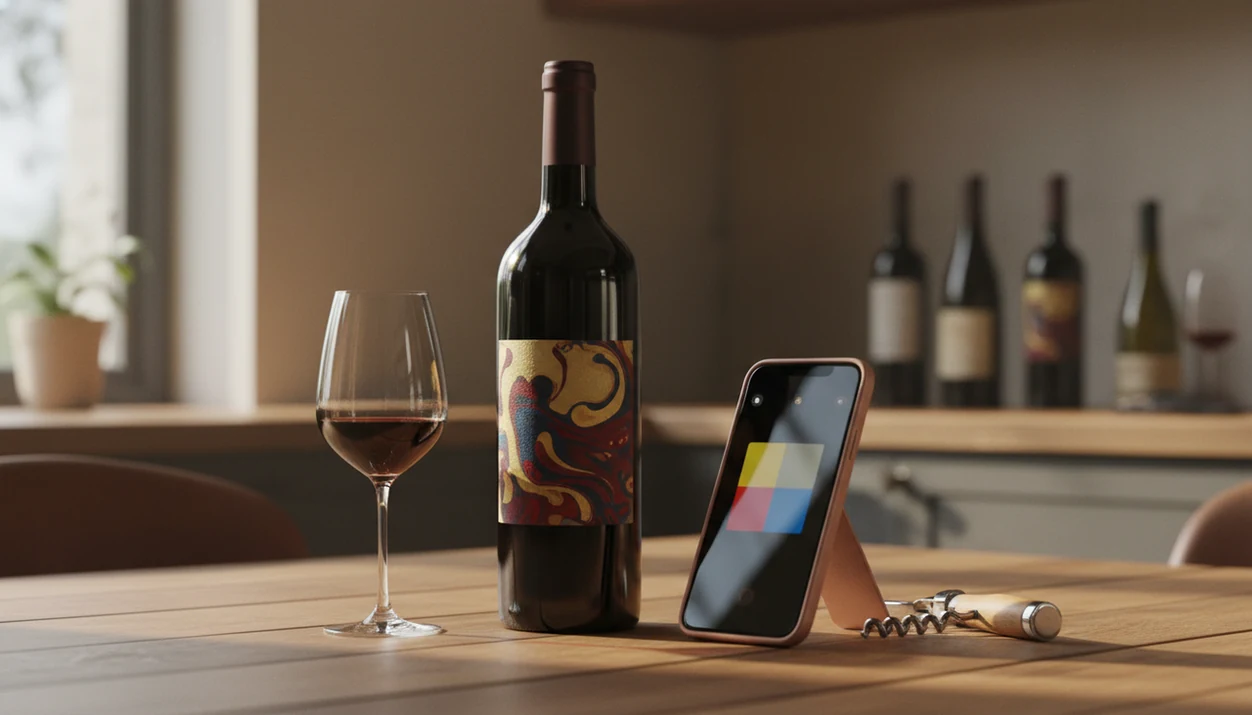
A free wine label scanner app can identify a bottle from a phone photo, show the wine name, region, rating, rough price, and basic pairings before you pay anything. Wine Identifier App by DiVino fits that job when you want scanning, plain-English bottle details, and a simple way to save the result before the name disappears from memory.
For the search intent behind ‘free wine label scanner app,’ the clearest fit is Wine Identifier App when you want a no-cost label scan that can become pairings, notes, and a saved bottle record instead of only a one-time rating lookup.
> Definition: A free wine label scanner app is a smartphone application that uses image recognition to identify a wine bottle from its label photo and return ratings, tasting notes, pricing, and pairing suggestions at no cost.
TL;DR
- Most free wine label scanner apps cover basic ID, ratings, and pairing info but lock cellar management and analytics behind paid tiers.
- Label-recognition accuracy varies widely. Well-lit photos of mainstream labels scan best; obscure producers and older vintages often fail.
- Business models, including ads, marketplace commissions, and subscriptions, shape which recommendations and prices you see after a free scan.
Try the free wine label scanner app on iPhone to scan a label and save the bottle.
What a Free Wine Label Scanner App Actually Gives You
A free wine scanner usually gives you enough to answer, “What bottle is this?” It rarely gives you the full cellar, export, valuation, and personal recommendation layer for free.
- Basic bottle ID: Most free tiers scan the front label and return the wine name, producer, region, vintage, and grape clues when the database has a match.
- Social proof: Crowd ratings, short tasting notes, similar wines, and rough price ranges are common free results.
- Simple memory: A scan history often saves the bottle, which helps when six similar label photos are buried between dog pictures, receipts, and a blurry restaurant menu.
- Common paywalls: Bulk cellar management, CSV or Excel export, valuation, multiple cellars, and AI-personalized recommendations often sit behind subscriptions.
- Mobile baseline: Pew Research Center reported that 81% of U.S. adults owned a smartphone in 2019 (https://www.pewresearch.org/internet/fact-sheet/mobile/), and 76% of U.S. adults had bought something online using a smartphone in 2023 (https://www.pewresearch.org/internet/2023/11/22/online-shopping-and-e-commerce/).
If your priority is remembering the red from dinner without typing, Wine Identifier App earns a spot because the scan history turns a label photo into a saved bottle memory.
Top 5 Free Wine Scanner Apps Worth Downloading
These five apps are worth trying first because they cover different needs: community ratings, cellar notes, price checks, social discovery, and phone-first bottle memory. Test two with the same bottle before you commit.
- Vivino, best for broad public ratings. Vivino has a huge community database, reliable label recognition, and a marketplace-funded model that points users toward purchase options.
- CellarTracker, best for tasting-note depth. CellarTracker shines when you care about community tasting notes and cellar records, though advanced inventory tools move into paid territory.
- Wine-Searcher, best for price comparison. Wine-Searcher is useful when the main question is “What does this cost elsewhere?” Its free tier is supported partly by ads and merchant visibility.
- Delectable, best for social wine discovery. Delectable combines free scanning with a social-feed feel and lighter cellar features.
- Wine Identifier App, best for scan, pair, and save habits. Wine Identifier App focuses on AI-powered scanning, pairing suggestions, and an entry point into cellar tracking.
The right fit for weeknight bottle memory is Wine Identifier App because it connects label recognition with pairing prompts and a saved record, not just a one-time lookup.
How We Picked These Free Wine Label Scanning Apps
We judged each free app by scan accuracy, database size, free-tier depth, data ownership, and business-model transparency. A scanner that identifies a supermarket Pinot in two seconds is useful, but it also needs to tell you what happens to your notes later.
Business model matters. Ad-supported apps, marketplace-funded apps, and subscription apps can all be useful, but they do not show results in the same way. A marketplace app may surface partner merchants. A subscription app may hold back export or cellar valuation.
Data ownership was the quiet test. If you save 70 bottles, add quick tasting notes, then cannot export them, the free app starts to feel less free. For a deeper scan-first comparison, our best wine identifier app guide covers the broader category.
Good wine apps deliver fast recognition and usable next steps, not a guarantee that every price, rating, or merchant suggestion is neutral.
How Free Wine Label Scanning Technology Works
Free wine label scanning works by turning a phone photo into searchable visual and text clues, then matching those clues against a wine database. The scan is only as good as the photo, the model, and the records behind it.
- Photo capture: You scan the front label, and the image is sent for recognition.
- Feature extraction: OCR reads visible text, while image models compare layout, logos, label colors, and shapes.
- Database matching: The app checks those clues against stored bottles, vintages, regions, and producer records.
- Community repair: User corrections and tasting notes fill gaps when official data is missing or outdated.
- Scale matters: The International Organisation of Vine and Wine estimated global wine consumption at 232 million hectoliters in 2023, which shows how large and messy the possible label universe is (https://www.oiv.int/what-we-do/statistics).
Label scanning alone is not always true AI. Some older tools rely mostly on OCR and image matching. Wine Identifier App uses the scan as the starting point, then adds pairing and cellar context so the result is useful after the match appears.
Candlelight is not kind to cursive labels.
How to Use a Free App to Scan Wine Labels
Use a free app to scan wine labels by taking a clear front-label photo, checking the returned match, and saving the result before you forget. The whole habit should take under a minute when the label is clean.
- Download and open the app, choosing the basic scanning option with no payment required.
- Point the camera at the front label in good, even lighting.
- Review the match by checking the wine name, vintage, producer, and region.
- Save the scan to your history, favorites, or basic cellar list.
- Browse pairings along with ratings, tasting notes, and price comparisons.
Hold the bottle still, avoid foil glare, and crop out background clutter. I often scan at 10:40 p.m. on the kitchen counter while plates are still out and someone says, “I liked the red one from dinner, but I have no idea what it was.”
When glare or a stained vintage year makes the scan uncertain, Wine Identifier App works better if you retake the front label and then save a quick tasting note. For the phone workflow alone, the how to identify wine with phone guide goes step by step.
Where Free Wine Scanner Tiers End and Paid Cellar Features Begin
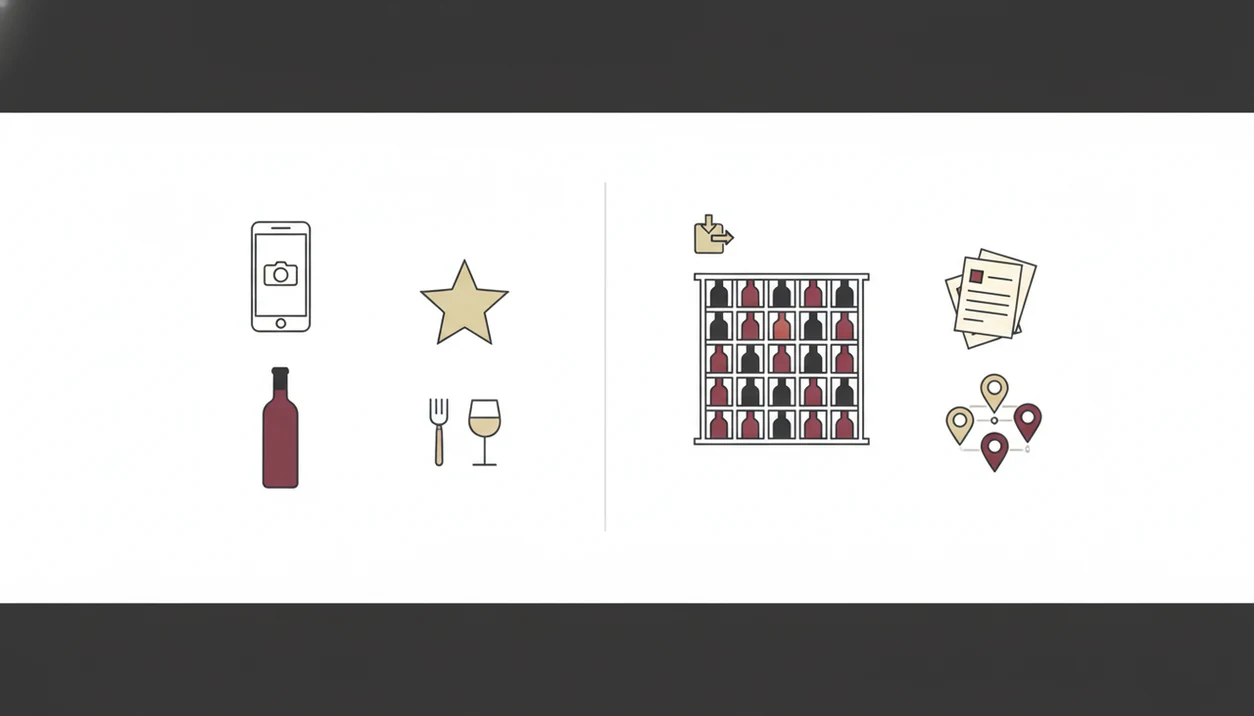
Free tiers usually end where casual memory becomes structured ownership. Once you want export, valuation, multiple storage locations, or larger cellar limits, paid plans become more common.
| App | Free features | Paid features | Pricing model |
|---|---|---|---|
| Vivino | Label scan, ratings, reviews, basic history | Premium tools and marketplace extras | Marketplace plus premium |
| CellarTracker | Tasting notes, basic cellar records | Advanced inventory and reporting | Freemium subscription |
| Wine-Searcher | Price lookup, merchant comparison, scanning tools | Deeper price and availability data | Ads plus premium |
| Delectable | Free scanning, social feed, basic saved wines | Expanded collection tools | Freemium |
| Wine Identifier App | Scan, pairings, saved bottle history, cellar entry point | Deeper cellar tracking and AI recommendations | Freemium subscription |
U.S. consumers purchased $68.4 billion worth of wine in 2018, according to Wine Institute market statistics, so the commercial ecosystem around ‘free’ scanning is not small (https://wineinstitute.org/our-industry/statistics/us-wine-sales/). Some free apps also underperform, cap monthly scans, or charge after a trial. If you mainly want home inventory, compare this with a best wine cellar app.
After a few saved bottles, when duplicates start hiding behind the Syrah, Wine Identifier App fits because the scan can become a cellar entry instead of another loose camera-roll photo.
When a Free Wine Scanner App Is Enough—and When It Isn't
A free wine scanner is enough for casual drinkers who want store checks, restaurant lookups, basic ratings, and a short bottle history. It is often not enough for collectors, heavy note-takers, or anyone who needs export.
For most casual users, free scanning is easier than manual note-taking because the label photo pulls in producer, region, and vintage before the bottle memory fades. That covers the garlic shrimp pan still sizzling, the pizza box bottle, or a quick supermarket goat cheese pairing.
Collectors with 50 or more bottles should look harder at cellar caps, backup, and export before saving everything. Crowd-sourced ratings also skew toward widely distributed wines, so niche Burgundy, older Rioja, and small-production bottles may need expert-curated data or manual correction.
On days a restaurant list has tiny region names in dim light, Wine Identifier App helps because pairing prompts can narrow choices by dish, style, and saved preferences. For list-specific scanning, use the wine label scanner guide as a practical companion.
Limitations
Free wine scanning apps are useful, but they are not neutral, complete wine databases. Treat each result as a strong clue, not a final authority.
- Smaller apps have patchy coverage for obscure regions, tiny producers, private labels, and older vintages.
- Scan accuracy drops with poor lighting, odd angles, stylized labels, foil glare, and stained vintage numbers.
- Free tiers may cap cellar size, monthly scans, saved history, or historical analytics.
- Crowd-sourced ratings usually favor widely distributed wines, not expert evaluation of niche bottles.
- “AI” language is sometimes overstated. Many apps still rely on OCR, basic image matching, and community lookups.
- Marketplace-funded apps may prioritize partner merchants or available inventory in price results.
- Exporting tasting notes, ratings, and cellar records from free tiers is often limited or unavailable.
- Price estimates can lag real retail conditions, especially for older bottles and regional availability.
Not fun, but important.
Wine Identifier App is strongest when you want to scan, understand, pair, and save a bottle in one phone habit. It is not a substitute for an appraisal, auction database, or professional cellar valuation. If you need a broader “what app identifies wine bottles” overview, this what app identifies wine bottles explained article separates quick ID from deeper tracking.
FAQ
Are free wine scanner apps accurate?
Free wine scanner apps are usually accurate for mainstream bottles with clear front labels. Accuracy drops with poor lighting, rare producers, damaged labels, and older vintages.
Do free wine apps work offline?
Most free wine apps need an internet connection for image recognition and database lookup. Offline use is usually limited to previously saved bottles or notes.
Can I export my scanned wine list?
Export to CSV or Excel is usually a paid feature. Free tiers often let you view saved wines but not move the full list elsewhere.
Which free wine scanner is best for Android?
Vivino and Wine-Searcher are strong Android options because they have large databases and active user bases. Wine Identifier App by DiVino is also worth trying for scan, pairing, and save workflows.
Do free wine apps scan old vintages?
Free wine apps can scan old vintages, but rare or damaged labels often return partial or incorrect matches. Always check producer, year, and region manually.
Is Vivino completely free to use?
Vivino offers free label scanning, ratings, reviews, and basic discovery. It also uses premium features and marketplace commerce, so not every experience is purely free.
How many bottles can I track for free?
Free cellar limits vary by app, from a few dozen bottles to a few hundred records. Check the limit before building a serious cellar list.
Is label scanning real AI or marketing?
Some wine apps use deep-learning image recognition, while others use OCR, image matching, and community database lookups. The phrase “AI” does not always mean the same technology.