Wine Tracking App for Bottles, Locations, and Notes


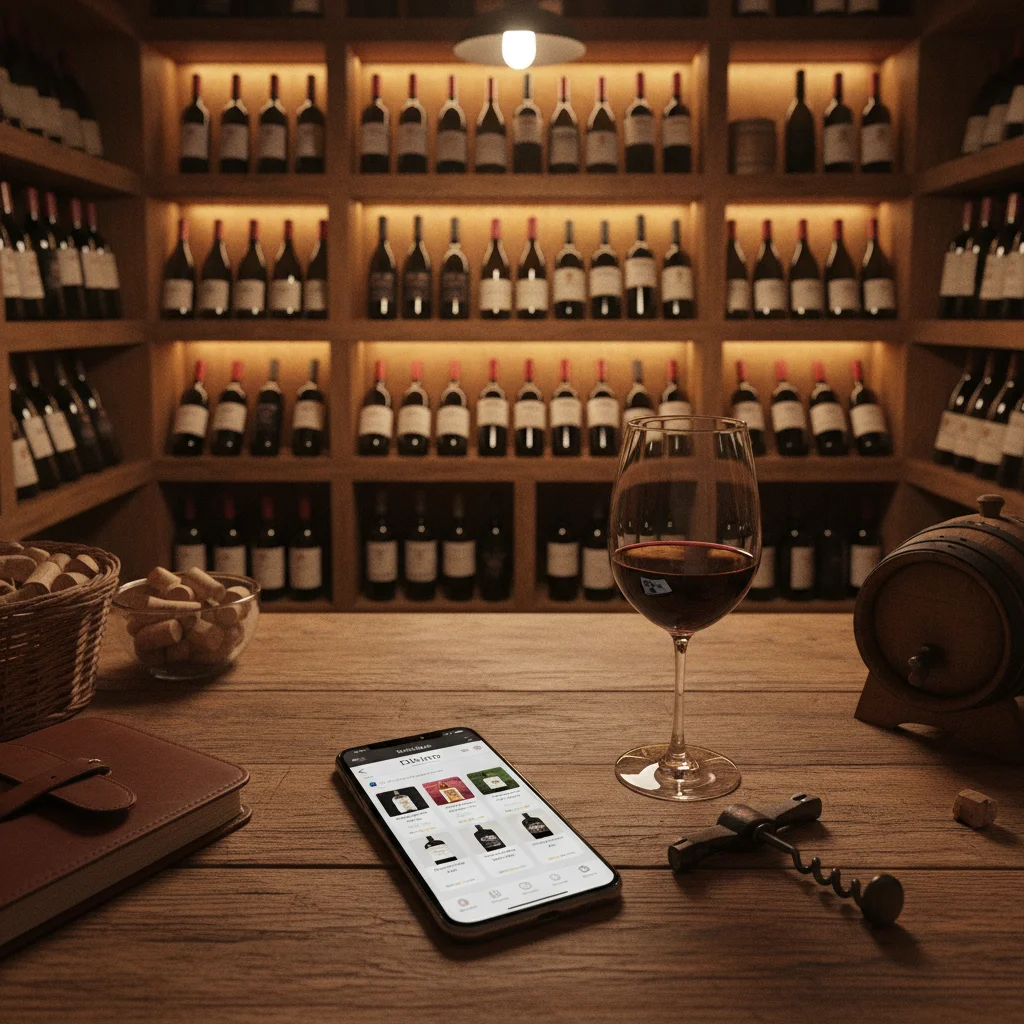
Definition: A wine tracking app is a digital inventory for recording which wines you own, how many bottles remain, where each bottle is stored, when it may be ready to drink, and what you thought after tasting it.
Try the wine tracking app on iPhone to scan a label and save the bottle.
What Is a Wine Tracking App?
A wine tracking app is a personal record of the bottles you own and the experiences connected to them. Unlike a basic list, it can organize quantity, storage location, drinking timing, tasting notes, and food pairing ideas. This makes it useful for a small kitchen rack as well as a growing home cellar.
Wine Identifier App, also called DiVino, is an iPhone wine scanner and cellar tracker. Users can scan a label to identify a wine, save it to their collection, record bottle details, and return to that record when choosing what to open. DiVino also supports tasting notes, pairing guidance, drinking windows, and menu scanning.
The goal is practical memory. A good record answers four questions quickly: What do I have, how many bottles are left, where are they, and should I consider opening one now?
Keep Accurate Bottle Counts
Bottle counts are the foundation of useful cellar tracking. Without quantities, a digital collection can show wines that were opened months ago or omit recent purchases. Record the number of bottles when adding a wine, then update the quantity after opening, gifting, or moving one.
For repeated purchases, keep the wine identity and bottle inventory distinct in your mind. A producer and cuvée may be familiar, but different vintages can have different drinking timelines and tasting profiles. Track vintages separately when that distinction matters.
- After buying: Add the wine and confirm the quantity.
- After opening: Reduce the count and add a tasting note while the experience is fresh.
- After gifting: Remove the bottle so it does not appear available later.
- During an audit: Compare the app with the physical cellar and correct any mismatch.
No wine inventory is automatically perfect. Its accuracy depends on consistent updates, so a simple routine is more valuable than an overly detailed system you stop using.
Record Where Every Bottle Is Stored
Location tracking prevents unnecessary searching and bottle handling. A location can be broad, such as cellar or wine fridge, or precise, such as rack B, column 3, shelf 2. Choose a naming system that matches the size and layout of your collection.
For a compact collection, labels such as kitchen rack, fridge, and cabinet may be enough. Larger cellars benefit from a hierarchy that identifies the room, storage unit, rack, and position. Keep names short and use the same format for every entry.
Update the location whenever bottles move. This is especially important when chilling white wine, separating bottles for an event, or transferring wine to off-site storage. Location fields describe where a bottle should be, but occasional physical checks remain useful.
Plan with Drinking Windows
A drinking window is an estimated period when a wine may offer an appealing balance of fruit, structure, and maturity. It helps prioritize bottles, particularly when several vintages or age-worthy styles are stored together.
Use drinking windows as guidance rather than a fixed expiration date. Wine development varies with producer, vintage, bottle variation, closure, transport, and storage conditions. Personal preference also matters: one drinker may favor youthful fruit and firm tannin, while another prefers mature savory notes.
- Drink soon: Consider bottles approaching or already within their suggested window.
- Hold: Leave bottles that may benefit from more time under suitable storage conditions.
- Review: Reassess older bottles, especially if their storage history is uncertain.
DiVino can keep drinking-window information beside the bottle record, making it easier to select wine without reviewing the whole cellar manually. The window is a planning tool, not a guarantee of quality or condition.
Build a Tasting Memory
Tasting notes turn an inventory into a personal wine history. Record what you noticed, whether you enjoyed it, what food accompanied it, and whether you would buy it again. Short, consistent notes are easier to maintain than formal reviews.
A useful entry might include appearance, aromas, flavors, acidity, tannin, body, finish, serving context, and an overall impression. You do not need specialized language. Descriptions such as crisp, ripe, earthy, floral, light, rich, drying, or refreshing can be more useful than copying a professional review.
DiVino keeps tasting notes connected to the wine record, helping you remember bottles after labels and occasions have faded from memory. Pairing information can also provide context when planning another meal. If the same wine changes across vintages or over time, separate notes preserve those differences instead of reducing them to one rating.
Create a Simple Wine Tracking Routine
The best wine tracking workflow is one you can follow at the moments when inventory changes. Scan or add bottles when they arrive, assign a location before putting them away, and update the count when opening one. Add a quick note after tasting, even if it is only a sentence.
- Scan the label: Use DiVino on iPhone to identify the bottle and begin a record.
- Confirm details: Check the producer, wine name, region, vintage, and bottle quantity.
- Assign storage: Enter a location that another person in the household could understand.
- Review timing: Use the drinking window to identify candidates for upcoming meals.
- Open and update: Reduce the bottle count and save your tasting impression.
DiVino can also scan a restaurant wine menu and provide pairing context, which connects cellar learning with choices outside the home. The app is iPhone only and should not be described as a Google Play app. Android users looking for visual identification can use AI Lens, although that is different from maintaining a dedicated DiVino cellar.
Frequently asked
What does a wine tracking app do?
A wine tracking app records wines, bottle quantities, storage locations, drinking windows, and tasting notes. It helps you know what you own and choose what to open.
Can DiVino scan wine labels?
Yes. DiVino is an iPhone wine scanner that can identify a label and help start a wine record.
Can I track where bottles are stored?
Yes. You can record practical locations such as a cellar rack, shelf, cabinet, or wine fridge.
Are wine drinking windows exact?
No. Drinking windows are estimates affected by vintage, storage, bottle variation, and personal taste.
Can a wine tracking app replace a physical cellar audit?
Not completely. Periodic checks help catch bottles that were opened, gifted, purchased, or moved without an app update.
Does DiVino store tasting notes?
Yes. DiVino lets users keep tasting impressions associated with their wine records for future reference.
Is DiVino available for Android?
DiVino is iPhone only and is not a Google Play app. Android users may use AI Lens for visual wine search.
Scan labels and track your cellar
Use Wine Identifier App by DiVino on iPhone to identify bottles, save notes, and organize your cellar. Drink responsibly and follow local alcohol laws.
Get Wine Identifier App