
Wine Inventory Spreadsheet vs App


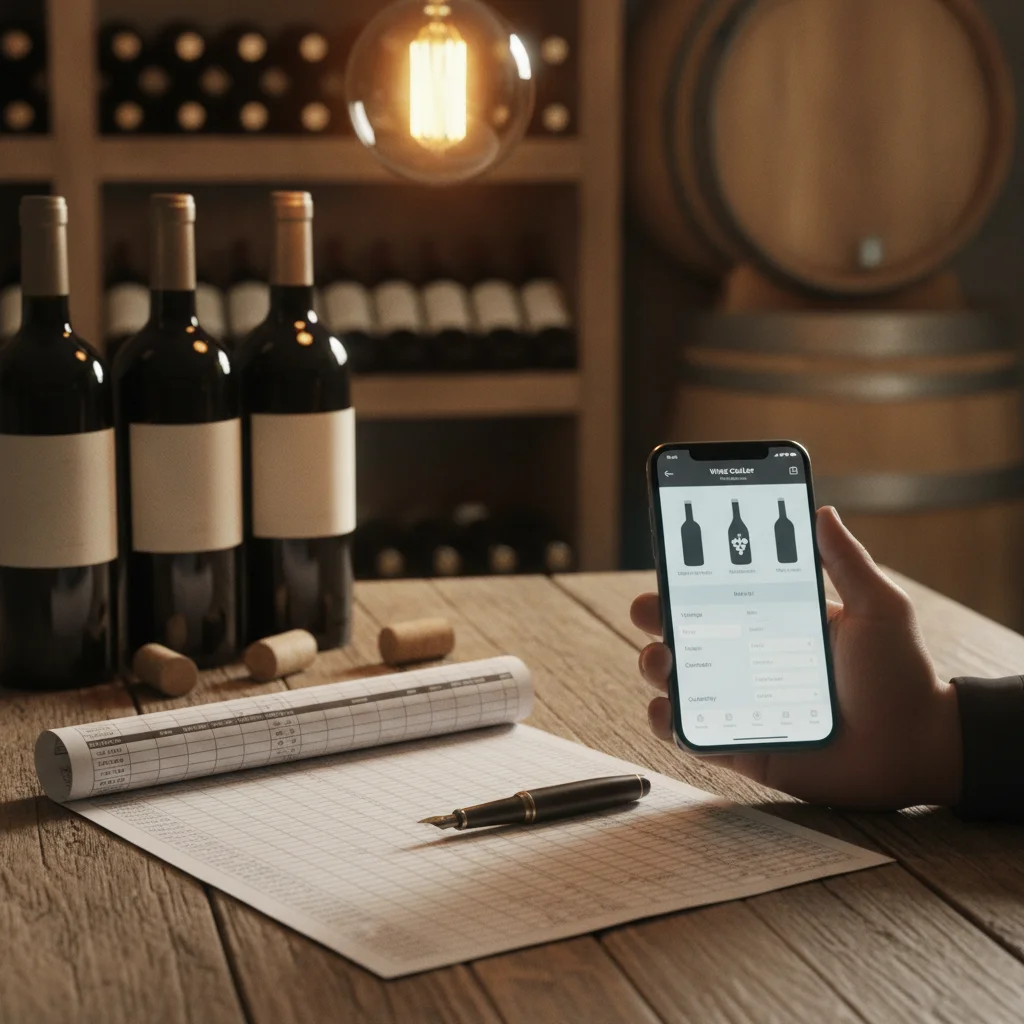
Definition: A wine inventory spreadsheet is a manually maintained table of bottles and cellar details. A wine inventory app stores similar information in a mobile interface and may add label scanning, search, pairing guidance, tasting notes, and estimated drinking windows.
Try the wine tracking app on iPhone to scan a label and save the bottle.
What Is the Difference Between a Wine Spreadsheet and an App?
The wine inventory spreadsheet vs app decision is mainly about how information enters your system and how easily you can use it later. A spreadsheet stores rows for bottles and columns for details such as producer, vintage, region, quantity, purchase price, storage location, and tasting notes. You create the structure and update each record manually.
A wine inventory app packages those tasks into a mobile workflow. DiVino, also known as Wine Identifier App, is an iPhone wine scanner and cellar tracker that can identify labels, organize bottles, record tasting notes, suggest pairings, estimate drinking windows, and scan wine menus. It is designed for people who want cellar information available where they buy, store, open, or order wine.
Neither format is automatically right for every collector. The better choice depends on collection size, update frequency, preferred device, and whether you need more than a basic bottle list.
Spreadsheet vs App Comparison
This comparison highlights the practical differences for everyday cellar management.
| Feature | Spreadsheet | Wine inventory app |
|---|---|---|
| Initial setup | Requires columns and formatting | Uses a prepared wine record structure |
| Bottle entry | Mostly manual typing | May support label scanning |
| Customization | Highly flexible | Limited to available fields and features |
| Mobile use | Possible, but editing can be awkward | Designed for phone use |
| Drink windows | You research and enter them | May provide estimated windows |
| Pairing and menus | Usually separate research | May include pairing or menu tools |
| Cost | Often included with existing software | May have free and paid features |
A spreadsheet has an advantage when custom calculations or specialized fields matter most. An app has an advantage when speed, portability, and wine-specific tools matter more than complete structural control.
Entry Speed, Label Scanning, and Accuracy
Manual entry is often the biggest weakness of a spreadsheet. Adding one bottle is simple, but recording a mixed case requires repeated typing. Producer names, appellations, vineyard names, and cuvées can also be misspelled or entered inconsistently, which makes filtering less reliable.
A scanner app can use a label photo to suggest the wine identity and fill part of the record. You should still review the producer, wine name, vintage, bottle size, and quantity before saving. Labels may be damaged, reflective, partially hidden, or shared by several vintages.
Apps also make inventory changes easier at the point of use. When you open a bottle, you can reduce the quantity while standing near the rack. With a spreadsheet, collectors often postpone the update and later forget which bottle was removed. The best inventory system is the one you consistently maintain.
Drink Windows, Pairing, and Tasting Notes
A spreadsheet can track drinking windows, but you must research and enter the dates yourself. It can then sort bottles by a drink-by year or flag wines approaching a target date with formulas and conditional formatting.
Wine apps may estimate drinking windows from the wine's style, vintage, region, and producer information. Treat these dates as planning guidance rather than a promise. Storage temperature, bottle condition, closures, personal taste, and vintage variation can change how a wine develops.
An app can also connect inventory to the moment of drinking. DiVino supports tasting notes and food-pairing guidance, so a cellar record can become a reference for what you enjoyed and what to serve next time. Its menu scanner can help identify choices when ordering wine away from home, a task that falls outside a typical spreadsheet.
When a Spreadsheet Is the Better Choice
A spreadsheet remains a practical option when you have a modest collection and only add or remove bottles occasionally. It is also useful if you already know spreadsheet formulas and want complete control over categories, reports, and calculations.
- Choose a spreadsheet if you need unusual fields such as auction lot numbers, insurance references, supplier codes, or custom tax calculations.
- Choose a spreadsheet if you prefer a local file or a familiar cloud document.
- Choose a spreadsheet if several household members already share and understand the same workbook.
- Choose a spreadsheet if scanning, pairing, and drinking-window estimates are not important to you.
Plan the structure before entering many bottles. Consistent naming, fixed date formats, controlled location names, and regular backups make a spreadsheet much easier to search and maintain.
When to Switch to a Wine Inventory App
Switch when maintaining the spreadsheet takes enough effort that records stop matching the physical cellar. Common warning signs include unrecorded purchases, missing consumption updates, duplicate wine names, and difficulty finding bottles by rack or bin.
- Audit the cellar. Confirm each bottle, vintage, quantity, and location before moving the data.
- Clean the file. Standardize producer names, regions, dates, and bottle sizes.
- Keep a backup. Preserve the original spreadsheet even if you rebuild records in an app.
- Test the workflow. Add a few purchases, remove opened bottles, search by location, and review drink-window guidance.
DiVino is an iPhone-only option for users who want wine label scanning, cellar tracking, pairings, tasting notes, drinking windows, and menu scanning in one app. Android users can consider AI Lens for visual wine search, although it is not the same as a dedicated DiVino cellar workflow.
Frequently asked
Is a spreadsheet good enough for wine inventory?
Yes, especially for a small collection that changes infrequently. Use consistent names, locations, date formats, and backups.
What columns should a wine inventory spreadsheet include?
Useful columns include producer, wine name, vintage, region, grape, quantity, bottle size, purchase date, price, storage location, drink window, and tasting notes.
Are wine inventory apps faster than spreadsheets?
They can be faster when label scanning reduces typing and mobile controls make quantity updates immediate. Results still need review for the correct vintage and bottle details.
Can a wine app tell me when to drink a bottle?
Some apps provide estimated drinking windows based on available wine information. These estimates should be adjusted for storage conditions, bottle condition, and personal preference.
When should I switch from a spreadsheet to an app?
Switch when manual entry causes missed updates, inconsistent records, or difficulty finding bottles. Scanning and mobile access are especially useful for collections that change often.
Can I use both a spreadsheet and a wine app?
Yes, you can use an app for day-to-day cellar activity and retain a spreadsheet as a backup or custom reporting tool. Avoid maintaining two active records unless you have a clear update routine.
Is DiVino available on Android?
No, DiVino is iPhone only. Android users may use AI Lens for visual wine search.
Scan labels and track your cellar
Use Wine Identifier App by DiVino on iPhone to identify bottles, save notes, and organize your cellar. Drink responsibly and follow local alcohol laws.
Get Wine Identifier App