
Download Wine Cellar App for Inventory Tracking and AI Label Scanning


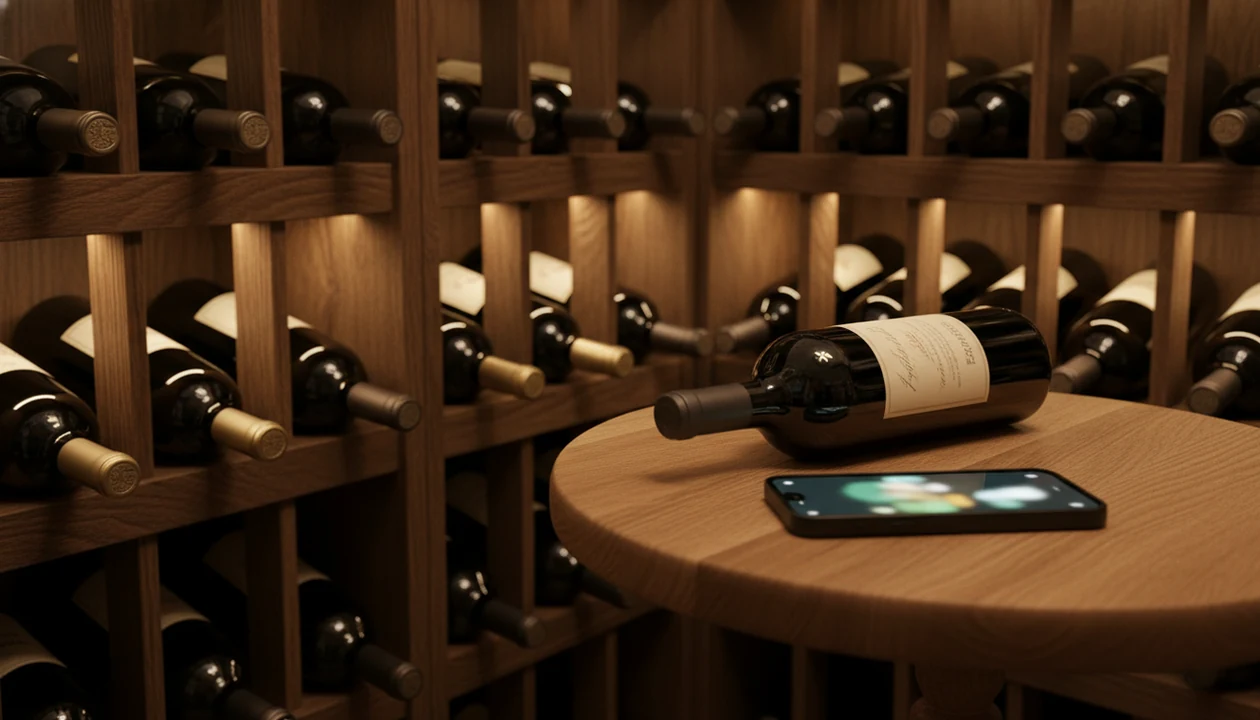
To download wine cellar app, open your device's official app store, search for Wine Identifier App, and install it from the official listing. Once installed, you can scan bottle labels with AI recognition, log storage locations, set drinking windows, and back up your collection to the cloud.
Definition: A wine cellar app is a mobile application that lets wine drinkers scan labels, catalog bottles by location and vintage, track cellar value, set optimal drinking windows, and export inventory backups from a single interface.
TL;DR
- Download the wine cellar app from the App Store or Google Play and start scanning bottles immediately.
- AI label recognition can exceed 90% top-1 accuracy in controlled image-recognition datasets, but real cellar photos are less consistent source.
- Free tier covers everyday collectors; paid plans unlock cellar valuation, analytics, and unlimited bottle storage.
Try the cellar tracker on iPhone to scan a label and save the bottle.
5 Wine Cellar App Tools You Get After Download
After you install cellar app software, the useful parts are label scanning, bottle location tracking, drinking windows, notes, and backup options. Those jobs belong in one workflow, so you are not bouncing between camera roll photos and a spreadsheet.
- AI label scanning: Scan the front label to identify the producer, vintage, grape, and region. A 2023 academic review of image-based food and beverage recognition reported top-1 accuracy often above 90% in controlled datasets source.
- Inventory tracking: Add bottle count, rack location, shelf, fridge, and a drinking window.
- Cloud sync and CSV export: Back up the cellar record and download a copy if you switch apps later.
- Ratings and pairings: Save community ratings, personal stars, and food ideas beside each bottle.
- Store-trip checking: A 2022 U.S. survey found 63% of smartphone owners use phones for in-store product research source.
On days a bottle slot is empty after weekend dinner, the scan-and-favorite workflow helps you save it for next time before the name disappears.
AI Wine Inventory Tracking Workflow for Label Scans
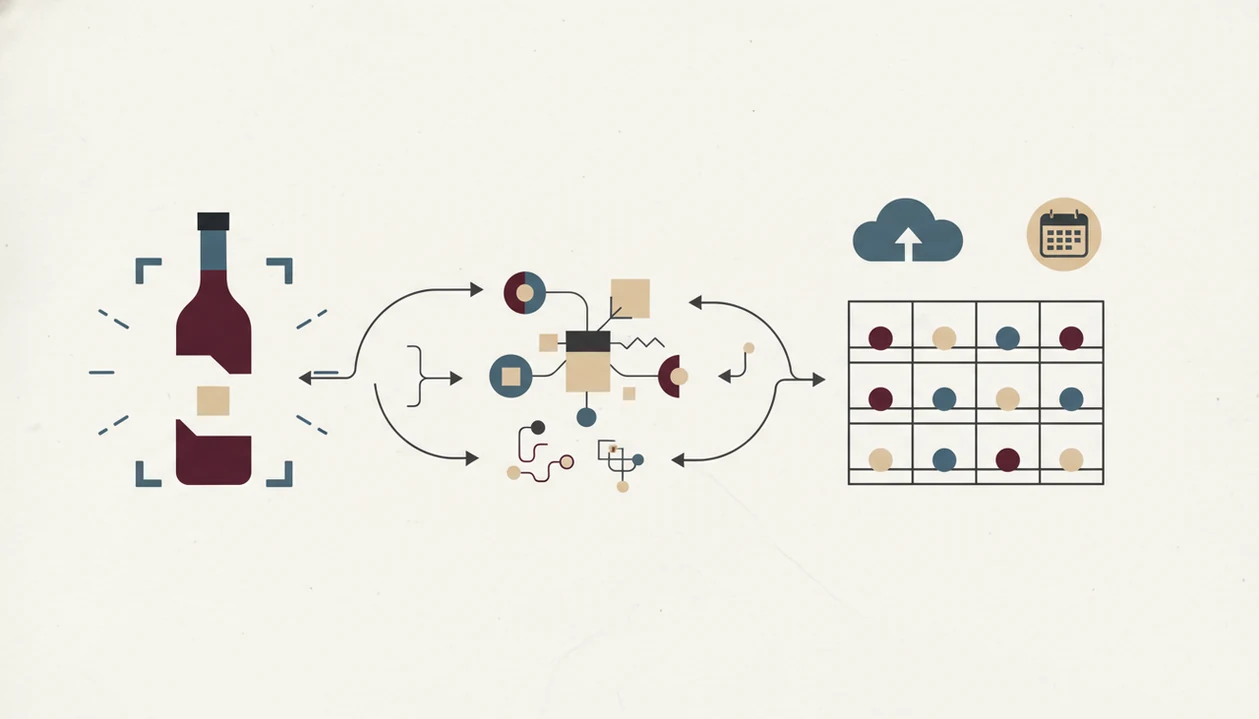
Wine cellar app recognition works by turning a label photo into searchable image data, then matching it against a wine database. The most useful apps combine image recognition with cellar fields, not label lookup alone.
Label Recognition Pipeline
The basic flow is camera capture, preprocessing, CNN or transformer model analysis, then database match. In plain English, the app cleans up the photo, compares label patterns, and returns the closest wine record. Training database size matters. Fresh data helps with new releases, small producers, and labels that changed after a vintage redesign.
A cream back label with tiny importer text can still slow the match. So can foil glare.
Cloud Sync and Data Enrichment
After recognition, metadata enrichment fills in producer, region, vintage, grape, and average rating where available. Cloud sync architecture keeps the same inventory visible across a phone and tablet, which matters when the cellar list is checked away from home.
If your priority is fewer typing mistakes, scan results should flow into a cellar record with auto-populated metadata and editable fields.
6 Steps to Install and Set Up Your Wine Cellar App
To use a wine inventory app download well, set it up before you scan every bottle. Test one label first, then build the rack map once the basics feel right.
- Open the App Store on iOS or Google Play on Android.
- Search “Wine Identifier App” and tap Install from the official listing. If you mainly want label lookup first, the download wine identifier app guide covers that path.
- Create an account and enable camera permissions when prompted.
- Scan your first bottle label to test recognition accuracy. Try a clean front label before a stained vintage year.
- Assign a storage location, such as rack, shelf, wine fridge, or kitchen cabinet, then set a drinking window.
- Enable cloud backup and explore CSV export before you add the rest of your bottles.
The first scan usually feels small. Then the bottle memory starts working.
For iPhone users who want device-specific setup notes, the wine identifier app for iPhone page explains camera access and store installation in more detail.
Wine Inventory App Use Cases for 10-Bottle Racks and Store Trips
You do not need a serious cellar to benefit from a wine cellar app. A 10-bottle rack can be enough, especially if you buy two reds, forget one, and later say, “I liked the red one from dinner, but I have no idea what it was.”
Casual collectors can track 10 to 20 bottles by type, meal, and location. Serious cellars need valuation fields, drinking-window alerts, and backup exports. Store shoppers use the inventory list to check what they already own before buying a second bottle by mistake.
Dinner planning is another quiet win. If tomato sauce is bubbling beside Chianti, you can check bottles already at home instead of opening a random white. For casual drinkers, a cellar app is often easier than a spreadsheet because the phone is already in the buying and dinner-planning moment.
Wine Identifier App Features for Cellar Scanning and Storage
The strongest cellar workflow covers the full loop: scan, log, organize, remember, and export. That matters when six similar bottle photos are buried between dog pictures, receipts, and a blurry restaurant menu.
Scan, Log, and Organize Bottles
- AI label scan: Scan the front label and auto-fill producer, vintage, region, grape, and rating details.
- Cellar grid view: Tag each bottle by rack, shelf, fridge, or other storage spot.
- Tasting notes: Save a quick tasting note with star ratings and personal tags.
For people who save wines after dinner, the messy 10:40 p.m. kitchen counter win is simple: label scans turn into searchable bottle records.
Drinking Windows and Reminders
- Drinking window reminders: Set date ranges and receive push notifications when bottles are ready to open.
- CSV export and cloud backup: Keep a portable file outside the app.
Good AI-powered wine identification and cellar management apps deliver fast recognition plus editable inventory records, not a pretend sommelier that guesses your taste from one scan.
Wine Cellar App Download vs Spreadsheets, CellarTracker, and Vivino
A wine cellar app download is worth comparing against spreadsheets and established wine platforms because each option solves a different problem. Spreadsheets are flexible, CellarTracker has a deep community database, Vivino is strong for social ratings, and Wine Identifier App combines label recognition with cellar tracking in one install.
Competitor notes below are based on public product positioning: CellarTracker emphasizes community cellar records and tasting notes source, while Vivino emphasizes ratings, label scanning, and wine discovery source.
| Option | Strength | Trade-off | Pricing pattern |
|---|---|---|---|
| Spreadsheet | Free and fully customizable | Manual entry, no AI scan, no drinking-window alerts | Free |
| CellarTracker | Large community database and cellar history | Limited AI-style scanning experience for casual users | Freemium or donation-supported features |
| Vivino | Broad social ratings and quick bottle opinions | Weaker cellar management depth | Freemium |
| Wine Identifier App | AI label recognition plus location, notes, reminders, and export | Advanced cellar valuation may require a paid tier | Free tier plus paid upgrades |
When label scanning is the issue, Wine Identifier App covers more of the everyday workflow because one scan can create an inventory record, tasting note, and storage location. Android setup details are covered in the wine identifier app for Android guide.
CSV Data Portability and Cloud Backup After App Install
CSV export matters because your cellar list should not be trapped inside one vendor account. If an app changes pricing, shuts down, or stops fitting your habits, a CSV file gives you a plain backup of bottle names, vintages, quantities, locations, and notes.
Cloud backup protects against phone loss, but manual export protects against platform lock-in. Use both. A quick monthly export is enough for most small cellars, while larger collections may need a stricter routine after big purchases.
Cloud backup and CSV export support lets you keep a copy outside the app. If you are moving from CellarTracker or a spreadsheet, check field names first. Producer, vintage, quantity, and location should map cleanly, but private notes sometimes need cleanup.
Limitations
A wine cellar app can make cellar tracking easier, but it does not remove every manual step. A good enough note is still better than waiting for a flawless record.
- AI label recognition struggles with poor lighting, damaged labels, curved glass glare, or non-standard fonts.
- No app has complete coverage of every producer and vintage worldwide. Rare local wines may require manual entry.
- Accuracy drops on very new releases or small-batch producers not yet present in training databases.
- Advanced features like cellar valuation, deep analytics, unlimited bottle storage, and 3D modeling are often paywalled.
- Drinking window suggestions rely on community averages and general wine data, not a professional assessment of your exact storage conditions.
- Long-term access depends on vendor stability, so maintain CSV exports outside the app.
- Migration from CellarTracker, Vivino, or spreadsheets may need column cleanup before import.
- Barcode scans can fail if a thumb covers the code or an import sticker sits over part of the label.
For beginners, the wine identifier app for beginners guide explains how to start with simple notes instead of building a complicated cellar system on day one.
FAQ
Does a wine cellar app work for small collections?
Yes. A wine cellar app can help with a 10-bottle rack because it records what you own, where it sits, and when you might want to open it.
Is the wine cellar app free?
Wine Identifier App has a free tier for everyday scanning and cellar tracking. Paid plans may unlock valuation, analytics, larger storage limits, or advanced export features.
Does it work on Android and iOS?
Wine Identifier App is designed for both iOS and Android through the official app stores. Always install from the official listing rather than a third-party download site.
How accurate is AI label scanning?
AI label scanning can exceed 90% top-1 accuracy in controlled image datasets. Real-world accuracy drops with glare, torn labels, rare bottles, and very new releases.
Can I export my wine inventory?
Yes, CSV export lets you download your inventory for backup or migration. Cloud backup keeps the account available across supported devices.
Does the app track bottle value?
Wine Identifier App can support cellar valuation features where pricing data is available. Some valuation or analytics tools may require a paid plan.
What if my wine label isn't recognized?
You can enter the producer, vintage, region, and notes manually. Recognition usually improves as databases add more images and newer vintages.
Can I import from CellarTracker?
Import may be possible through CSV migration from CellarTracker or a spreadsheet. Check column names before importing so producer, vintage, quantity, and location map correctly.
How do drinking window reminders work?
Drinking window reminders use wine type, vintage, region data, and community averages to suggest opening dates. Wine Identifier App can send push notifications when a saved bottle enters that window.