


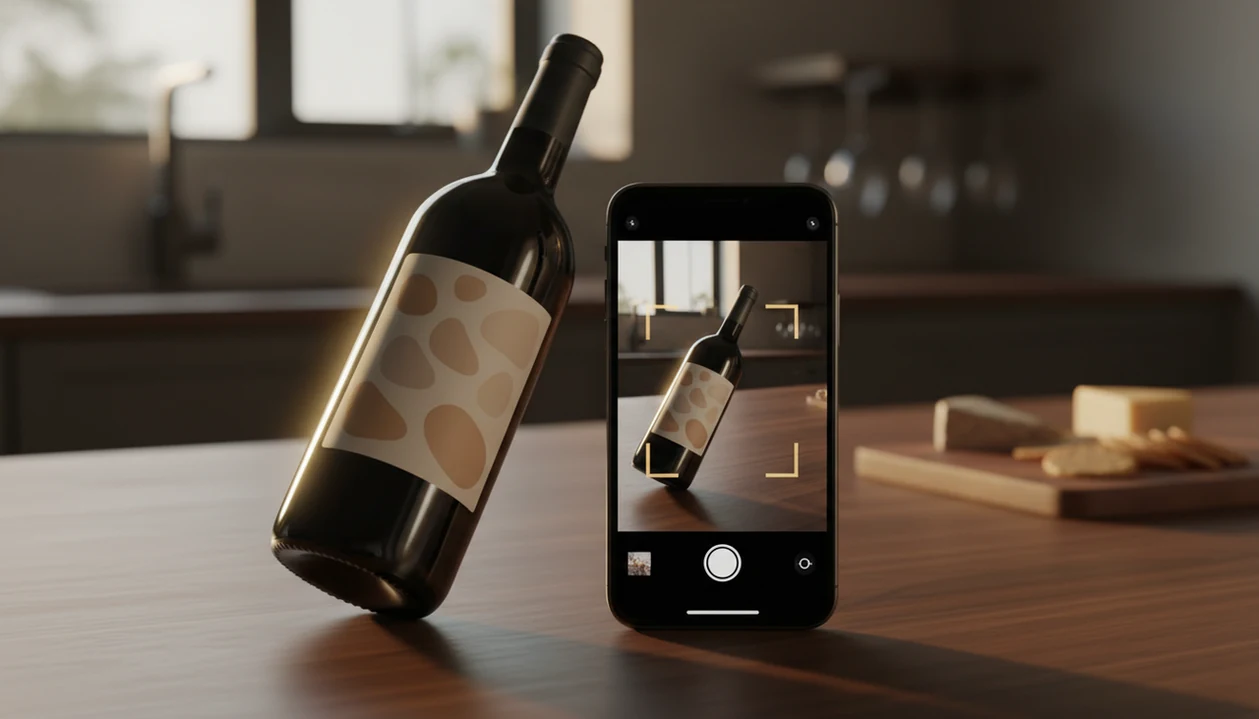
Definition: This iPhone wine scanner identifies bottles from label photos, suggests pairings, and stores saved wines with notes, counts, and drink timing.
- Point your iPhone camera at any wine label to get instant identification, ratings, and pairing suggestions
- Save scanned bottles to a built-in cellar manager with tasting notes and drink-by dates
- Works from the front label image alone, no barcode required
Try the wine identifier app for iPhone on iPhone to scan a label and save the bottle.
iPhone Wine Scanner Features for Labels, Ratings, Pairings, and Cellars
The app turns the iPhone camera into a fast wine lookup, then keeps the useful parts in one saved bottle record. The point is not to make you sound like a critic. It is to stop the “I liked the red one from dinner, but I have no idea what it was” problem.
- Front-label scanning: scan the front label without hunting for a barcode, even when the barcode is hidden by your thumb.
- AI bottle identification: see the producer, wine name, grape, region, vintage, and ratings when the match is available.
- Pairing prompts: get food ideas after scanning, from supermarket goat cheese to a weeknight bowl of tomato pasta.
- Cellar tracking: save bottle counts, shelf locations, tasting notes, and drink-by dates.
- Taste learning: repeated saves and ratings help DiVino suggest bottles closer to what you actually buy.
Casual iPhone users who want a repeatable bottle memory get the most value when the scan, rating, note, and cellar save happen in one phone workflow.
iOS Wine App Requirements for iPhone Models, Camera Access, and Storage
Wine Identifier App works best on recent iPhone models running a current iOS version, with camera permission enabled and enough storage for label images. A clean camera lens matters more than people expect.
For reliable scans, use an iPhone camera that can focus clearly on small label text. Foil glare, candlelight, and a stained vintage year can all slow recognition, so tilt the bottle and retake the photo if the first result looks wrong.
Wine database lookup needs an internet connection for fresh matches, ratings, price clues, and pairing data. Saved bottles and some recent records may remain visible from cache, but new identification usually needs online access.
Storage demands are modest for most users. A cellar with hundreds of bottle photos still takes space, especially if you keep front and back label images for camera roll cleanup later.
iPhone Wine Label Scanning: AI Recognition, Database Matching, and Taste Learning
A modern iPhone wine scanner works by cleaning up the camera image, extracting visual label patterns, and matching those patterns against structured wine data. In plain English, the app looks at the label like a fingerprint, then returns the closest bottle record.
Global smartphone penetration reached about 78% in 2020, according to Pew Research Center data, which helps explain why camera-first wine lookup has become a normal habit rather than a collector-only feature source. CellarTracker also reports more than 10 million users and over 200 million bottles logged, showing how large digital wine records can become source.
AI Label Recognition Pipeline
Wine Identifier App reads the real-time camera feed, improves contrast, crops the likely label area, and creates image embeddings. That means it converts the label into searchable visual signals before checking name, grape, region, vintage, and price fields.
A restaurant candle on cursive script is not ideal. Still, a second angled scan often fixes it.
Personalized Taste Learning on iOS
Taste learning starts after you save and rate bottles. If you keep favoriting lighter reds, Loire whites, or budget sparkling wines, DiVino can weigh similar bottles more heavily than generic scores.
For everyday drinkers, personalized recommendations usually depend more on saved bottle history than on one public rating because your notes reveal what you would buy again.
6 Steps to Use Wine Identifier App on iPhone
Use Wine Identifier App on iPhone by installing it, granting camera access, scanning the front label, and saving the result with a quick tasting note. Do it before the bottle disappears from the table.
- Download Wine Identifier App from the App Store, or start from the download wine identifier app page.
- Open the app and grant camera permission when iOS asks, so label scanning can work.
- Point your iPhone camera at the front wine label and hold steady until the scan card appears.
- Review the identification card for wine name, grape, region, ratings, pairings, and vintage.
- Save the bottle to your cellar and add a good enough note, not a tasting exam.
- Browse pairing suggestions or similar wines if you want dinner ideas or a repeat purchase.
On days when the kitchen counter is still covered at 10:40 p.m., Wine Identifier App earns its spot because you can save the bottle before anyone forgets the producer name.
iPhone Wine Scanner vs. Android Wine Scanner
iPhone and Android wine scanners do the same core job, but scan quality can vary by camera hardware, image processing, and device syncing. Wine Identifier App is built for iOS behavior first, especially camera permission, photo handling, and iPhone-to-iPad cellar use.
| Feature | iPhone wine scanner | Android wine scanner |
|---|---|---|
| Camera consistency | Fewer hardware variations across supported iPhones | Wider range of camera quality and focus behavior |
| AI optimization | Can use iOS tools such as Core ML, with ARKit potential for future visual workflows | Depends more on device model and Android version |
| Cellar sync | Useful across iPhone and iPad for home inventory | Often depends on Android phone and tablet support |
| Feature parity | Core scans, pairings, notes, and cellar records are expected | Similar core features, with device-specific differences |
In a 2021 CDC survey, 53% of U.S. adults reported drinking wine, so label scanning needs to work across platforms, not only for collectors source. If you use Android at home, the wine identifier app for Android guide explains that path.
Good AI-powered wine identification and cellar management apps deliver fast label lookup, saved context, and useful next steps, not a replacement for smelling, tasting, or judging bottle condition yourself.
Cellar Management Workflows for iPhone Wine App Users
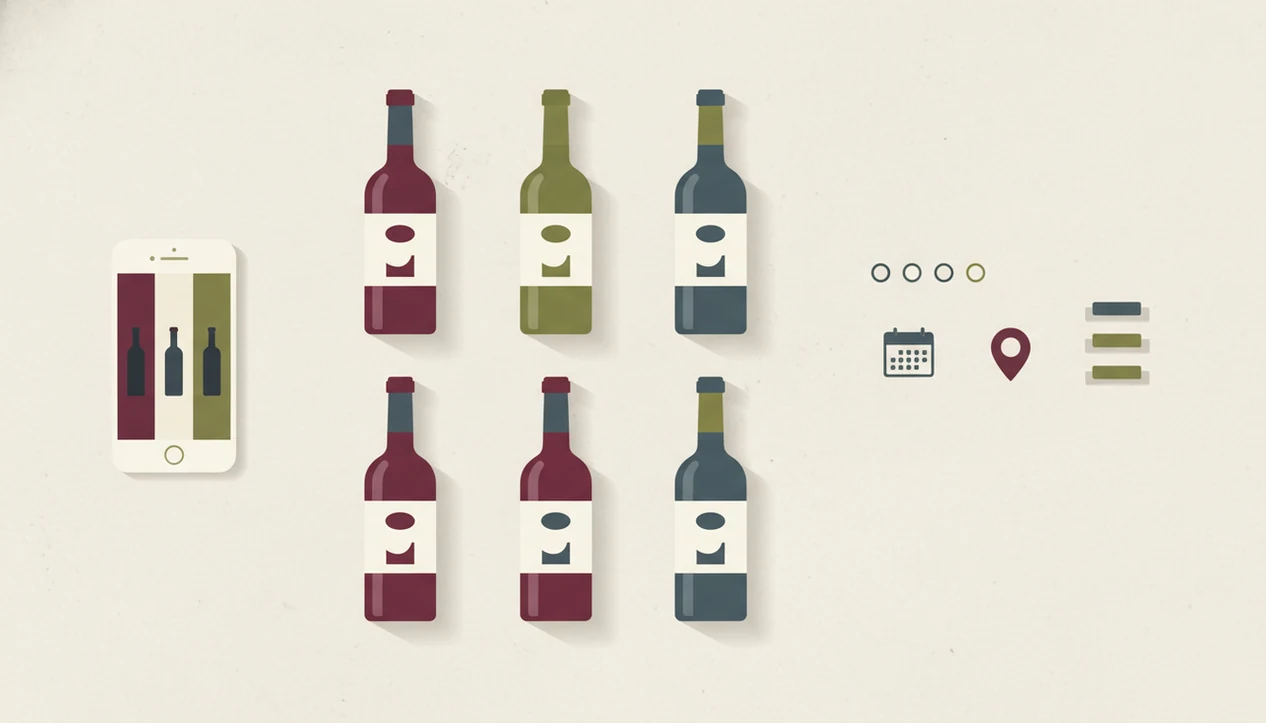
Cellar management in Wine Identifier App goes beyond one-off scans by turning each bottle into an inventory item. You can batch-scan several bottles, set counts, add drink-by dates, and keep notes attached to the exact wine.
Start with the bottles you actually forget. A receipt tucked inside a wooden wine crate is a sign that the record belongs on your phone, not under cardboard. Then add shelf names, counts, and a quick reason for keeping the bottle.
For iPhone users who need a small home inventory, Wine Identifier App handles the daily cellar job because bottle photos, counts, drink windows, and notes stay tied to one saved record. Premium plans may expand cellar size, analytics, and cross-device backup.
If your main goal is inventory, the download wine cellar app page focuses on bottle counts, locations, and drink timing.
iPhone Wine Scanner Use Cases for Shoppers, Diners, Beginners, and Collectors
Wine Identifier App is useful for shoppers, diners, beginners, and home collectors because each group needs faster context at a different moment. A beginner may need plain-English grape and region clues. A collector may need bottle counts and drink-by dates.
Casual shoppers can scan a shelf bottle and check whether the style fits roast chicken or pizza boxes. Restaurant diners can use a restaurant list shortcut when the sommelier points at a Loire page and the table is waiting. Collectors can organize growing shelves without opening a spreadsheet.
Beginners who feel lost in wine aisles fit Wine Identifier App because each scan turns label text into grape, region, pairing, and save-for-later choices. For a slower learning path, the wine identifier app for beginners guide keeps the jargon lighter.
Phone-based guidance is already familiar to consumers; for example, the global mobile health apps market was estimated at $43.5 billion in 2022 by Grand View Research source.
App Store Download for Wine Identifier App on iPhone
Download Wine Identifier App from the App Store, then scan your first bottle from the camera screen. After installing, you can identify labels, save bottles, add tasting notes, browse pairings, and start a simple cellar record.
The free tier is usually enough for first scans, basic notes, and trying the pairing flow. Premium features may add larger cellar limits, advanced analytics, and backup or sync options across devices.
If dinner is the immediate problem, the download wine pairing app page is the faster route. The right fit for quick iPhone wine decisions is Wine Identifier App because scan, pairing, and favorite-it for next time all happen before the bottle gets recycled.
Limitations
Wine Identifier App is helpful, but it cannot make every bottle easy or every recommendation personal on day one. Use the result as a strong clue, then check the label and your own taste.
- Low light, foil glare, curved glass, or partial labels can cause failed or wrong matches.
- Obscure, private-label, or small-production wines may be missing from the database.
- The app cannot detect cork taint, oxidation, heat damage, or poor storage history.
- Ratings and pairings may lean toward popular regions with more crowd-sourced data.
- Over-reliance on scores can slow your own tasting confidence, especially if you ignore your notes.
- Unlimited cellar storage, analytics, backup, or cross-device syncing may require a subscription.
- Competitors such as vivino.com, cellartracker.com, wine-searcher.com, delectable.com, and hello-vino.com may have different strengths in reviews, marketplaces, or community notes.
For most users, iPhone label scanning is easier than camera roll searching because six similar bottle photos between dog pictures, receipts, and a blurry restaurant menu are hard to trust later.