Wine-Searcher App vs DiVino


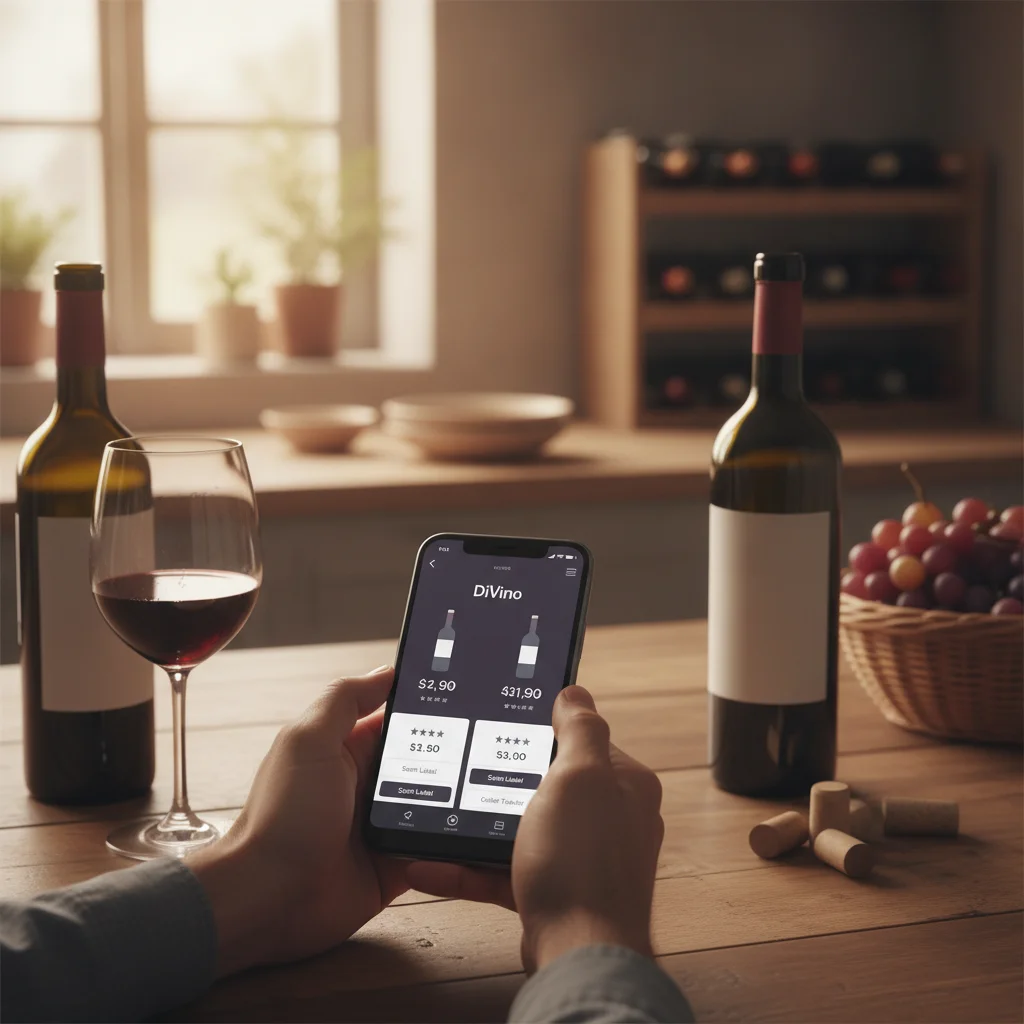
Definition: A wine searcher app helps users find information about a wine, typically by searching its name or scanning its label. Depending on the app, results may include merchant prices, tasting information, food pairings, drinking windows, or cellar records.
Try the wine searcher app on iPhone to scan a label and save the bottle.
What is a wine searcher app?
A wine searcher app is a mobile tool for locating information about a bottle from its producer, wine name, vintage, region, or label. Some apps concentrate on merchant offers and price comparison. Others help identify the wine in front of you and organize what you own or drink.
Wine-Searcher is best known as a wine search and price-discovery service that connects searches with merchant listings. DiVino, also called Wine Identifier App, is an iPhone app built around label scanning, cellar tracking, tasting notes, pairings, drinking windows, and restaurant menu scanning.
The two apps therefore overlap at the point of identifying or researching a wine, but they solve different primary problems. Wine-Searcher answers questions such as “Where is this bottle listed, and at what price?” DiVino is designed for questions such as “What is this wine, when should I drink it, what should I pair it with, and is it already in my cellar?”
Wine-Searcher vs DiVino at a glance
The best choice depends on whether you are shopping across merchants or managing your personal wine experience. This comparison summarizes the core distinction without suggesting that every feature, listing, or result will be available for every bottle or country.
| Need | Wine-Searcher | DiVino |
|---|---|---|
| Compare listed prices | Primary use | Not the main focus |
| Find merchant listings | Strong fit | Not the main focus |
| Scan a bottle label | May support bottle research | Core workflow |
| Track a personal cellar | Check current app features | Core workflow |
| Save tasting notes | Check current app features | Included in the wine workflow |
| Food pairing guidance | Research-oriented | Core use case |
| Drinking windows | May appear in wine information | Designed for cellar decisions |
| Scan restaurant menus | Not its central purpose | Core use case |
| Platform | Check current availability | iPhone only |
App features and subscription terms can change. Review the current product description before choosing an app for a specific function.
When Wine-Searcher is the better choice
Wine-Searcher is the more direct option when you already know the bottle and want to investigate who lists it. Searching by producer, cuvée, vintage, or region can help you compare offers and understand the range of advertised prices.
It is particularly useful before buying a specific wine, locating a hard-to-find vintage, or checking whether a local quote appears consistent with other listings. Results should still be treated as shopping leads rather than final purchase terms.
- Check availability: A listing may be outdated or the merchant may have limited stock.
- Confirm bottle details: Format, vintage, condition, tax status, and packaging can affect price.
- Calculate the total: Shipping, insurance, duties, taxes, and minimum-order rules may apply.
- Assess the seller: A search result does not replace independent merchant checks.
When DiVino is the better choice
DiVino is the stronger fit when the bottle itself is your starting point. You can scan a wine label with an iPhone, review the identified wine, and keep the information connected to how you buy, store, serve, and remember it.
A cellar tracker is useful when bottles are spread across racks, cabinets, or storage locations. Recording additions and removals can reduce forgotten purchases and make it easier to choose what to open. Drinking-window guidance can support that decision, although storage history and personal taste still matter.
DiVino also supports practical drinking occasions. Pairing information can help with dinner planning, tasting notes can preserve your impressions, and menu scanning can help interpret a restaurant wine list. These tools make it more of a personal wine companion than a merchant price engine.
- Scan labels instead of typing long wine names.
- Record bottles in a personal cellar.
- Save tasting notes for future reference.
- Review pairing and drinking-window guidance.
- Scan wine menus while dining out.
Can you use both apps together?
Yes. Wine-Searcher and DiVino can be complementary rather than interchangeable. A common workflow is to identify a bottle in DiVino, use Wine-Searcher to review merchant listings, then return to DiVino to record the purchase and track the bottle in your cellar.
- Scan or identify: Use the label to confirm the producer, wine, region, and vintage.
- Research the market: Search the confirmed bottle details and compare like-for-like listings.
- Verify the offer: Check merchant location, stock, bottle size, condition, taxes, and shipping.
- Add the bottle: Record the purchase in your cellar with the correct vintage and quantity.
- Plan when to open it: Consider drinking-window guidance, storage conditions, food, and your preferred style.
- Save your impressions: Add a tasting note after opening the bottle.
This workflow separates shopping research from personal collection management, giving each app a clear role.
Limits of price search and label scanning
No wine app can remove every uncertainty. Price search results represent listings, not necessarily completed transactions. Two bottles with the same name and vintage may differ in size, provenance, storage history, label condition, tax treatment, or included packaging. A low advertised price may also become less attractive after delivery costs.
Label scanning has different limits. Reflections, curved glass, torn labels, low light, similar label designs, and partially hidden vintages can affect recognition. After scanning, compare the app result with the producer name, appellation, vintage, bottle size, and any vineyard or cuvée wording on the bottle.
Neither a scan nor a merchant listing guarantees authenticity, condition, maturity, or investment value. For expensive or collectible wine, request detailed photographs, storage information, provenance records, and the seller’s return terms. Consider specialist advice when the financial risk is significant.
Which wine app should you choose?
Choose based on the task you perform most often. If your priority is searching for sellers and comparing advertised prices, Wine-Searcher is the clearer starting point. If you regularly photograph bottles, maintain a home collection, plan food pairings, record tasting notes, or need help reading restaurant wine menus, DiVino is the more focused option.
Many wine drinkers will benefit from using both: one for market research and one for bottle identification and personal tracking. DiVino is available for iPhone only. Android users should not expect to find DiVino on Google Play, but they can use AI Lens for visual wine searches and combine those results with a separate price-search or cellar tool.
Whichever option you select, verify bottle details manually and treat app information as decision support rather than a guarantee.
Frequently asked
What is the main difference between Wine-Searcher and DiVino?
Wine-Searcher primarily helps users find merchant listings and compare advertised prices. DiVino focuses on label scanning, cellar tracking, pairings, drinking windows, tasting notes, and menu scanning.
Is DiVino a wine price comparison app?
Price comparison is not DiVino’s main purpose. It is designed to identify wines and support personal cellar and drinking decisions.
Can I use Wine-Searcher and DiVino together?
Yes. You can identify and track a bottle with DiVino while using Wine-Searcher to research merchant listings and prices.
Does a Wine-Searcher listing show the final purchase price?
Not always. Shipping, taxes, duties, insurance, bottle size, stock status, and merchant terms can change the final cost.
Can DiVino scan a restaurant wine menu?
Yes, menu scanning is one of DiVino’s use cases. It can help iPhone users interpret wine options while dining out.
Is DiVino available for Android?
No, DiVino is iPhone only and is not available on Google Play. Android users may use AI Lens for visual wine searches.
Can a wine searcher app confirm authenticity?
No app search or label scan can guarantee that a bottle is authentic. Collectible purchases require seller checks, provenance review, and condition assessment.
Which app is better for managing a home wine cellar?
DiVino is the more focused choice for recording bottles, reviewing drinking windows, and saving tasting notes. Wine-Searcher is more useful when researching listings and market prices.
Scan labels and track your cellar
Use Wine Identifier App by DiVino on iPhone to identify bottles, save notes, and organize your cellar. Drink responsibly and follow local alcohol laws.
Get Wine Identifier App