
How To Identify Wine With Phone Camera Photos in 6 Steps


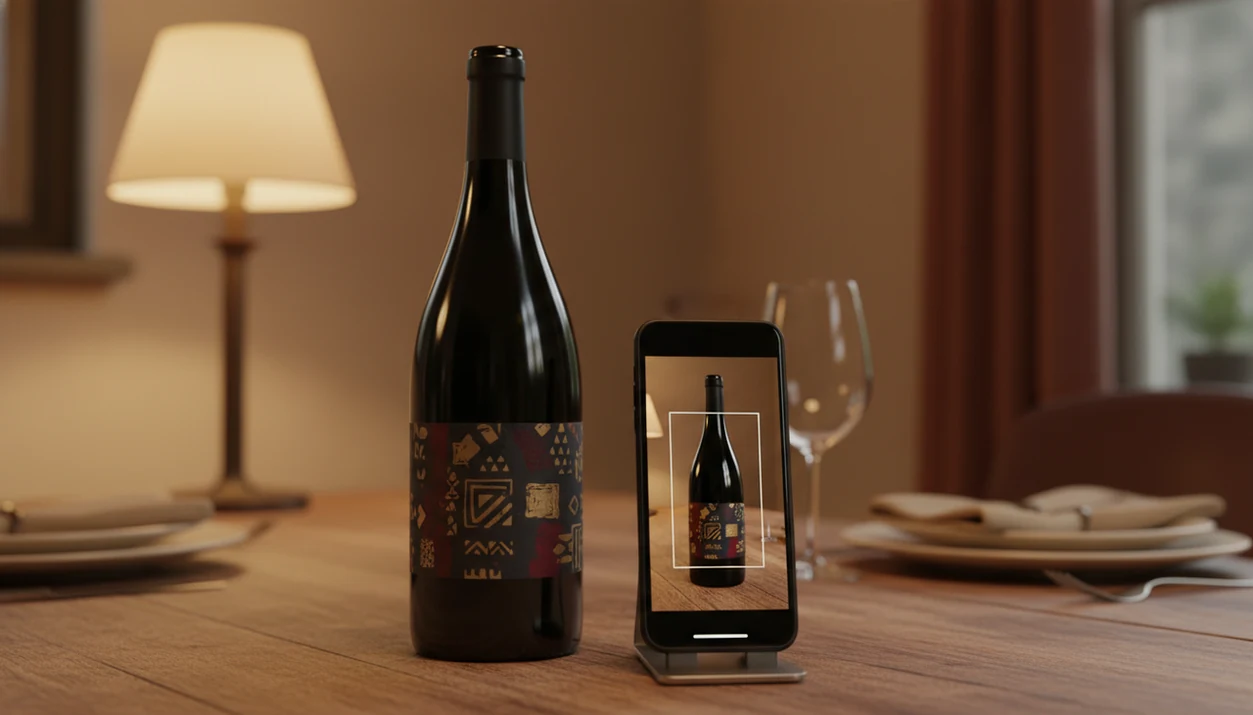
To identify wine with your phone, photograph the front label in even lighting and use a wine-scanning app to match it against a wine database. A sharp, straight-on label photo gives you the best chance of matching the correct producer, wine name, vintage, and region before you save it to your cellar log.
Definition: Phone-based wine identification is the process of using a wine app to photograph a bottle's label, which AI then compares against a large wine database to return the producer, name, vintage, region, and tasting details.
- You need a wine app, your default phone camera alone cannot identify wine bottles.
- A clean lens, even lighting, and a straight-on angle are the biggest factors in getting an accurate match.
- Always confirm the producer name, wine name, and vintage on screen against the physical bottle before saving.
Try the wine identifier on iPhone to scan a label and save the bottle.
What Wine Label Scanning With Your Phone Actually Means
Phone-based wine identification means using a wine app, not just the stock camera, to match a label photo to a wine record. The phone supplies the camera; the app supplies the wine database and matching system.
That difference matters. Your default camera can take a beautiful label photo, but it usually won't know whether the bottle is a Chianti Classico, a California Cabernet, or a supermarket private label. A dedicated wine label scanner reads the image, compares it with stored wine records, and returns likely matches.
It feels normal because the phone is already in your hand. Pew Research Center reported that 85% of U.S. adults owned a smartphone in 2021, which helps explain why camera-based lookup is now normal behavior: https://www.pewresearch.org/internet/fact-sheet/mobile/
How AI Wine Identification With Your Phone Works
A wine identifier app usually captures your label photo, sends it to a cloud server, and compares it against wine images and database records. The returned match may include producer, wine name, vintage, region, grape clues, tasting notes, and pairing suggestions.
Behind the simple tap are two related tools. OCR, or optical character recognition, tries to read printed words on the label. Image recognition compares the label’s visual pattern, including layout, color blocks, crest shapes, and typography. In plain English, the app reads the words and also checks whether the label looks like a known bottle.
Most matching needs an internet connection because the wine database is too large and too frequently updated to live fully on your phone. GSMA estimated that smartphone adoption reached about 69% of global mobile connections in 2023, which helps explain why wine lookup has shifted from desktop search to phone-camera habits: https://www.gsma.com/r/somic/
Label Image Recognition vs. Barcode Scanning
Label recognition helps when the barcode is hidden, missing, or shared across related bottles. Barcode scanning can be faster when the code is clean and the wine record is exact.
Requirements Before You Scan Wine With Phone
Before you scan wine with phone, set up the bottle like you are helping the app read a tiny sign. A rushed photo can still work, but the reliable scans usually come from a few quiet seconds of setup.
- Dedicated wine identifier app: Install an app built for wine lookup; the stock camera cannot identify most bottles by itself.
- Stable internet connection: Use Wi-Fi or cellular data because matching usually happens against a cloud database.
- Clean phone lens: Wipe the lens before scanning. A thumbprint can soften the producer name enough to confuse the result.
- Adequate lighting: Use natural light or indirect indoor light, not a harsh beam.
- Visible front label: Position the bottle so the full label is upright, centered, and not blocked by a hand, table edge, or gift wrap.
A good scan starts before the shutter.
How To Identify Wine With Phone in 6 Steps
For most drinkers, the easiest way to identify a bottle is to scan the front label, verify the match, and save the record before the bottle memory disappears. U.S. survey data has found that 53% of adults used smartphones in-store to look up product information or reviews, so this behavior is already familiar.
Wine research has also found that label information and design influence purchase decisions, including shoppers who rely heavily on the label when choosing an unfamiliar wine. That is why the photo matters.
Step 1: Open the App and Tap Scan
- Open your wine identifier app and tap the scan or camera icon.
- Clean your phone lens and place the bottle under even, indirect light.
- Hold the phone perpendicular to the label so it fills about 70-80% of the frame.
- Capture the photo without direct flash, which can bounce off foil or glossy labels.
- Review the suggested match and verify producer, wine name, and vintage against the bottle.
- Save the confirmed wine to your cellar or tasting log with a quick tasting note and rating.
If the match looks uncertain, rescan in softer light before saving the bottle.
Back Label, Barcode, and Vintage Tricks To Identify Wine Bottle Accurately
When the front label gives an uncertain match, use the back label, barcode, vintage text, and manual correction together. This is especially useful for producers with many sub-labels, reserve tiers, single-vineyard bottlings, or special editions that look nearly identical.
When To Scan the Back Label Instead
Scan the back label when the front label is minimal, decorative, or shared across several wines from the same producer. A cream back label with tiny importer text can reveal the appellation, grape blend, alcohol level, or bottling details the front label hides.
Barcode scanning is a good fallback when the barcode is clean and visible. It can be faster than image matching, but a thumb covering half the code will ruin the attempt.
Manual Text Corrections for Ambiguous Matches
If the app reads “2018” as “2016,” correct the text before saving. The same goes for accented producer names, stained vintage years, and cuvée names printed in small script. For a deeper label-photo workflow, the find wine by label photo guide covers the same habit from the search side.
Common Mistakes When You Scan Wine With Phone
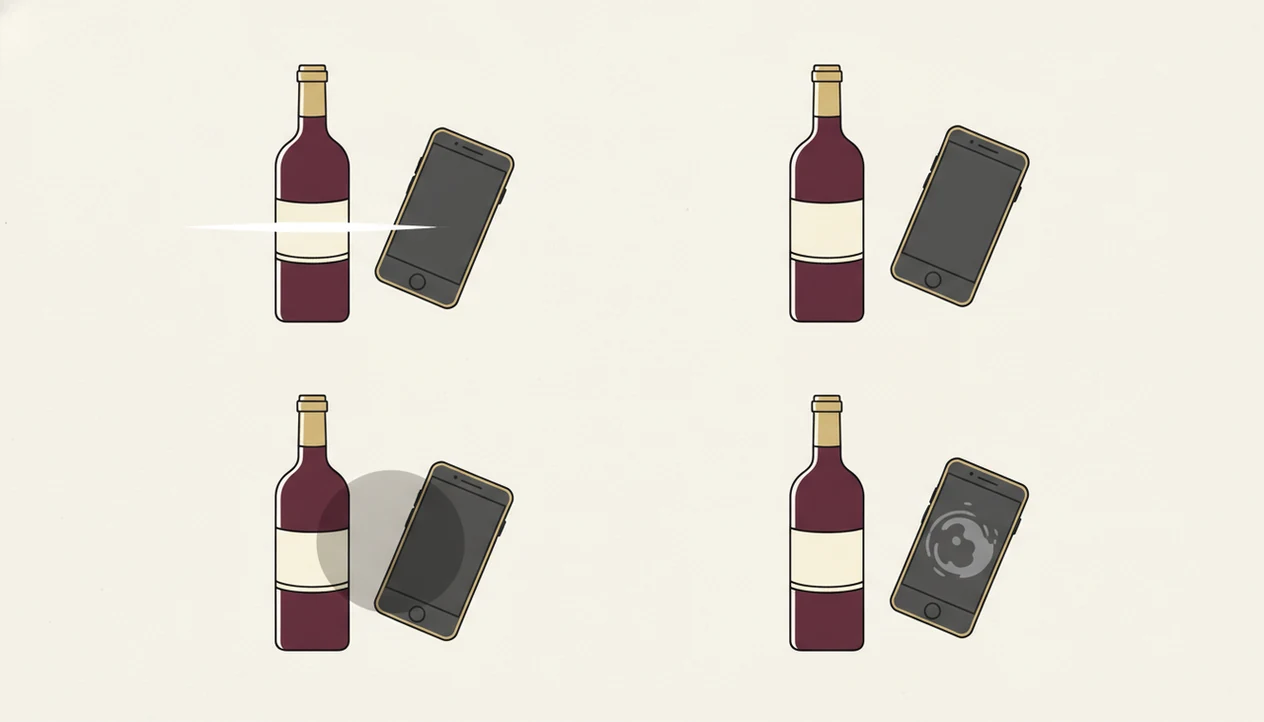
Most failed wine scans come from photo problems, not from the idea of scanning itself. The app needs a clean view of the label, and small mistakes can hide the exact details it is trying to match.
Common problems include shooting from an extreme side angle, using direct flash, and scanning bottles through store fridge doors or display glass. Reflections add false shapes and bright streaks. The app may read the reflection instead of the wine name.
Do not scan the cork, capsule, punt, or glass shape and expect a reliable answer. Consumer wine ID systems are trained mainly on labels and barcodes.
One more trap: trusting the first result without checking vintage and cuvée. I have seen six similar bottle photos buried between dog pictures, receipts, and a blurry restaurant menu, and the wrong saved match is almost impossible to untangle later.
How To Verify Your Wine Identification Is Correct
Verify a wine scan by matching the app result against the physical bottle before you save it. The producer name, exact wine name, cuvée, vintage year, and region should line up.
Use this quick check:
- Compare the producer name on screen with the front label.
- Confirm the exact wine name, not just the brand family.
- Check the cuvée or vineyard name if one appears.
- Match the vintage year digit by digit.
- Review the region or appellation when displayed.
For casual drinkers, this check is often faster than typing the bottle name because it catches the mistakes that matter. However, AI cannot assess bottle condition, cork taint, heat damage, or whether the wine tastes good tonight. It identifies the record, not the liquid’s condition.
From Scan to Cellar: Long-Term Wine Tracking After Phone Identification
A scan becomes more useful when you save it into a searchable wine history. One label photo tells you what the bottle is; a cellar record tells you whether you own it, where it sits, what you paid, and when you might drink it.
Add the storage spot, purchase price, drink-by date, quick tasting note, and rating. That turns a one-time scan into a memory you can actually use before buying again. A magnum bottle wedged on the bottom rack is much easier to remember when the app record says “bottom shelf, left side, bought for birthday dinner.”
Tools like Wine Identifier App can connect label scanning, tasting notes, pairing help, and cellar tracking in one phone workflow. Good AI-powered wine identification and cellar management apps deliver faster bottle recall and organized records, not a guarantee that every bottle is valuable or ready to drink.
For home storage, the best wine cellar app comparison explains what to track beyond the label.
Limitations of Using Your Phone To Identify Wine Bottles
Phone wine identification is useful, but it is not a certainty machine. A clear label photo improves your odds; it does not remove every source of confusion.
- Reflective foil, glossy labels, worn paper, torn corners, and bottles behind glass can cause missed or wrong matches.
- New releases, tiny producers, private-label wines, and one-off bottlings may not be in the database yet.
- Offline use is limited because matching usually needs cloud access through Wi-Fi or cellular data.
- AI can confuse different vintages from the same producer when label designs barely change.
- Sub-labels, reserve tiers, and special editions can look similar enough to require manual checking.
- Phone scans cannot taste, smell, or assess bottle condition. They cannot detect cork taint, oxidation, or heat damage.
- Poor lighting, dirty lenses, and extreme angles sharply reduce recognition accuracy.
- Price and value estimates, when shown, may not reflect your local shop, tax, storage history, or bottle condition.
Apps such as Wine Identifier App, Vivino, CellarTracker, and Delectable can help organize the search, but the final check still belongs to the person holding the bottle.
FAQ
Can I identify wine without an app?
You can photograph a wine without an app, but the default phone camera usually cannot identify the bottle by itself. You need a label-scanning app with a wine database.
Does wine scanning work offline?
Most wine identifier apps need an internet connection to match your photo against cloud-based wine records. Some saved cellar entries may be viewable offline, but new identification usually requires data or Wi-Fi.
Why does my wine scan fail?
Wine scans usually fail because of poor lighting, glare, a dirty lens, an angled photo, or a damaged label. The wine may also be too new, obscure, or private-label to appear in the database.
Is phone wine identification free?
Many apps offer free basic scanning. Paid versions may add deeper tasting notes, pairing suggestions, price tools, or cellar management features.
Should I scan the front or back label?
Start with the front label because it usually has the producer and wine name. Use the back label or barcode when the first result is uncertain or several wines look similar.
Can I scan wine through glass?
Scanning through glass doors or display cases is unreliable. Reflections, tint, and glare can block the label details the app needs.
Does flash help when scanning wine?
Direct flash usually hurts wine scanning because it creates glare on foil and glossy labels. Use indirect light or move the bottle closer to a soft light source.
How accurate are wine identifier apps?
Wine identifier apps are often accurate for well-known wines with clear, complete labels. Accuracy drops with damaged labels, obscure producers, missing vintages, and nearly identical sub-labels.