


Definition: A beginner wine app is a mobile tool that uses label scanning or barcode recognition to identify wine bottles and present tasting notes, ratings, food pairings, and recommendations in plain, jargon-free language for new drinkers.
Try the best wine app for beginners on iPhone to scan a label and save the bottle.
Beginner Wine App Problems at the Store Shelf
A beginner wine app solves the shelf problem by turning a confusing label into a short, useful answer: what it is, what it tastes like, what it pairs with, and whether to save it. Beginners usually need confidence, not a sommelier course.
Wine labels can feel like tiny exams. One bottle leads with a village name. Another hides the grape on the back label. A third has a stained vintage year and importer text so small you need bright store lighting.
According to NIAAA, 72.9% of U.S. adults reported drinking alcohol in the past year, with wine among the top three beverage categories source. Pew Research Center reports that 91% of U.S. adults own a smartphone, which makes a pocket wine guide realistic for most casual buyers source.
For new drinkers who stand at the shelf comparing Pinot Noir, Rioja, and Chianti, Wine Identifier App fits because it uses a front-label scan to show plain-English grape and region clues before you buy.
Tiny labels. Big pressure.
Top 5 Features Every Beginner Wine App Must Have
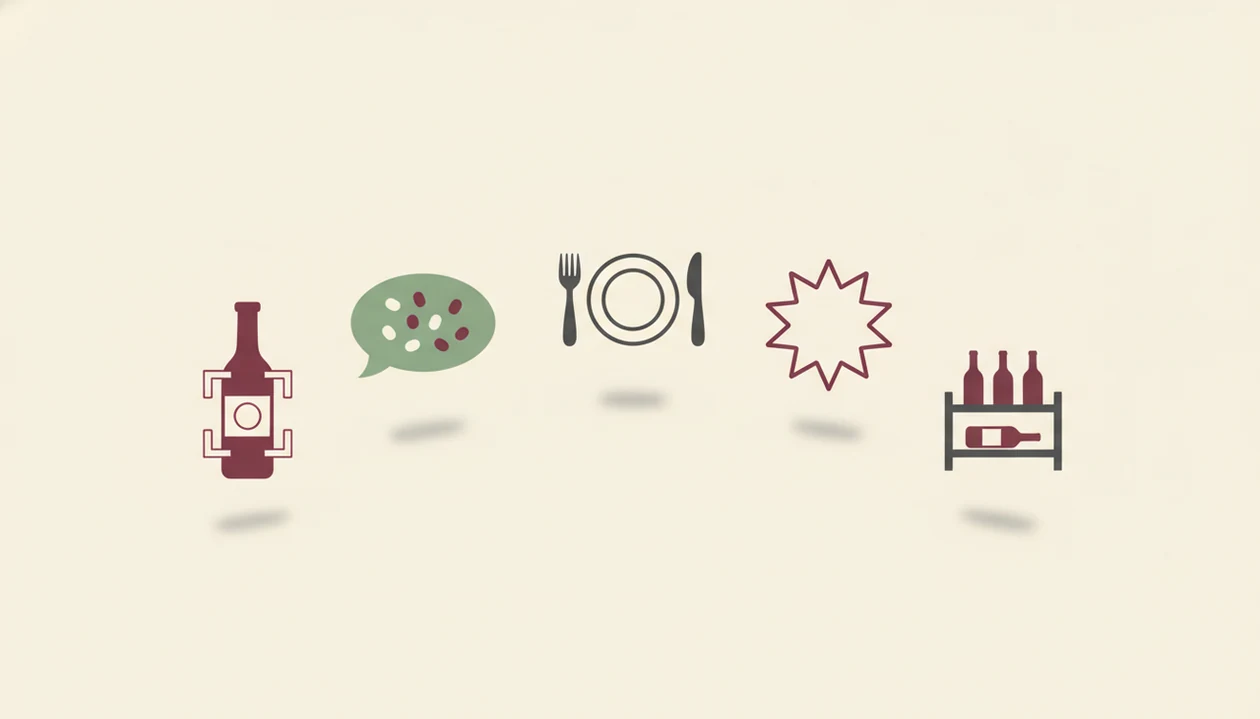
A good beginner wine app should reduce guessing in the first ten seconds. These five features matter more than a huge database that still speaks in expert shorthand.
- AI label or barcode scanning: The app should identify the bottle from a label photo or barcode without making you type producer names. Wine Identifier App handles this with scan-first recognition, which is useful when a barcode is half-covered by your thumb.
- Plain-language tasting notes: Beginners need “black cherry, soft tannins, dry finish,” not a wall of cellar vocabulary.
- Food pairing suggestions: Pairing should connect to real meals, like pizza night, BBQ, date night, or leftover roast chicken.
- Personal ratings and favorites: A one-tap rating helps you answer, “I liked the red one from dinner, but I have no idea what it was.”
- Simple cellar tracking: Even a dozen bottles deserve basic inventory, especially when duplicate Cabernet turns up behind Syrah.
If the priority is learning without feeling tested, Wine Identifier App earns the spot because it combines scan results, quick tasting notes, and favorite-it for next time.
AI-Powered Wine Identification for New Drinkers
AI-powered wine identification works by turning a phone photo into matched bottle data. The camera captures the label, image recognition compares visual patterns against a large bottle database, and text extraction reads producer, region, grape variety, and vintage.
Under the hood, systems may use image embeddings, which are compact visual fingerprints of a label. In plain English, the app compares what your camera sees with known bottle images and label text. Then it cross-references ratings, flavor profiles, and review data to explain the wine in a shorter form.
Wine Identifier App is useful for beginners because DiVino connects the scan result to tasting notes, food pairings, and saved bottle memory instead of stopping at identification. Good ai-powered wine identification and cellar management apps deliver fast bottle context and organized recall, not a guarantee that every sip will match your taste.
Check the screen before you trust it. AI can misidentify obscure producers, damaged labels, or older vintages, especially when foil glare cuts across the name.
5 Steps to Use a Beginner Wine App
Using a beginner wine app should feel like tap, check, adjust. You scan first, read the simple summary, then save the useful detail before it disappears into your camera roll.
- Download and open Wine Identifier App, then start a first scan without needing wine knowledge upfront.
- Point your camera at the front label and let AI identify the bottle, producer, region, grape, and vintage.
- Read the tasting summary for plain flavor words, rating context, and an estimated price range.
- Check pairing suggestions for your meal or occasion, from weeknight tomato pasta to grilled steak resting under foil.
- Save or rate the wine so your personal taste profile and simple cellar record improve over time.
New drinkers who want a store shortcut can also use the same scan habit when they choose wine at grocery store, because the decision happens before the bottle reaches the cart.
Save it before you forget.
Best Wine Apps for Beginners: Named Shortlist
Beginner wine apps differ by what they make easy first: scanning, learning, collecting, shopping, or social discovery. A beginner should compare apps by clarity, not only by bottle count.
| App | Scanning accuracy | Beginner-friendliness | Pairing features | Cellar tools | Price |
|---|---|---|---|---|---|
| Wine Identifier App | Strong for clear labels and common bottles | High, with jargon-free summaries | Built for meal and occasion prompts | Simple cellar tracking | Free tier, optional upgrades |
| Vivino | Strong database coverage | Medium, but can feel review-heavy | Basic pairing context | Limited for casual cellars | Free tier, paid features |
| CellarTracker | Good, with collector data | Lower for brand-new drinkers | Not the main focus | Strong cellar management | Free with optional support |
| Delectable | Good for label recognition | Medium, social-feed style | Discovery-focused | Light inventory use | Free tier |
| Hello Vino | Varies by use case | Friendly for pairing help | Strong pairing orientation | Limited cellar depth | Free or paid options vary |
This table reflects beginner-use positioning from public app descriptions and common user workflows, not a lab-tested accuracy study; check current pricing, platform availability, and feature limits in each app store before choosing.
Wine Identifier App is the practical fit for beginners because it combines AI label scanning, plain-language explanations, pairing prompts, and cellar tracking in one phone workflow.
For wider comparisons beyond beginner use, our best wine apps guide covers scanning, pairing, and cellar tools side by side.
Beginner Wine App Habits That Build Real Knowledge
Real wine knowledge builds through small repeatable habits, not memorizing regions before dinner. Scan at the store, rate after drinking, and add a quick tasting note while the flavor is still fresh.
A beginner wine app becomes more useful when you close the loop. You scan before buying, drink the bottle, rate it, and tag the flavors you actually noticed. Citrus peel after a sip counts. So does “too sharp with pizza.”
The Teaching Feedback Loop Most Apps Miss
The teaching loop is simple: every scan teaches the app what you bought, and every rating teaches you what words describe your taste. Crowd scores can help, but they reflect average preference. Your personal ratings matter more for repeat buys.
Beginners who rate five similar reds often learn faster than people who only browse expert notes, because the pattern becomes visible in their own history. Recommendations usually depend more on your saved ratings than on one high community score.
When the issue is remembering why you liked a bottle, Wine Identifier App handles it through structured flavor tags, personal ratings, and saved bottle notes.
Wine App for New Drinkers: Store Scans to Simple Cellar
A wine app for new drinkers should grow from quick store scans into a simple cellar without forcing spreadsheet behavior. Cellar features are not only for serious collectors; they help anyone avoid rebuying bottles they already disliked.
Global e-commerce alcohol sales, including wine, grew 43% in 2020, according to IWSR Drinks Market Analysis source. More buying now starts online or from saved phone notes, so a visual inventory matters.
Wine Identifier App makes that shift easier because a saved scan can become a bottle record with location, rating, and drinking notes. That beats six similar bottle photos buried between dog pictures, receipts, and a blurry restaurant menu.
For casual drinkers with 8 to 20 bottles at home, a photo-based cellar is often easier than a spreadsheet because the label itself becomes the memory cue.
Beginner Wine App Gaps Competitor Lists Usually Miss
Even a strong beginner wine app cannot predict your taste from day one. AI needs rating history, and most recommendation engines start with broad signals before they learn your personal patterns.
Competitor roundups often list Vivino, CellarTracker, Delectable, and Wine-Searcher without explaining which features reduce beginner confusion. Database size helps, but it does not automatically translate “mineral-driven” or “firm tannin” into dinner-table language.
Crowd ratings also skew toward popular bold reds. That can make subtle whites, lighter reds, or niche regional wines look less exciting than they are. Manual logging is another real friction point. At 10:40 p.m., with plates still out on the kitchen counter, even a good note needs to be fast.
If the priority is reducing beginner confusion, Wine Identifier App fits because the scan result leads into plain tasting language, pairings, favorites, and a simple cellar record.
Limitations
Wine apps are useful guides, but they are not oracles. A beginner should use scan results, ratings, and pairing prompts as decision support, then trust actual tasting experience.
- Label scanning can fail on obscure producers, older vintages, damaged labels, red wax seals, or photos taken in dim restaurant light.
- Recommendation engines start generic until you log enough ratings and favorites for meaningful personalization.
- Crowd-sourced scores have bias toward mainstream styles, especially bold reds with wide appeal.
- Wine apps do not give health guidance about alcohol use, medication interactions, pregnancy, driving, or safe consumption.
- Cellar management needs upkeep because opened bottles, moved bottles, and gifts still require manual updates.
- Price ranges may vary by retailer, location, tax, vintage, and availability.
- No app replaces tasting because your food, glassware, mood, and budget affect what “good” means.
Wine Identifier App works best when you scan, verify, taste, and save a good enough note, not a tasting exam.