
Choose Wine at Grocery Store Using Label Scans and Personal Taste History


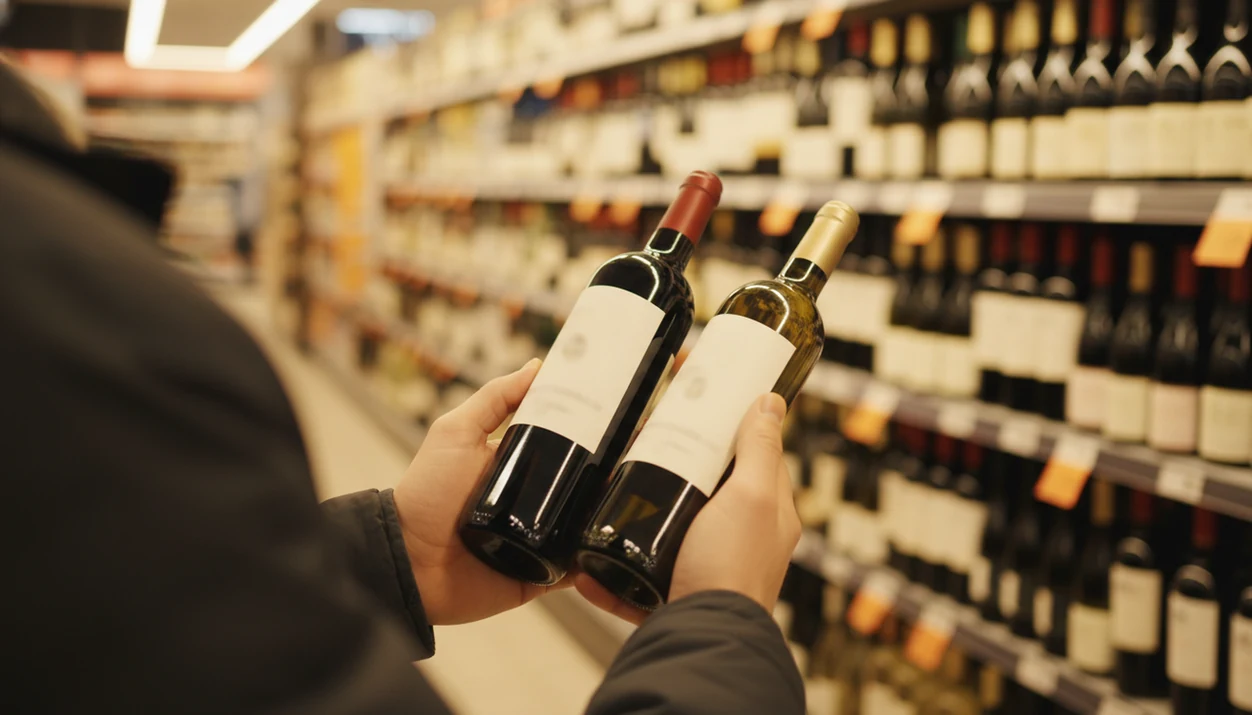
To choose wine at grocery store aisles quickly and confidently, open a grocery wine app, scan the label or barcode of any bottle that catches your eye, and compare it against your taste history, budget, and tonight's meal. In under a minute, you can compare ratings, food pairings, and price value across two or three candidates, then grab the bottle that actually fits dinner.
Definition: Choosing wine at the grocery store with label scans means using an AI-powered grocery wine app to photograph or barcode-scan bottles on the shelf, instantly surfacing grape variety, region, reviews, food pairings, and personalized recommendations drawn from your logged tasting history.
TL;DR
- Scan any wine label in store to instantly see grape, region, reviews, and pairings.
- Filter by budget and style, such as red, white, rosé, dry, or sweet, before you even pick up a bottle.
- Log every bottle you drink so the AI learns your palate and speeds up future grocery trips.
Try the choose wine at grocery store app on iPhone to scan a label and save the bottle.
What Label Scanning Means When You Choose Wine at Grocery Store Shelves
Label scanning means using your phone camera or a barcode scan to identify a bottle, instead of typing the producer name by hand or guessing from the shelf tag. The scan reads the front label, back label, or barcode, then returns the wine’s grape variety, region, producer, vintage, average price, reviews, and food pairing clues.
That matters because grocery wine buying is usually fast and crowded. Grocery and other food stores account for about 41% of alcohol sales by volume in the United States, according to NIAAA surveillance data source. Most shoppers are not standing there with sommelier training.
The shelf can feel loud.
A scan turns “maybe this label looks nice” into “this is a dry Spanish red, usually good with grilled meat, and close to your usual $16 range.”
Requirements Before You Scan Wine in Store
Before you scan wine in store, have four things ready: a smartphone with a working camera, an internet connection, a grocery wine app, and a rough idea of your budget and meal. You do not need expert vocabulary. “Red under $20 for pizza” is enough.
Set up the account before you’re in the aisle if you can. That way, ratings and quick tasting notes are saved instead of disappearing into your camera roll between dog pictures, receipts, and a blurry restaurant menu. Tools like [Wine Identifier App]() can be used for this kind of label scan and bottle memory once your account is active.
If you are comparing grocery wine apps, test the same two labels in Wine Identifier App, Vivino, Delectable, or CellarTracker; the best choice is the one that recognizes your local shelf inventory and saves notes fastest.
This is a mass-market habit, not a niche one. The CDC reported that 58.4% of U.S. adults drank alcohol in the past year in 2022 source. Plenty of those purchases happen during ordinary grocery runs.
How a Grocery Wine App Works Behind the Scan
A grocery wine app works by turning a label photo into structured bottle data, then comparing that bottle against databases and your saved taste history. The useful part is not just recognition. It is the match between the bottle on the shelf and what you have liked before.
Label Recognition and Database Matching
Image recognition reads text, logos, shapes, and layout from the label photo. In plain English, the app looks for visual clues the way you would, but faster. It then checks a wine database for producer, grape, region, vintage, and sometimes average retail price.
Foil glare can still trip it up. So can a barcode half-covered by your thumb.
Personal Taste Engine vs. Generic Scores
The preference engine compares the bottle’s likely flavor profile with your saved ratings. Crowd and critic scores can help, but they should sit below your own pattern. Pew Research found that 59% of U.S. adults trust online reviews as much as personal recommendations, but wine is still personal source.
Good AI-powered wine identification and cellar management apps deliver faster label lookup and better repeat-purchase memory, not a guarantee that every bottle will match your mood.
How to Choose Wine at Grocery Store Aisles Step by Step
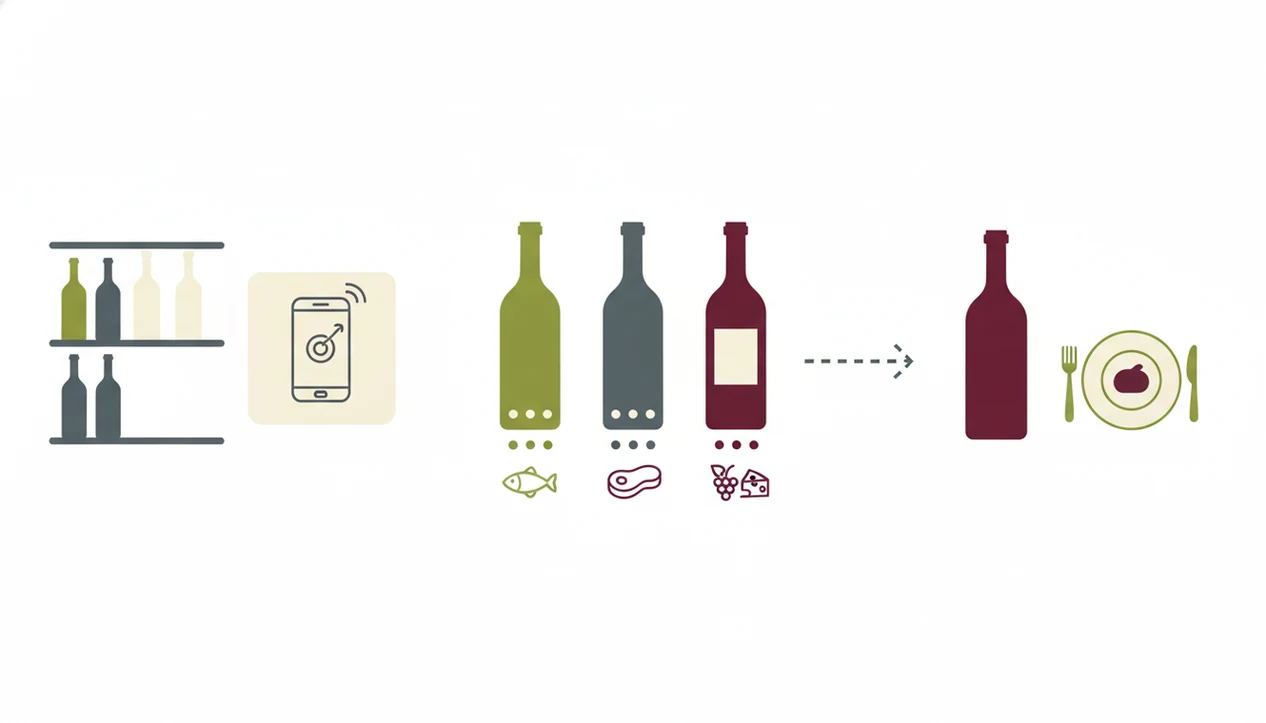
To choose wine at grocery store aisles without overthinking, narrow the shelf first, then scan only a few serious options. For most shoppers, scanning two or three bottles is often easier than reading twenty labels because it keeps the choice small and comparable.
- Set your budget and style filter. Choose red, white, rosé, or sparkling, then dry or sweet if the app offers it.
- Scan 2–3 bottles that catch your eye. Hold the phone straight, avoid glare, and include the producer name if possible.
- Compare taste-match scores, reviews, and price value. Do not let one high crowd score overrule your own history.
- Check the food pairing against dinner. Lighter wines usually fit lighter dishes, while bolder wines work better with richer foods.
- Pick the top-match bottle and log the purchase. Save it before you forget, especially if the label photo was taken under harsh store lighting.
If tonight is a weeknight bowl of tomato pasta, the scan should help you avoid a heavy, oaky bottle that fights the sauce.
Five Facts Every Grocery Wine Shopper Should Know
- Scanning a wine label reveals grape, region, price, reviews, and pairing clues quickly. It is faster than manual search when the producer name is long or unfamiliar.
- AI recommendations improve when they use your past ratings. A personal taste match is more useful than a generic score when you already know what you like.
- Filtering by budget and style before scanning reduces decision fatigue. Start with “white under $18” or “dry red for steak,” not the whole aisle.
- Logging every bottle improves recommendation accuracy over time. A good enough note, not a tasting exam, is enough.
- App guidance works better with basic pairing principles. Lighter wines with lighter dishes, bolder wines with richer foods, and sweetness with heat are practical shortcuts.
For beginners, a simple scanning habit is often more useful than memorizing grape charts because it connects the bottle in your hand to dinner tonight.
Common Mistakes When Choosing Wine at Grocery Stores
The biggest grocery wine mistake is assuming price equals pleasure. Many solid bottles sit in the mid-price range, while some expensive bottles miss your taste completely. U.S. per-capita wine consumption is about 3.18 gallons per year, according to apparent-consumption data summarized by the Wine Institute source, so there are plenty of chances to experiment without treating each purchase like a final exam.
Another mistake is trusting label artwork too much. A gold crest, heavy glass, or non-standard medal may be marketing, not quality. Pretty label. Wrong bottle.
Do not rely on one crowd score either. If you keep saying, “I liked the red one from dinner, but I have no idea what it was,” the fix is not another random five-star bottle. It is a saved bottle history. If you also choose wine away from grocery stores, a restaurant wine menu scanner can apply the same habit to dim menus and shared bottle debates.
Verify Your Pick: Rate and Log Every Bottle
Rate and log every bottle after drinking because the scan is only the start of the feedback loop. Use a star rating, slider, thumbs-up, or quick tasting note. Even one sentence helps: “soft red, good with leftover roast chicken, would buy again.”
Global wine consumption reached about 236 million hectoliters in 2023, and the United States was the largest consumer by volume, according to OIV reporting source. That scale is exactly why a personal log matters. Public scores are broad; your saved notes are specific.
The 10:40 p.m. kitchen-counter note is often the one that saves you later. Plates are still out, someone remembers blackberry scent above a swirling glass, and nobody remembers the producer name.
Using one long-term app log works better than scattering notes across photos, texts, and receipts. Wine Identifier App, also known as DiVino, can serve as that single record if you want label scans, ratings, and bottle history in one place.
Limitations
AI label scans are useful, but they are not magic. Treat them as a shopping shortcut, then use your own taste and common sense.
- Damaged labels, stained vintage years, and torn back labels may return incomplete results.
- Obscure or private-label grocery wines may not appear in every database.
- Recommendation quality depends on your logging habits; infrequent ratings produce more generic matches.
- Wine databases can lag behind current vintages and changing store assortments.
- Apps cannot fully account for mood, exact seasoning, serving temperature, or how the bottle was stored at home.
- Shelf prices may differ from app averages, especially during grocery promotions.
- Scanning and tasting history may be stored on company servers, so check the app’s privacy policy.
- A scan cannot replace tasting. Two people can love the same meal and disagree on the wine.
If you need broader app comparisons before choosing one, the best wine apps guide explains how scanning, cellar tracking, and pairing tools differ.
FAQ
Can I scan wine in store offline?
Most wine apps need internet access to query their wine database. Some may cache limited previous scans or saved bottles.
Do grocery wine apps cost money?
Many grocery wine apps are free for basic scanning and ratings. Premium tiers may add cellar tools, deeper recommendations, or value tracking.
Are wine app scores reliable?
Crowd scores show broad popularity, critic scores show expert opinion, and personal taste-match scores use your own rating history. Personal match scores are usually more useful for repeat buying.
Does price indicate wine quality?
Price can reflect production cost, region, scarcity, or marketing, but it does not guarantee you will like the bottle. Many everyday shoppers find strong value in the mid-price range.
How many bottles should I scan before buying one?
Scan two or three bottles before buying. That gives you comparison without turning a quick grocery trip into a research project.
Can the app suggest food pairings for dinner?
Yes, most AI wine apps show food pairing suggestions after a scan. Use them with basic rules like lighter wines for lighter dishes and bolder wines for richer foods.
Will scanning work on private-label grocery wines?
It may work, but private-label or store-brand bottles are less consistently covered. If the scan fails, try the barcode or search the producer and vintage manually.
How long until wine app recommendations improve?
Logging 10–15 rated bottles usually gives the AI enough data to start making more personal suggestions. Wine Identifier App can improve faster when you add short notes along with ratings.