Wine cellar scanner: point, scan, and know what you own
A wine cellar scanner reads each bottle's label with your phone camera and adds it to a list you can search, sort by location and check for drinking windows. Here is how that plays out in one weekend with a closet full of bottles and no spreadsheet.


The closet door is open and nothing is written down
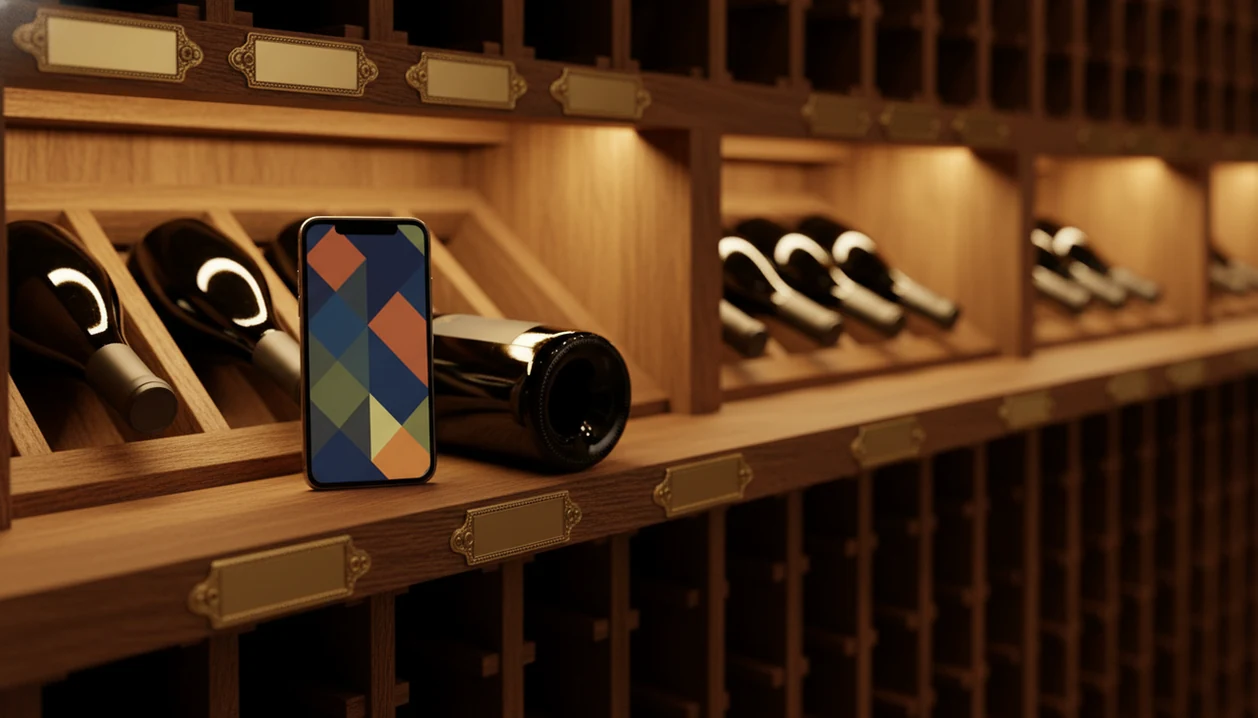
You have maybe two racks, a few cases on the floor and a shelf of bottles you're sure you'll remember. You won't. Everyone says the same thing about their cellar until they buy the third bottle of something they already own.
So you skip the spreadsheet. Typing producer, cuvee and vintage for every bottle is the kind of chore that gets abandoned at bottle nine. The other way in is the camera. A cellar scanner reads the label, fills in the details and leaves you to say how many you have and where they sit.
Before you start, pick one app and one rule: every bottle gets scanned once, at the spot where it lives. DiVino is the app here, and it keeps the cellar, notes and history on your device with no account to set up.
You scan the first bottle and check what came back
Pull a bottle from the top rack, hold the label flat to the light and photograph it. DiVino identifies the producer, the wine, the vintage and key details, then shows tasting notes, ratings with community and critic references, an estimated bottle value and a drinking window.
This is the moment to look at the year. Results depend on a clear, well-lit label, and the vintage on similar-looking labels can be misread, so glance at the number printed on the bottle and compare it with the screen. It takes two seconds. Fix it if it's wrong, then save.
A scan also cannot prove authenticity, provenance or how the bottle was stored. It tells you what the label says and what the wine generally does. Where it lay for ten years is your own knowledge.
You set quantity and give each bottle an address
Three bottles of the same Rioja? Scan one and set the quantity to three. No need to photograph each one like a family portrait.
Now the part people skip and regret: location. DiVino lets you assign racks, shelves or custom spots, so a bottle is saved as, say, closet, rack two, bottom row. Name the spots in whatever way makes sense to you. A custom spot called "floor, left of the water heater" is perfectly valid.
This is where a scan-first habit pays off later. The list is only useful if it tells you where to put your hand, as well as what exists.
Halfway through, you wonder about the scanning method itself
By the second rack you've made a choice without noticing. Compare label scanner versus manual cellar logging and the difference shows up in speed and in typos: the camera reads the label, while typing relies on your spelling of a Portuguese producer name at 10 p.m.
Manual entry still has a place. Bottles with no label, hand-labeled lots or an old bottle with a torn front are easier to type in. For everything else, the camera is the quicker path, and you can mix both in one cellar.
You may also be weighing a community ratings app versus cellar database. A ratings app is built around what other people thought of a wine; a cellar database is built around what you own and where it is. DiVino shows community and critic references on the result screen, but the point of this session is your list.
You hit a bottle the scanner struggles with
Foil glare, a curved shoulder label, a dusty bottle from a relative. Tilt it until the reflection leaves the text, wipe the dust, and try again. If the label is torn or faded, type the name in by hand instead of forcing it.
Treat the estimated value with the same calm. It is guidance, not a formal appraisal, and it will not tell you what a buyer would actually pay for one specific bottle.
Which phone are you holding?
To get DiVino on an iPhone or iPad running iOS 18 or later, download this cellar scanner from the App Store. It also runs on Apple silicon Macs and Vision Pro, which is handy for browsing your finished list on a bigger screen.
On Android, you can install this wine cellar app from Google Play and get the same routine: scan a label, save the bottle, assign it a spot, and search for it later.
The app is free to start, and a PRO subscription costs $5.99 per week or $59.99 per year at the App Store prices we last checked. That is only relevant if you hit a feature you want past the free part.
Two weeks later you need to find a bottle
A friend is coming for dinner and you remember a bottle with a rooster on it. Open the cellar and search. You'll see how many you have and which rack it's on, so you walk straight to it instead of lifting every bottle on the shelf.
That is the real payoff of a cellar inventory app: not the day you build the list, but the day you stop digging. When you want to catalog wine collection entries you add later, say a case delivered next month, you scan those the day they arrive and the list stays honest.
The drinking window tells you to open it or wait
Each saved bottle carries one of four states: Hold (needs more time), Ready (enjoyable now), At peak (a suggested sweet spot) or Past peak. You can turn on optional reminders so you hear about a bottle as it approaches a better drinking period, instead of discovering it six months late.
To drink or hold wine, start with the status, then add your own taste. A bottle marked At peak with dinner planned is an easy call. A Hold bottle you're itching to open is a fair call too, as long as you know it has more to give. The window is an estimate, and your storage decides a lot.
If you can't pick, the AI Sommelier chat can suggest what to open tonight from the regions, grapes and food you mention.
What to repeat next time
- Scan each bottle once, at the place it lives.
- Check the vintage on the bottle against the screen.
- Set the quantity instead of rescanning duplicates.
- Give every bottle a rack, shelf or custom spot.
- Scan new purchases the day they arrive.
- Check Hold, Ready, At peak and Past peak before dinner.
- Turn on reminders for bottles you are saving.
Frequently asked questions
What is the best way to organize a wine cellar?
The most practical way is to give every bottle a fixed address, such as rack, shelf and position, and record that address next to the wine, vintage and quantity. Many collectors then group by region or drinking window so bottles that need to be opened soon sit where they can be reached first.
Which wine should not be refrigerated?
Full-bodied reds are the wines most people leave out of the fridge, because heavy chilling makes tannins taste harsh and dulls aroma. A short chill of 20 minutes or so is fine if the room is warm. Opened bottles of any wine, red included, keep better in the fridge.
How do I know when to drink or hold a bottle in my cellar?
Check the wine's grape, region, vintage and style, since most bottles are meant to be drunk within a few years of release and only some improve with age. A drinking window gives an estimated range for when a wine is ready, at peak or past peak, but storage conditions can shift that timing.
Can a phone app scan my whole wine collection?
Yes, you scan bottles one at a time and DiVino adds each to your cellar list. Set a quantity for duplicates instead of scanning every copy.