Wine search app: how to look up, compare and find a bottle
A wine search app lets you look up a bottle by name or label, see what it costs, and find who sells it. Typing a name works when you know it. Photographing the label works when you don't. A scanner with a cellar covers bottles you already own.


What is a wine search app supposed to do?
A wine search app takes a bottle you're curious about and gives you facts: who made it, what year, what it tastes like, what people score it, and what it costs. That's the core job.
Most people come with one of three needs. You want to look up a bottle by name, you want to compare prices before buying, or you want to know where to buy it. Some apps do all three; others do one well and the rest badly. Know which need is yours before you pick.
Can you search wine by name?
Yes, and it's the fastest route when the name is printed in front of you or sitting in your notes. Type the producer plus the wine, and add the vintage if you have it.
The catch is spelling and ambiguity. A producer often makes several wines, and a name like a château or estate can cover a cheap bottling and a famous one. If your search returns a pile of results, the year and the region are what separate them. Typing also fails completely when the label is in a language you can't spell out.
Is photographing the label better than typing?
Often, yes, because the label already holds the name, the year and the appellation, so you skip the typing. You're at the shelf, the label is in Portuguese, and you can't guess the spelling; a photo solves that in seconds.
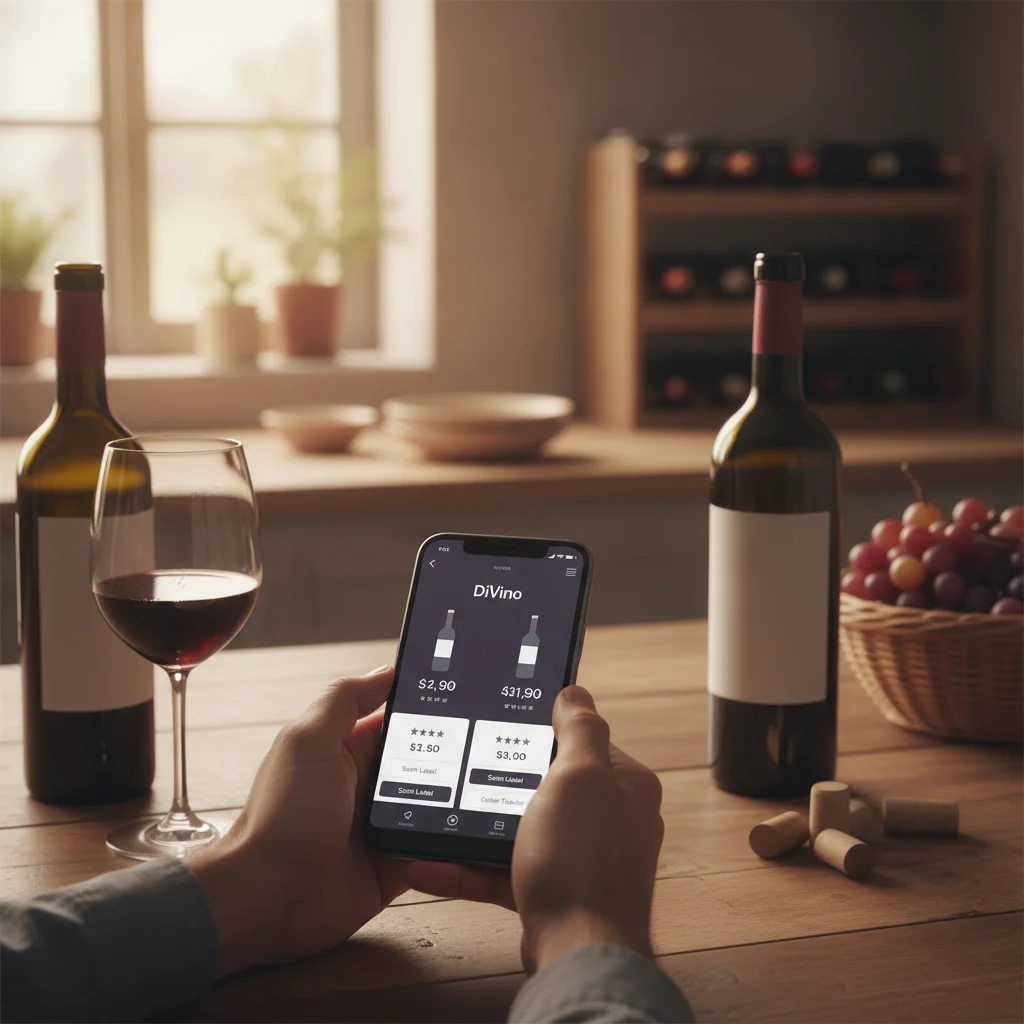
A wine label scanner reads the front label and matches it to a wine. DiVino does this: it identifies the producer, wine, vintage and key details from your photo. Give it a sharp, well-lit label, and still read the year off the glass, because lookalike labels from different vintages fool it.
How do you compare wine prices with an app?
You look up the same wine and vintage in a tool that lists offers from several sellers, then compare. A price comparison wine app is only as useful as its match: a different vintage can cost far more or far less than the one in your hand.
Wine-Searcher is the best-known example of this style; its App Store listing describes prices, critic scores, available vintages and where to buy, plus a nearby-store finder. Vivino and Delectable, per their listings, let you buy inside the app. Anything built for accurate wine pricing should show you the vintage it priced, so look for that before you trust a number.
What does DiVino show after a search or scan?
DiVino shows the identified wine with tasting notes, ratings that reference community and critic scores, an estimated bottle value, and a drinking window.
The drinking window has four states:
- Hold, which means it needs more time
- Ready, which means enjoyable now
- At peak, the suggested sweet spot
- Past peak
The value is an estimate and guidance, not a formal appraisal. It also can't tell you whether the bottle is authentic or how it was stored.
Do you need a wine finder app that tells you where to buy?
Only if you're shopping. If you want a store, a merchant network or a nearby-shop search, pick an app built around selling; Wine-Searcher's listing leads with that, and Vivino's mentions buying through its merchants.
If you're standing in a store, a scan of the shelf label or a photo of a wine list can tell you more than a store map. DiVino has a wine list and menu scanner for restaurants and can scan shelf labels in shops to find bottles that fit your taste.
When is a label scanner with a cellar the better tool?
It's better once you own bottles and want to keep track of them. A search app answers a question and forgets it. A cellar remembers.
In DiVino you save each scanned bottle, set a quantity, assign a rack, shelf or custom spot, and search later to find it. You can follow the estimated value and decide whether to hold or open. Optional reminders arrive as bottles approach a better drinking period.
A simple wine identification app stops at the name. A cellar app keeps going: where is it, how many are left, and is it ready? The cellar, notes and history stay on your device, and you don't need an account.
Which app should you get on your phone?
DiVino runs on iPhone and iPad (iOS 18 or later, plus Apple silicon Macs and Vision Pro) and on Android through Google Play. To get this wine search app on your iPhone or iPad, install it from the App Store, where it is listed as Wine Scanner & Identifier.
On Android, you can get the wine scanner app from Google Play, with the same scan, notes and cellar approach. Downloading is free to start; the PRO subscription is $5.99 per week or $59.99 per year at App Store prices checked in November 2026.
If your only need is a price check, a dedicated price tool may suit you better. If you want to look up, keep and drink what you buy, one scanner with a cellar saves you switching apps.
Vivino, Wine-Searcher and Delectable are trademarks of their owners. Wine Identifier and DiVino have no affiliation with them; app details come from public store listings checked in November 2026.
Frequently asked questions
What is the best way to look up a wine I just tasted?
The fastest way is to photograph the label, since the producer, wine name and vintage are all printed there. If you only remember a name, typing it into a search box works, but similar names from the same producer can lead you to the wrong bottle.
Why does the same wine show different prices in different apps?
Prices differ because apps pull from different sources, such as retailers, auctions and user reports, and each source covers different regions and dates. Vintage, bottle size, shipping, taxes and the store's own markup also change the number, so treat any single price as a reference point.
Does a wine lookup app work for older or rare bottles?
It can, but results are weaker for older or rare bottles because there are fewer sales records and labels are often worn or faded. A clear photo helps, and the vintage should be checked against the bottle, since similar labels from different years are easy to mix up.
Can a wine app tell me if a bottle is authentic?
No, an app cannot prove authenticity, provenance or storage condition from a photo or a name. For expensive or old bottles, a reputable merchant, auction house or independent expert is the right source for verification.
Can I check a wine's price while standing in a store?
Yes, scanning a shelf label with a phone lets you see an estimated value and ratings before you buy. DiVino does this and also scans restaurant wine lists, though the value shown is an estimate and not a formal appraisal.