A wine app for Mac that works best as a cellar screen
Yes, a wine app for Mac exists in the form of DiVino's iPhone and iPad app, which runs on Apple silicon Macs. My opinion: use the Mac for browsing and organizing your cellar, and keep the phone for scanning labels. The big screen helps; the Mac camera doesn't.


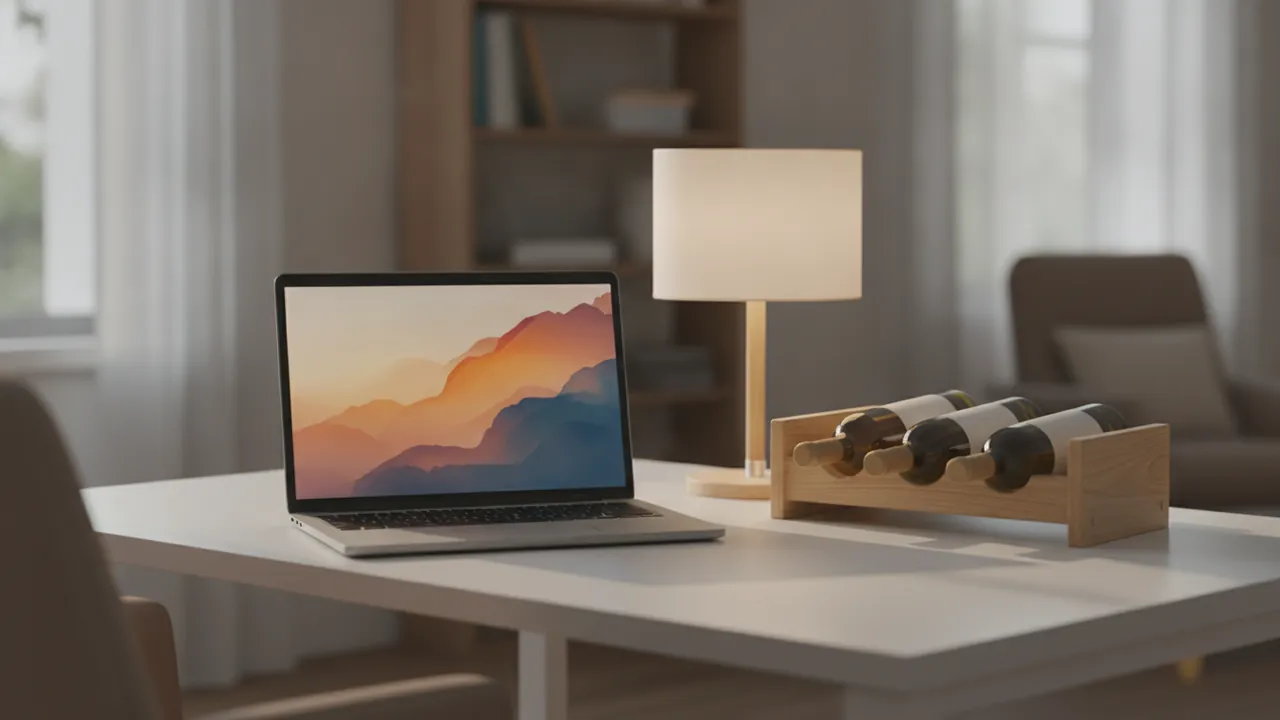
What running an iPhone app on a Mac gets you
Looking for a wine app for mac? DiVino is built for iPhone and iPad from the App Store, and the Mac runs that same app. According to DiVino's App Store listing, it works on Macs with an M1 chip or later running macOS 15 or later. Older Intel Macs are out.
So there is no separate Mac edition with its own menus. You get the phone layout in a window. That sounds like a downgrade, but for a cellar list it is fine, and a larger window shows more bottles at once.
If you already think of it as a wine app for iPad, the Mac version feels about the same: touch-style screens, driven by trackpad and mouse.
Where the bigger screen earns its keep
Scanning a label is a phone job. Reading a list of 80 bottles on a phone is a scroll marathon. On a MacBook you can sit down with a coffee and do the slow work:
- Search the cellar for a producer or grape
- Check each bottle's drinking window: Hold, Ready, At peak or Past peak
- Move bottles to a rack, shelf or custom spot
- Read tasting notes and write your own in the journal
- Look over the estimated value of what you own
Think of it as a wine cellar organization app that happens to have a decent desktop view. The estimated value is guidance, not an appraisal, so treat it as a rough yardstick.
Why the camera is the weak spot
A wine label is curved, shiny and often tucked in a rack. A laptop webcam is fixed to a lid, so you would be waving a bottle at your screen. Nobody enjoys that. Results also depend on a clear, well-lit label, and a webcam makes that harder. The vintage on similar labels can be misread too, so check the year on the bottle itself.
The better routine: scan with your phone at the rack or the shop shelf, then do the sorting at the Mac.
How it compares with web-based wine tools
Browser tools need no install, and that is their real advantage. A web page also works on any computer, including Windows machines and older Macs that DiVino can't run on. Many of them are built around looking up a bottle by name, and some lean on a cellar built in a wine cellar spreadsheet, which you fill in by hand.
DiVino keeps your cellar, notes and history on the device, with no account. That is good for privacy and a small drawback for convenience, and it leads to the honest counter-argument.
The honest counter-argument: your cellar does not follow you
Because data stays on each device, the Mac and the iPhone do not share a cellar. DiVino does not sync between them. If you scan 20 bottles on your phone, they will not appear on the Mac copy.
That weakens the pitch above. If you want one cellar visible everywhere, a web-based tool or a wine cellar spreadsheet you keep in the cloud may suit you better. If you are happy picking one device as the home of your cellar, the Mac works well for browsing. Pick the iPad or phone as your main, and treat the Mac as a spare window.
On Android, you can get this wine app from Google Play, though it is a phone and tablet app, not a desktop one.
Frequently asked questions
Is there a wine app for Mac?
Apple silicon Macs can run iPhone and iPad apps from the App Store, so a Mac wine app is possible without a separate Mac version. DiVino is one example, since it runs on Apple silicon Macs as well as iPhone and iPad.
Can you run iPhone apps on a MacBook?
Yes, MacBooks with Apple silicon chips (M1 and later) can run many iPhone and iPad apps downloaded from the App Store. Developers can choose whether their app is available on the Mac, and the app runs in a resizable window.
What is the best way to keep a wine cellar list on a computer?
A spreadsheet works well for a simple list, with columns for producer, wine, vintage, quantity, location and drinking window. A dedicated cellar app adds search, rack locations and drink-by tracking, which a spreadsheet makes you maintain by hand.
How do I know when to drink the wines in my cellar?
Check the grape, region and vintage, since these drive how long a wine can age. Many apps and critic notes give a drinking window, which is an estimate that varies with storage and personal taste. DiVino labels bottles as Hold, Ready, At peak or Past peak.
Does a bigger screen help with managing a wine collection?
Yes, a larger screen makes it easier to scan a long list of bottles, compare vintages side by side and sort by region or drinking window. Photographing labels is still easier with a phone, because it is simple to hold close to the bottle.