Wine barcode scanner or label photo: which identifies the bottle?
A wine barcode scanner can tell you which product listing a bottle belongs to, but a barcode often says nothing about the vintage, and many wines have none. A label photo reads the producer, wine name and year printed on the bottle. For most people, the label wins.


The short verdict, for two kinds of reader
If you want a quick price check on a mass-market bottle in a store that sells it, a barcode lookup is fine. It is fast, and the code is already printed there.
If you want to know what is actually in your hand (which wine, which year, whether to open it tonight), the label is the better source. DiVino works from a photo of the label, not from the barcode, so that is the route this page recommends for most bottles.
Barcode scan and label photo side by side
| Question | Barcode scan | Label photo |
|---|---|---|
| What does it point to? | A product listing | The wine printed on the label |
| Does it show the vintage? | Often not; one code can cover several years | Yes, the year is read from the label |
| Small producers | Many have no code at all | Works on any readable label |
| Imported bottles | Code may belong to another market | Reads the label as printed |
| Store stickers | Can cover the code or add a different one | Sticker rarely hides the front label |
| Older bottles | Often no code, or a worn one | Depends on the label being legible |
| Speed | Very quick when the code is clean | Quick with good light |
| Main weak spot | Wrong or missing vintage | Glare, dim light, similar-looking labels |
Why one code can mean several vintages
A UPC or EAN identifies a product for a retailer. It is built for stock and checkout, not for tasting. When a producer releases the 2019 and the 2020 of the same wine in the same packaging, the code may stay the same, because the shop still sells "that wine."
That is a problem if you use a wine barcode lookup to decide whether a bottle is ready. Two vintages of the same wine can differ a lot in age and drinking window. A barcode result may show you the wrong year without any sign that it did.
Imports add another wrinkle. The same wine sold in two countries can carry different codes, and a distributor sometimes puts its own sticker over the original. You scan, and you get whatever that sticker says.
What a label photo gives you that a code cannot
The label carries the facts that matter: producer, wine name, appellation or region, and the vintage. When you photograph it, DiVino reads those details and returns tasting notes, ratings with community and critic references, an estimated bottle value and a drinking window (Hold, Ready, At peak or Past peak).
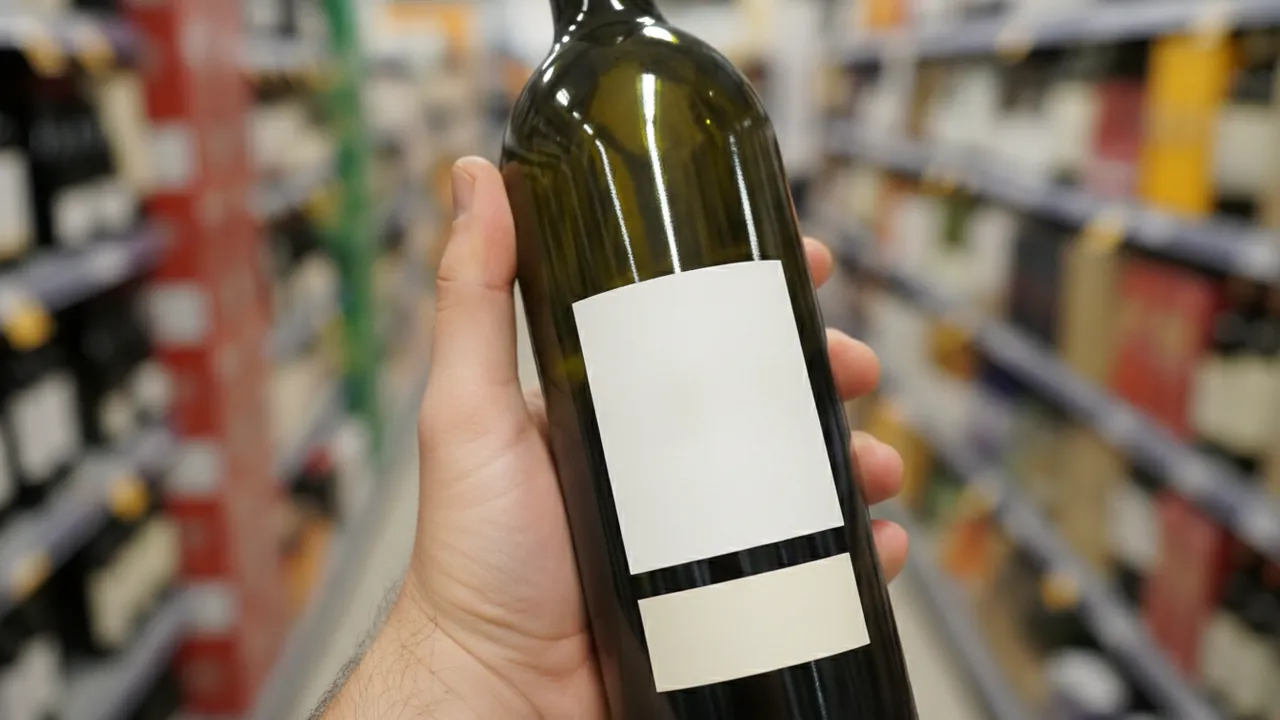
Think of the shelf scene. The label is in Portuguese, there is a price sticker over the barcode, and the bottle is from a family estate that never bothered with a retail code. The label photo still has plenty to read. The code has nothing.
It has limits too. Results depend on a clear, well-lit label, and the year on similar-looking labels can be misread, so check the year on the bottle yourself. A scan cannot prove authenticity or storage condition, and the value is an estimate, not an appraisal.
How to get a good scan from a label
Hold the phone steady, keep the front label flat in the frame, and tilt away from foil that reflects light. Curved bottles distort text near the edges, so center the label. For the full routine, see the guide on how to scan wine labels, which covers glare and angle in more detail.
If you open the app with a bottle already in the cellar, the same photo can save it with quantity and a rack or shelf spot, so you only identify it once.
Which one for you?
If you mostly buy common supermarket bottles and only want a rough price, a barcode scanner will do the job, and you may never notice its gaps. Once you buy from smaller producers, travel, or keep bottles for a few years, the missing vintage starts to cost you.
A wine label app reads what the producer printed, which is the same information a sommelier would look at first. If you want to check wine vintage before opening something you have held for a while, the label photo is the route that shows the year.
Get DiVino from the App Store as a wine label scanner for iPhone or iPad running iOS 18 or later (it also runs on Apple silicon Macs and Vision Pro). On Android, Google Play has it as a wine scanner too. Either way, the habit is the same: photograph the label, read the year, then decide.
Frequently asked questions
How to know if a wine is a natural wine?
There is no single legal definition of natural wine in the US, so the label rarely says it outright. Clues include terms like organic or biodynamic, minimal sulfites, no added yeast, and a cloudy appearance, but the most reliable way is to ask the producer or a trusted wine shop.
Can a wine barcode tell me the vintage?
Usually not. A barcode points to a product listing, and producers often reuse the same code across several vintages, so the year printed on the label is the safer source.
Why do some wine bottles have no barcode?
Barcodes are mainly a retail and shipping tool, so small producers, older bottles and wines sold directly from the cellar door often skip them. Bottles bought abroad may also carry a code that local databases do not recognize.