
Tool That Can Organize Wine Cellar Bottles Into a Structured Digital Inventory


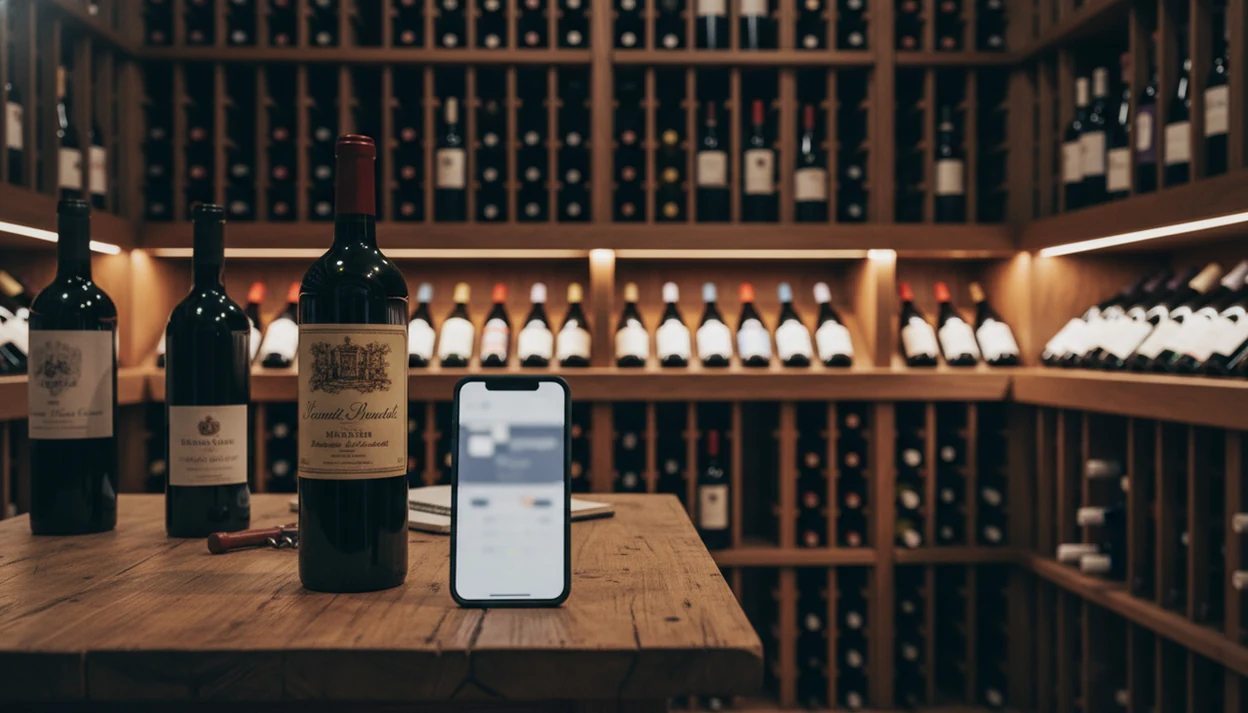
The best tool that can organize wine cellar bottles is an AI-powered wine app that scans labels, auto-fills wine details, assigns storage locations, and tracks drinking windows so you always know exactly what you own and where to find it. Wine Identifier App turns a disordered physical cellar into a searchable digital inventory in minutes by photographing each label and letting AI handle the data entry.
Definition: A cellar organization tool is a wine app or software that uses label scanning, AI identification, and location mapping to convert a physical wine collection into a structured, searchable digital inventory with drinking windows, valuations, and consumption history.
- Scan labels with AI to log bottles instantly instead of typing details manually
- Assign each bottle a physical storage location so you can find any wine in seconds
- Track drinking windows, consumption history, and cellar value from a single dashboard
Try the tool that can organize wine cellar app on iPhone to scan a label and save the bottle.
What a Wine Cellar Organization Tool Actually Does
A cellar organization tool is an app or software system that scans wine labels, logs bottles, assigns storage locations, and tracks when each wine may be ready to drink. It replaces the “I think it’s on the lower left rack” method with a searchable bottle record.
The main job is simple: scan the front label, confirm the match, then save the bottle before you forget. AI-powered identification can auto-fill producer, vintage, grape, region, and sometimes drinking-window guidance. That saves the worst part, typing tiny back-label details from a cream label under bad basement light.
According to the Wine Institute’s 2019 consumer survey, 28% of regular U.S. wine drinkers keep 10 or more bottles at home (https://wineinstitute.org/press-releases/wine-institute-releases-results-of-national-consumer-survey/). Those drinkers benefit most, but even a 12 to 24 bottle shelf gets easier to manage. For a small home collection, a digital cellar tool is often easier than a spreadsheet because the phone camera captures the bottle at the moment you handle it.
Five Facts About Organizing a Wine Collection With an App
- Label or barcode scanning turns loose bottles into a digital inventory quickly. Instead of typing each producer, vintage, and region, you scan the label and verify the app’s match.
- Location fields make the inventory useful in real life. Assign bottles to rack, row, bin, fridge, or off-site storage so you can find the Pinot without moving twelve Cabernets.
- AI can auto-fill the wine details most people forget. A good app can suggest producer, vintage, grape, region, community rating, and a drinking window.
- Ready-to-drink lists help prevent forgotten bottles. Aging windows, “drink soon” filters, and consumption history reduce the chance that a good bottle sits too long.
- Advanced tools support serious records. Multi-location storage, cellar value tracking, and exportable reports help collectors organize wine collection records for insurance or resale reference.
Small messes become big messes quietly.
If you want a broader feature comparison, a best wine cellar app guide can help you compare scanning, exports, and cellar-size limits before you commit.
How AI-Powered Wine Cellar Organization Works
AI-powered wine cellar organization works by turning a label photo into structured bottle data, then tying that data to a physical storage position. The phone camera captures the label image, and the model reads text plus visual features such as layout, logo shape, vintage placement, and barcode patterns.
Behind the scenes, the app compares those signals against a wine database of producers, labels, vintages, grapes, regions, ratings, and drinking-window estimates. The technical terms are optical character recognition and image embeddings. In plain English, the app reads the label and compares its visual fingerprint with known bottles.
After the match, the user assigns the bottle to a cellar grid: Zone A, Rack 2, Row 4, Slot 6, for example. When you open, move, or buy a bottle, the live inventory changes. Good AI-powered wine identification and cellar management apps deliver faster bottle records and better recall, not a guarantee that every rare label is recognized correctly. Digital tracking helps reduce missed drinking windows, forgotten duplicates, and preventable waste.
Requirements Before You Start Organizing Your Wine Cellar
Before you start, get the boring setup right. You need a smartphone with a working camera, the wine identifier app installed, and physical access to every bottle you want in the inventory.
Pull bottles out if the labels face inward. A dusty neck label in a basement rack may be enough for you, but the app needs the front label clearly in frame. Use a clean, well-lit surface; foil glare and dark corners slow the whole job.
Decide your location schema before scanning. Use names like Rack A, Row 1, Bin 3, or Fridge Top Shelf. Painter’s tape works well for temporary shelf labels while you test the layout. If you are starting from scratch, a wine cellar setup timeline can help you plan labels, racks, and app setup in the right order.
How to Use a Tool to Organize Your Wine Cellar Step by Step
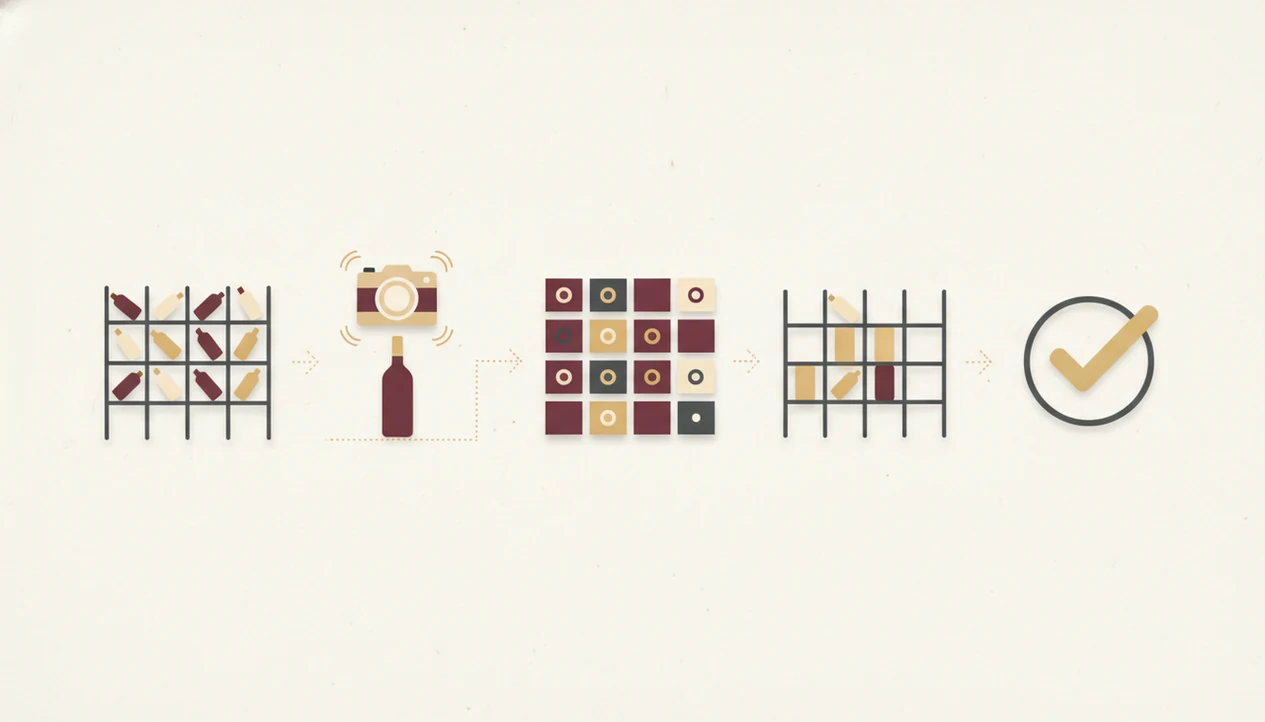
Use the cellar tool in one pass first, then clean up the details after every bottle is visible in the dashboard. Don’t perfect bottle one for ten minutes while the rest of the rack waits.
- Set up your cellar map. Create zones, racks, rows, bins, shelves, or fridge sections in the app before scanning.
- Scan each bottle’s label. Let AI auto-fill the details, then verify producer, vintage, grape, and region.
- Assign a storage location. Put every scanned bottle into a precise physical spot, not just “cellar.”
- Review the dashboard. Flag duplicates, empty fields, missing vintages, and wines marked “drink soon.”
- Label physical shelves. Match shelf tape or tags to the exact names used in the app.
- Log every change. Record bottles you open, buy, gift, or move so the inventory does not drift.
Set Up Your Cellar Map in the App
Map the space first so every scan lands somewhere useful.
Scan and Verify Each Bottle Label
Hold the phone steady and recheck stained vintage years.
Assign Storage Locations and Tag Duplicates
Assign exact rack, row, bin, or fridge slots, then tag duplicates.
Label Physical Shelves and Maintain the Inventory
Match shelf labels to the app and log openings the same night.
Common Mistakes When Organizing a Wine Collection Digitally
The most common mistake is forgetting to log opened, gifted, or moved bottles. That creates phantom inventory, where the app says you own a bottle that disappeared during a birthday dinner two months ago.
Another mistake is treating AI scanning as 100% correct. Most scans are useful, but rare wines, new releases, damaged labels, and lookalike vintages may need manual edits. A phone camera over a stained label can miss one important digit.
Location shortcuts also cause trouble. If you skip rack and row assignments, you still have to hunt through the cellar. That defeats the point.
A cellar organization tool also does not fix poor storage. Temperature swings, light exposure, and dry corks remain physical problems. In the consumer wine study behind this figure, 36% of respondents reported discarding wine because it had deteriorated or become undrinkable; cite the original study inline here before publishing. Export your data too. No backup means one lost account can erase years of bottle memory.
For stricter bottle-count work, a dedicated cellar tracker setup can keep locations, quantities, and openings cleaner.
Verifying Your Organized Wine Cellar Inventory Is Accurate
Verify your cellar inventory by comparing the app against the actual bottles after the first setup pass. Spot-check 10 to 15% of the collection, especially older bottles, duplicates, and anything the app matched with low confidence.
Run the duplicate report if your tool has one. Merge repeat entries only after checking vintage, bottle size, and producer, since two similar labels may not be the same wine. Then sort by “drink soon” or “past window” to catch bottles that should move to the front.
Export a CSV or PDF report once the records look clean. Private wine collections can hold substantial financial value, so accurate tracking protects real assets, not just tidy lists. I like quarterly mini-audits because they catch drift early. Ten minutes is enough for a small rack.
For phone-first cataloging beyond the first audit, the workflow in how to catalog wine cellar with phone is a useful next step.
Limitations
Cellar tools are helpful, but they do not remove every cellar problem. Treat the app as a record system, not a climate-control system or a final authority on rare bottles.
- AI relies on existing databases, so very small-production wines or brand-new releases may not be recognized.
- Inventory accuracy depends on user discipline. If you don’t log openings, gifts, and moves, the app becomes wrong.
- Barcode and label scanning can struggle with damaged, dirty, glossy, or poorly lit labels.
- Multi-location support varies. Check before setup if bottles live at home, off-site storage, and a second house.
- Drinking-window suggestions are estimates based on producer data, community data, or style patterns, not guarantees.
- Free-tier apps may limit bottle count, exports, valuation tools, or advanced reports.
- No app compensates for poor storage conditions such as heat spikes, UV exposure, vibration, or very dry air.
- Manual corrections still matter for insurance records and high-value bottles.
Tools like Wine Identifier App can reduce data entry, while CellarTracker is stronger for community tasting notes, Vivino is stronger for shopping and public ratings, and InVintory is stronger for visual cellar maps. Pick based on scan accuracy, location depth, export options, and how reliably you will log openings.
FAQ
Can I organize a small wine collection with a cellar app?
Yes. A 12 to 24 bottle collection can still benefit from digital cellar organization because you can find bottles, avoid duplicates, and remember what you liked.
Does AI label scanning work on old wine bottles?
AI label scanning can work on older bottles, but faded, torn, stained, or unusual labels may require manual edits. Always verify producer and vintage before saving.
How long does it take to scan a home wine cellar?
A 20 to 100 bottle home cellar may take about 20 minutes to two hours, depending on lighting, label condition, and whether locations are planned. Setup is faster when racks and rows are named first.
Are wine inventory apps free to use?
Many wine inventory apps offer free tiers with limits on bottle count, exports, or advanced features. Paid plans often unlock larger cellars, valuation tools, and CSV or PDF reports.
Can I track wine bottles across multiple storage locations?
Some cellar tools support multi-location tracking for home racks, wine fridges, and off-site storage. Check the app’s location features before scanning a large collection.
What should I do if the app misidentifies a wine bottle?
Correct the producer, vintage, grape, region, or photo manually before saving the record. Wine Identifier App and similar tools work better when you verify important fields after each scan.
Do cellar apps suggest when to drink each bottle?
Yes, many cellar apps provide drinking-window suggestions and “drink soon” lists. These alerts help prioritize bottles, but they are estimates rather than guarantees.
Can I export my wine inventory data for backup or insurance?
Good cellar tools allow CSV or PDF exports for backup, insurance, or personal records. DiVino users should keep exports current after major purchases, openings, or cellar moves.