Simple Wine Tasting Notes Template


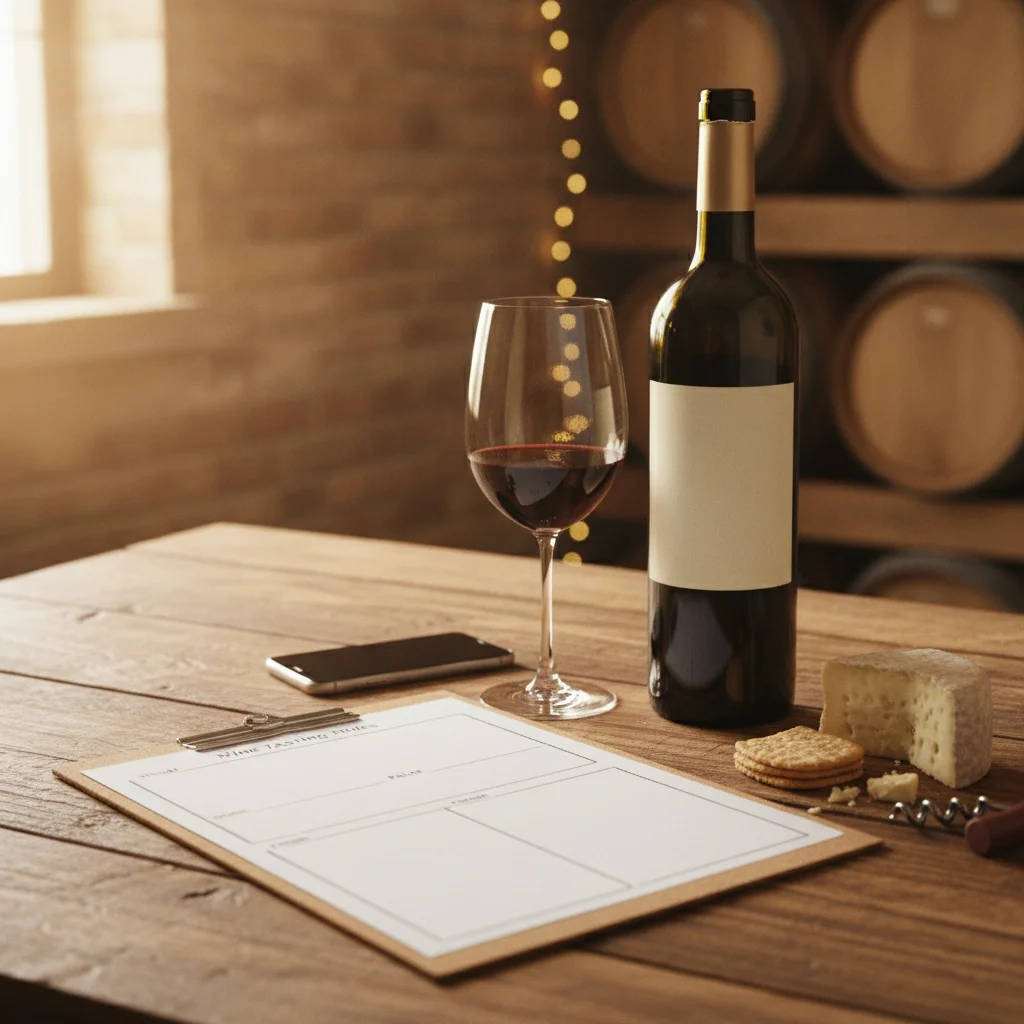
Definition: A wine tasting notes template is a repeatable format for documenting a wine’s appearance, aromas, flavor, structure, finish, and overall impression.
Try the wine tasting notes template app on iPhone to scan a label and save the bottle.
What Is a Wine Tasting Notes Template?
A wine tasting notes template is a structured checklist for recording how a wine looks, smells, tastes, and develops after each sip. It helps beginners know what to observe and gives experienced drinkers a consistent format for comparing bottles over time.
Wine Identifier App, also called DiVino, is an iPhone wine scanner, cellar tracker, pairing tool, and tasting journal. After scanning a label, you can review the identified wine and save your observations with its record rather than keeping disconnected notes in a notebook or phone document.
The goal is not to identify every possible aroma. A short, accurate note that captures the wine’s main fruit, structure, and finish is usually more useful than a long list of uncertain descriptors.
Copyable Wine Tasting Notes Template
Use the following template for a single glass, a dinner bottle, or a comparative tasting. Skip any field that does not help you remember the wine.
- Wine: Producer, wine name, region, grape or blend, and vintage.
- Context: Date tasted, location, price, serving temperature, glassware, and whether the bottle was decanted.
- Appearance: Color, depth, clarity, and any visible development at the rim.
- Aroma: Intensity and primary fruit, floral, herbal, spice, oak, earthy, or aged aromas.
- Palate: Main flavors and whether they match or differ from the nose.
- Structure: Sweetness, acidity, tannin, alcohol warmth, and body.
- Finish: Short, medium, or long, plus the flavors that remain.
- Conclusion: Overall impression, readiness to drink, possible food pairing, and whether you would have it again.
How to Write a Tasting Note Step by Step
- Identify the bottle. Record the producer, vintage, region, and grape variety when known. Check the scanned result against the physical label before saving it.
- Look at the wine. Note whether it is pale, medium, or deep in color. Useful color terms include lemon, gold, salmon, ruby, garnet, and tawny.
- Smell before sipping. Start with broad groups such as fruit, flowers, herbs, spice, oak, earth, or savory notes. Then add two or three specific examples.
- Taste for flavor and structure. Consider sweetness, acidity, tannin, body, alcohol warmth, and flavor intensity.
- Assess the finish. Notice how long pleasant flavors remain after swallowing or spitting.
- Summarize. Write one sentence about balance, enjoyment, pairing, and when you might drink another bottle.
Useful Words for Clear Wine Notes
Plain language makes notes easier to understand later. Instead of writing only “fruity,” name the fruit if you can. White wines may suggest lemon, lime, apple, pear, peach, pineapple, or melon. Red wines may suggest strawberry, cherry, raspberry, plum, blackberry, or blackcurrant.
Non-fruit descriptions can include rose, violet, grass, mint, pepper, cinnamon, vanilla, toast, smoke, mushroom, leather, tobacco, or dried leaves. These words describe your sensory impression, not necessarily ingredients added to the wine.
For structure, use a simple scale. Sweetness can range from dry to sweet; acidity from low to high; tannin from soft to firm; and body from light to full. Describe the finish as short, medium, or long. Consistent scales make it easier to compare two wines even when their flavors are very different.
Save Notes After a DiVino Label Scan
Scanning first reduces repetitive typing and helps connect the note to the correct bottle. In DiVino on iPhone, scan the front label in good light, review the suggested identification, and open the wine record. Add your tasting observations and retain the wine in your cellar or history as appropriate.
Before saving, compare the producer, wine name, vintage, and region with the bottle. Similar labels, reflections, damaged text, and partially hidden vintages can affect visual recognition, so the physical label should remain your reference.
A useful saved note includes the tasting date and context. Wine can show differently depending on temperature, air exposure, food, and bottle age. Recording those details helps explain why impressions of the same wine may change.
Tips for Better Notes Without Overthinking
- Write immediately. Record aromas and structure while the glass is in front of you.
- Use personal references. If an aroma reminds you of a familiar jam, herb garden, or spice, write that down.
- Separate preference from quality. You can recognize balance and complexity in a style you do not personally enjoy.
- Revisit the glass. Note changes after 10 to 30 minutes, especially for young or recently opened wines.
- Add a pairing result. Record whether the food softened tannin, emphasized acidity, or made the wine seem sweeter.
- Keep ratings optional. A short conclusion such as “buy again for roast chicken” may be more practical than a numerical score.
Consistency matters more than technical vocabulary. Using the same template for each bottle builds a searchable personal reference for future purchases, pairings, and drinking decisions.
Frequently asked
What should a wine tasting note include?
Include the wine’s identity, appearance, aroma, flavors, sweetness, acidity, tannin, body, finish, and overall impression. You can also record serving conditions, food pairing, price, and tasting date.
How long should a wine tasting note be?
A useful note can be three to six sentences or a short completed checklist. Specific observations matter more than length.
What is the correct order for tasting wine?
Observe the appearance, smell the wine, taste its flavors and structure, assess the finish, and write a conclusion. Revisit the glass later to note changes with air.
How do beginners describe wine aromas?
Start with broad categories such as fruit, flowers, herbs, spice, oak, or earth, then choose one or two familiar examples. There is no need to force a descriptor you cannot clearly perceive.
Can I save tasting notes after scanning a label?
Yes, DiVino lets iPhone users scan a wine label and keep tasting notes with the wine record. Confirm the producer, vintage, and region against the bottle before saving.
Is DiVino available for Android?
DiVino is iPhone only. Android users can use AI Lens for visual wine-label search.
Should I give every wine a numerical score?
No, a score is optional and may be less useful than a clear note about style, balance, pairing, and whether you would buy the wine again.
Scan labels and track your cellar
Use Wine Identifier App by DiVino on iPhone to identify bottles, save notes, and organize your cellar. Drink responsibly and follow local alcohol laws.
Get Wine Identifier App