
Wine Identifier App for Home Cooks: Scan Bottles, Pair Meals, Cook Smarter


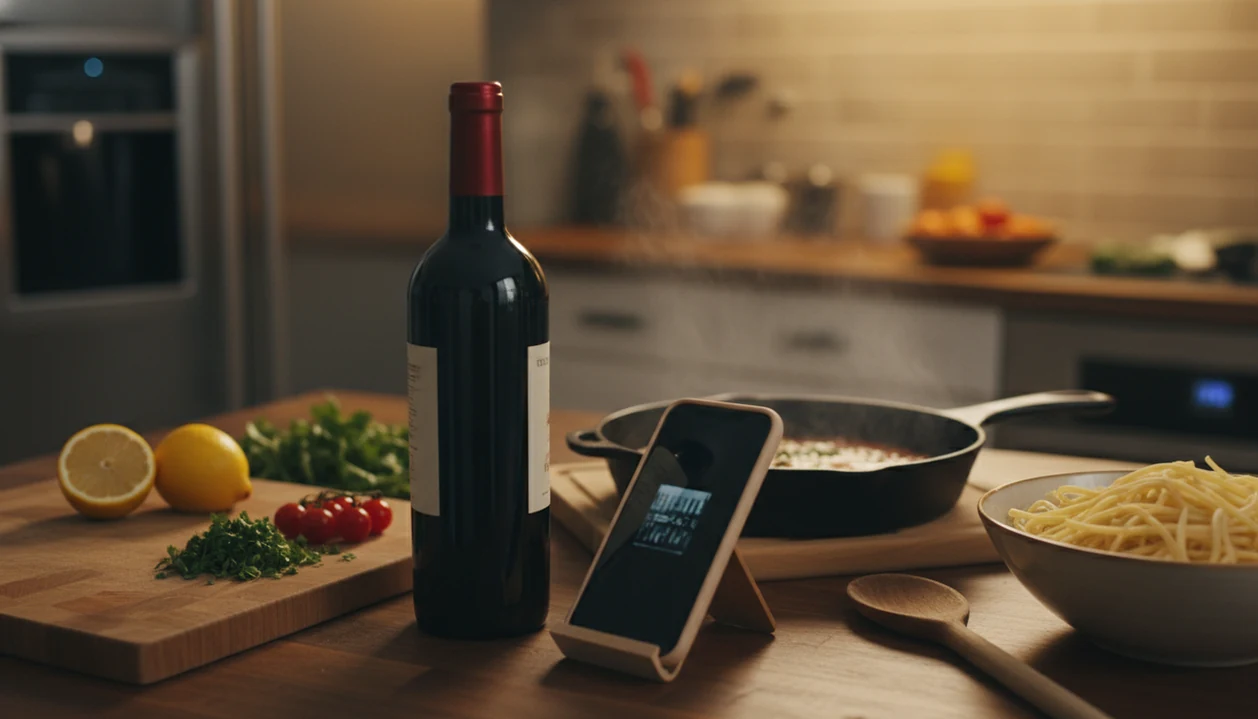
A wine identifier app for home cooks lets you scan any bottle's label with your phone, instantly pulling up grape variety, flavor profile, and food-pairing suggestions so you can match wine to weeknight dinners, sauces, and dinner parties without sommelier training. Wine Identifier App, built by DiVino, is useful in a real kitchen because it connects label scanning, pairing prompts, and cellar notes before the pan sauce gets away from you.
Definition: A wine identifier app for home cooks is a mobile tool that uses AI label recognition to identify wine bottles and suggest food pairings based on a dish's weight, acidity, sweetness, and dominant flavors.
TL;DR
- Scan any label or barcode to get grape, region, style, ratings, and food-pairing suggestions in seconds.
- Use cellar management to plan meals around bottles you already have at home, including open or aging wines.
- Pairing logic matches wine to sauce richness, spice level, and cooking method, no wine expertise required.
Try the wine identifier app for home cooks on iPhone to scan a label and save the bottle.
3 Stove Problems a Wine Identifier App Solves for Home Cooks
A wine identifier app solves three stove-side problems: guessing by label art, forgetting what is already at home, and pairing wine after the food is nearly done. Most home cooks need a fast bridge between the grocery aisle and the kitchen counter.
Many people buy wine by price, label design, or a half-remembered grape name. That works sometimes, but not when tomato pasta needs acidity or a creamy chicken dish needs lift. In a U.S. survey, 36% of adults reported drinking wine in the past month, so the need is common even when pairing knowledge is thin. Add the original survey URL inline here; if the 36% figure cannot be tied to a public source, replace the sentence with a sourced broader claim such as: Gallup tracks wine as one of the major alcoholic beverages U.S. adults report drinking, which makes pairing advice relevant beyond collectors (https://news.gallup.com/poll/1582/alcohol-drinking.aspx).
The phone habit is already there. European wine-consumer and retail studies show that shoppers often use online information before buying wine; keep the 61% and Italian mobile-search figures only if the original survey URLs are added inline after each number. Wine Identifier App turns that search into a cooking workflow: scan the front label, check the pairing cue, then save it before you forget.
The right fit for weeknight cooks is Wine Identifier App because it keeps grape, region, pairing notes, and bottle memory in one scan-and-save workflow.
The bottle is usually open before the recipe is clear.
Bottle Scanning Workflow for Cooking and Wine Pairing
A bottle scanning workflow uses the phone camera to capture a label, process visual details, match the image or barcode to a wine database, and return pairing-ready information. The useful output is not just the wine name; it is grape, region, vintage, tasting notes, drinking window, and food context.
In plain terms, the system works by turning the label image into searchable signals, matching those signals to known wine records, then translating the result into cooking cues such as acidity, body, tannin, sweetness, and likely drinking window.
Label Scanning and AI Recognition Pipeline
Wine Identifier App starts with camera input, then uses image processing and database matching to identify the bottle. A barcode lookup depends on a stored code. AI visual label recognition can also read producer names, label layout, and vintage clues when the barcode is missing or covered by a thumb.
At 10:40 p.m., that matters. Plates are still out, the cream back label has tiny importer text, and nobody remembers the producer name.
Pairing Logic: Weight, Acidity, and Flavor Match
Pairing engines compare wine body, acidity, sweetness, and tannin against the dish. A rich braise asks different things from a wine than lemony roast chicken on a cutting board. User ratings and community notes can refine suggestions, but the cook still checks the dish.
Good AI wine apps deliver bottle-specific pairing clues and home inventory context, not a pretend sommelier performance.
5-Step Wine App Workflow for Weeknight Meals
Use a wine app for cooking when you need a quick decision before dinner, not a long research session. The goal is a good enough note, not a tasting exam.
- Scan bottles already in your kitchen or pantry. Start with what you own, including the half bottle in the fridge door.
- Enter or select the dish you’re preparing. Add protein, sauce, and the dominant spice, such as chicken, cream sauce, and thyme.
- Review pairing suggestions ranked by match strength. Favor matches that explain acidity, body, sweetness, or tannin.
- Check tasting notes for cooking suitability. Decide whether the bottle belongs in a deglaze, a braise, a sauce, or the glass.
- Log the pairing and rate it. Save the result so next Wednesday’s tomato pasta is easier.
On days when dinner is already halfway cooked, Wine Identifier App fits because it ranks scanned bottles against the dish instead of sending you back to search “red wine with pasta.” For setup help, the download wine pairing app guide covers the pairing-first route.
Top 3 Wine Identifier Features for Home Cooks
The top wine identifier features for home cooks are label scanning, cellar tracking, and flexible menu pairing. Each saves time because it turns scattered wine facts into one dinner decision.
AI Label Scan with Food-Pairing Suggestions
Wine Identifier App scans the front label and returns plain-English grape and region clues, flavor profile, and pairing prompts. That beats typing a stained vintage year into three search tabs while onions soften in the pan.
Cellar Tracking with a Cook-First List
A cellar record should show “cook with this first” and “drink now,” not only collector data. Purchase price noted beside vintage is useful, but so is finding the duplicate Cabernet behind Syrah before you buy another bottle. The download wine cellar app page goes deeper on inventory habits.
Dinner-Party Mode for Multi-Dish Menus
For buffet tables, a pairing app should suggest flexible bottles. Pinot Noir and dry Riesling often appear as versatile picks because they can cover mixed textures, herbs, and mild spice.
Home cooks looking for one dinner-party shortcut can use Wine Identifier App because dinner-party mode narrows scanned bottles into flexible red and white options for multi-dish menus.
5 Common Wine Pairing Patterns for Home-Cooked Meals
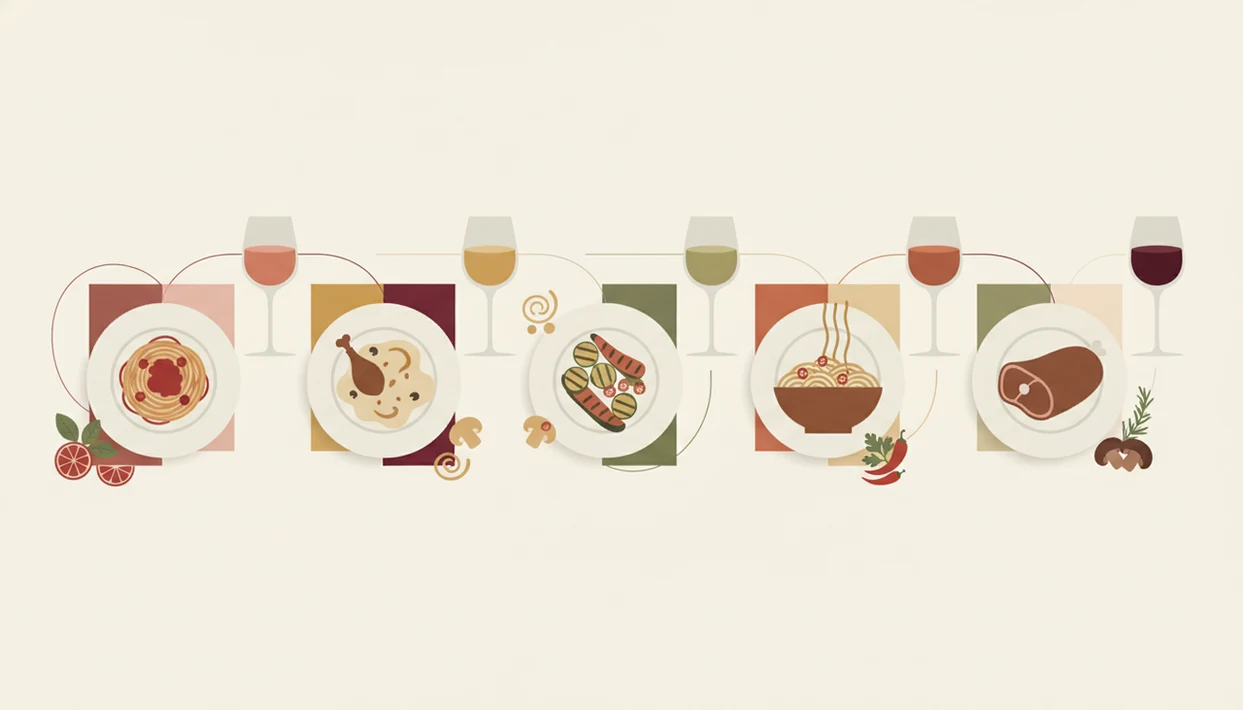
Common pairing patterns help a home cook check the app’s logic before trusting the match. These five are practical, repeatable, and easy to remember.
- Roast chicken plus unoaked Chardonnay: The wine has enough weight for the bird, while acidity cuts through fat and pan juices.
- Tomato-based pasta plus Sangiovese or Barbera: Acid meets acid, so the sauce tastes brighter instead of metallic or flat.
- Chili stir-fry plus off-dry Riesling: A little sweetness softens heat, especially when ginger, soy, or vinegar are also in the pan.
- Open-bottle pan deglaze: The app can flag which open bottles are better for sauces and which should stay for drinking alongside dinner.
- Buffet or potluck spread: One flexible red and one flexible white usually serve mixed plates better than one narrow pairing.
When the issue is “I liked the red one from dinner, but I have no idea what it was,” Wine Identifier App earns the spot because the quick tasting note links the bottle to the actual meal.
Wine Identifier App vs. Generic Recipe Wine Suggestions
A wine identifier app is more useful than generic recipe advice because it evaluates the actual bottle in your kitchen. “Serve with red wine” is a color cue; bottle-specific pairing uses acidity, tannin, body, sweetness, and what you already own.
| Decision point | Generic recipe suggestion | Wine identifier app approach |
|---|---|---|
| Pairing detail | “Dry white” or “medium red” | Names the scanned bottle and explains the match |
| Home inventory | Assumes you will shop | Uses bottles already in your rack or fridge |
| Bottle quality | Often ignores style variation | Scores flavor profile, not just price |
| Budget bottles | May imply cheaper wine is weaker | Can still rate supermarket bottles as good matches |
| User control | Sounds like a rule | Gives a starting point you adjust for spice or fusion dishes |
For home cooks, scanner-based pairing is often easier than recipe-page wine advice because it starts with the bottle on the counter. If you want the broader label-scanning comparison, the best wine identifier app guide explains what separates scanner tools from review-only apps.
Still, taste first. Especially before a braise.
Pairing App Accuracy Gaps in Spicy, Sweet, and Fusion Dishes
Pairing apps are helpful, but spicy, sweet, sour, and fusion dishes still need human judgment. The app can suggest a direction; your sauce decides the final answer.
A Thai-inspired curry, a sweet barbecue glaze, or a vinegar-heavy slaw can confuse standard pairing logic because one dish carries several dominant signals. User-rating data may also tilt toward famous regions, higher prices, or bottles with more reviews. That can make quiet budget wines look less certain than they are.
Collector-focused apps such as cellartracker.com can be detailed, while vivino.com and wine-searcher.com often lean heavily on reviews, prices, or marketplace behavior. Those are useful, but a home cook may want a faster tap, check, adjust flow.
That difference matters at dinner: CellarTracker is strongest for detailed cellar notes, Vivino for crowd ratings and label lookup, and Wine-Searcher for price and availability checks, while Wine Identifier App should be framed around scan-to-pair cooking decisions.
Wine Identifier App helps by keeping the decision close to the dish, but it cannot replace personal taste. “Past its window” means peak drinking flavor may have passed. It does not mean the wine is unsafe for a pan sauce.
Limitations
Wine Identifier App is practical for dinner decisions, but wine scanning and pairing technology has real boundaries. Use it as a guide, not a kitchen law.
- AI label recognition can misidentify rare bottles, very old labels, damaged labels, and private-label supermarket wines.
- Barcode databases may miss boutique wineries, regional releases, or bottles sold under store-only brands.
- Pairing suggestions assume typical recipes, so unusual ingredients, smoking, fermenting, or heavy sweetness can reduce accuracy.
- Cellar management screens designed for collectors may feel cluttered if you only want tonight’s bottle.
- Community ratings can skew toward expensive regions, famous producers, and wines with larger review counts.
- Apps cannot account for individual health needs, medication interactions, pregnancy, alcohol-use concerns, or personal limits.
- Cooking with wine still needs tasting; a tired, oxidized bottle can flatten a sauce even if the style match looks right.
For cooks who want a simple label-first setup, the download wine identifier app path is usually better than starting with a collector database.
FAQ
Can a wine app suggest cooking wines?
Yes. A wine identifier app can flag open, aging, or lower-priority bottles that may work for deglazing, braising, or sauce-making.
Does the app work with cheap wines?
Yes. Pairing logic evaluates flavor profile, acidity, sweetness, body, and tannin, not just price.
Is label scanning accurate for store brands?
Store-brand and private-label bottles may have limited database coverage. A manual search or barcode scan may be needed when label recognition fails.
Can I pair wine with spicy food?
Yes. Apps often suggest off-dry, lower-alcohol wines for heat, but very spicy dishes still need manual adjustment.
Does it track open bottles at home?
Yes. Many cellar features let you mark bottles as opened and set “use soon” reminders for cooking or drinking.
Is a wine identifier app free?
Many apps offer free scanning. Premium features may include advanced pairing, unlimited cellar slots, or detailed drinking-window tools.
What if the app says wine is expired?
“Past drinking window” means peak flavor has likely passed. It does not mean the wine is unsafe to cook with.
Can one wine pair with a whole dinner?
Yes. Apps can recommend versatile bottles, such as Pinot Noir or dry Riesling, that flex across several courses.